
Advertisement
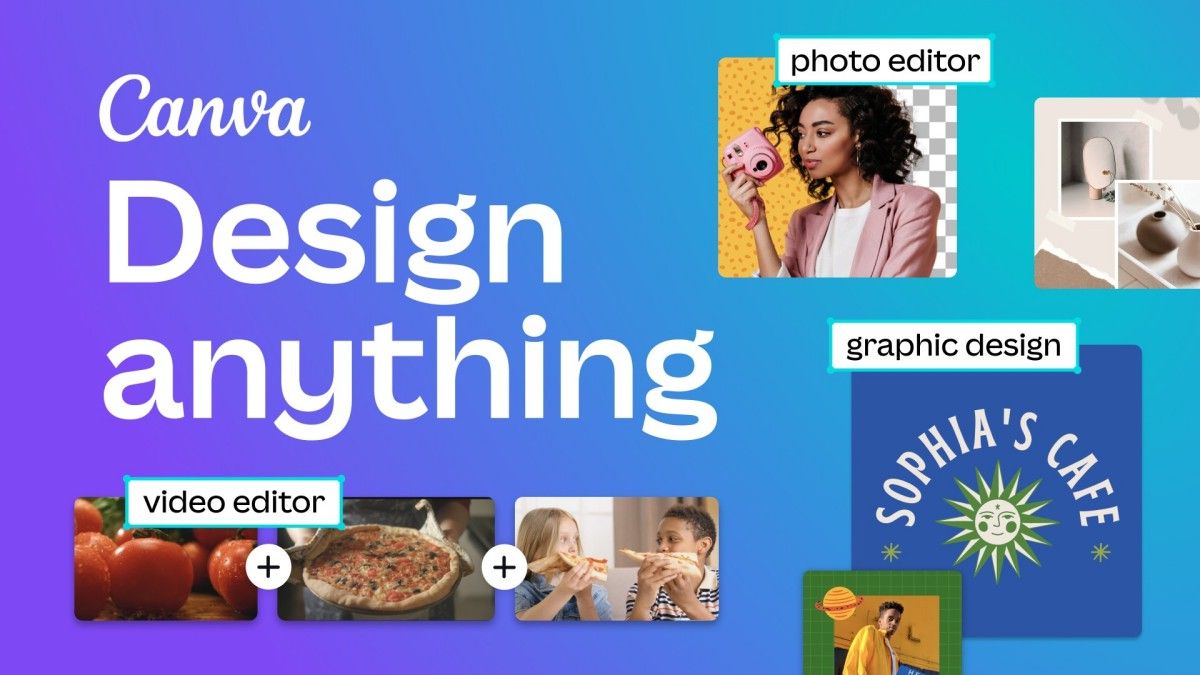
Imagine this: you have a brilliant idea for a social media post, a business flyer, or even a stunning invitation for your best friend’s birthday party. But there’s just one problem—you’re not a designer, and complicated graphic design software makes your head spin. That’s where Canva swoops in like a superhero of creativity, giving you the power to design anything you want with just a few taps and drags. Since its release, Canva has taken the world by storm, making professional-quality design accessible to everyone, from complete beginners to seasoned creatives. Whether you’re an entrepreneur crafting the perfect brand identity, a student jazzing up a class presentation, or just someone who wants to make a beautiful greeting card, Canva is your go-to tool for turning ideas into eye-catching visuals without breaking a sweat.
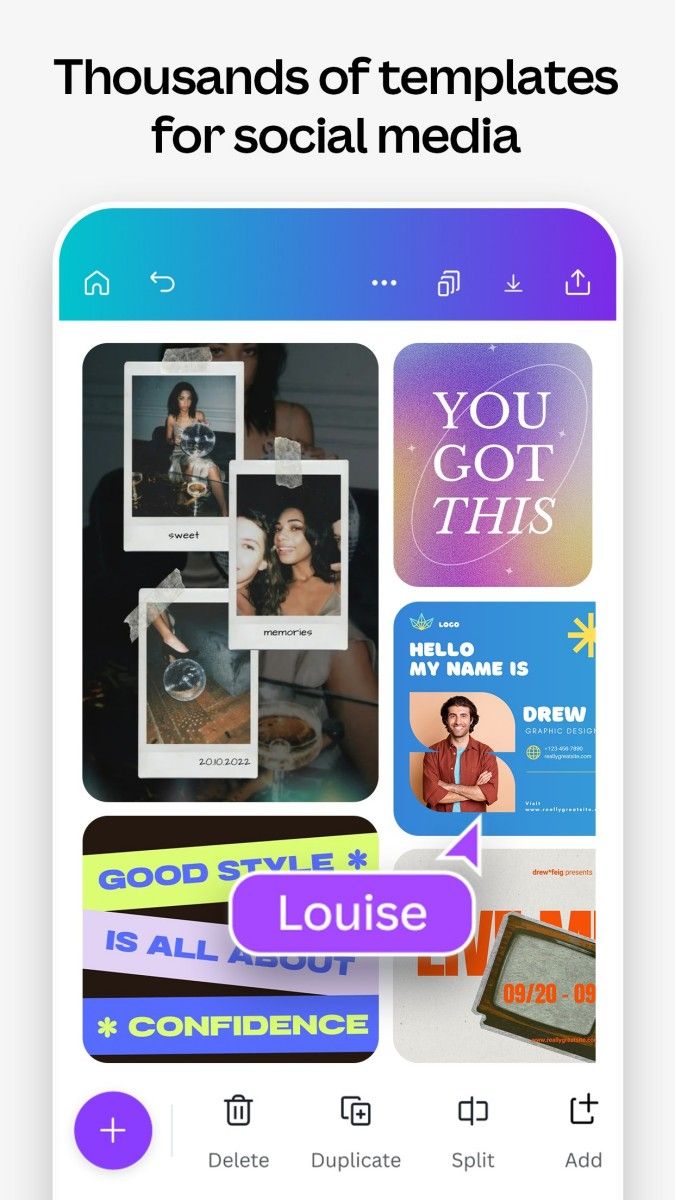
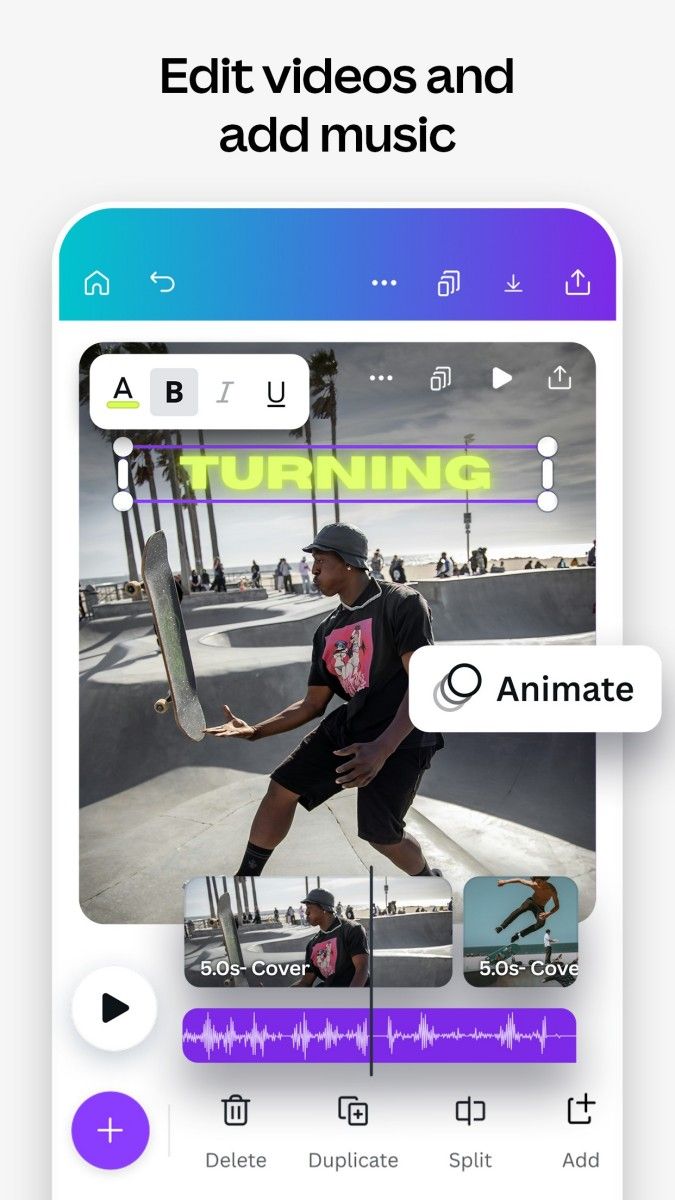
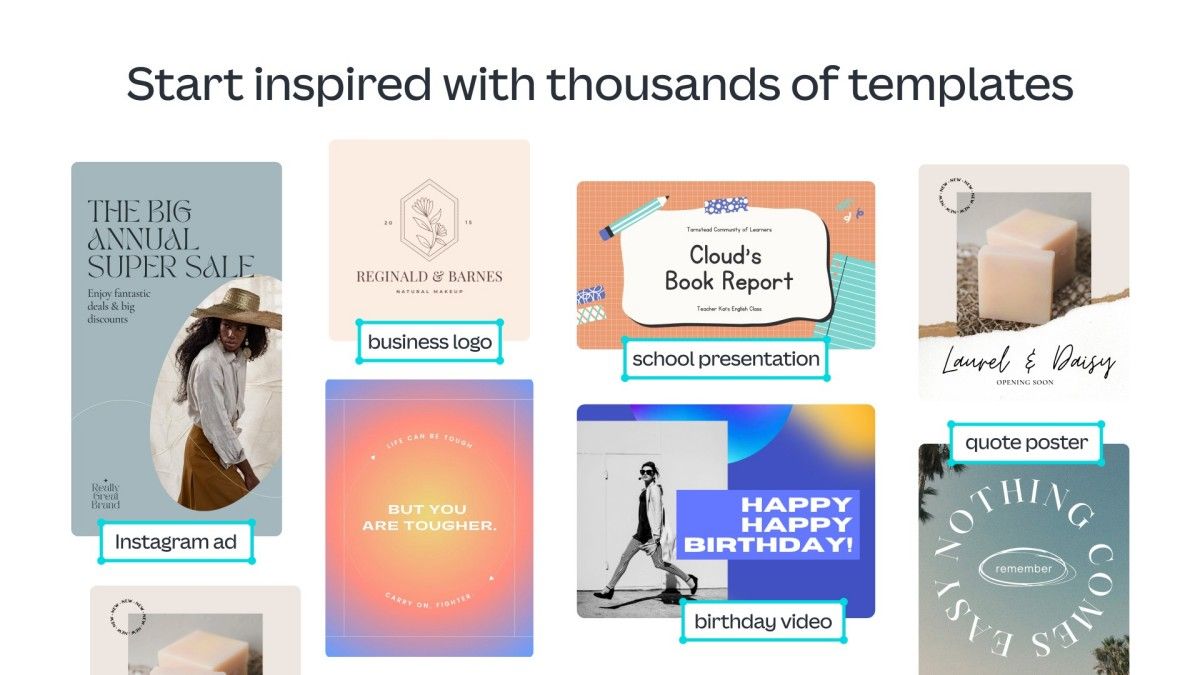
What makes Canva so incredible? First, let’s talk about its sheer simplicity. You don’t need any design experience—none, zero, nada. The app is built for ease of use, with an intuitive drag-and-drop interface that makes designing feel as easy as playing with stickers. You get access to thousands of templates, from Instagram posts to business cards, posters, resumes, and even videos. Want to create a stylish logo? Done in minutes. Need a sleek and professional-looking presentation? Canva’s got your back. The app provides you with a massive library of fonts, colors, and design elements, so you can mix and match until everything looks just right. And the best part? You can create something that looks like a professional designer spent hours on it—even if you only spent five minutes.
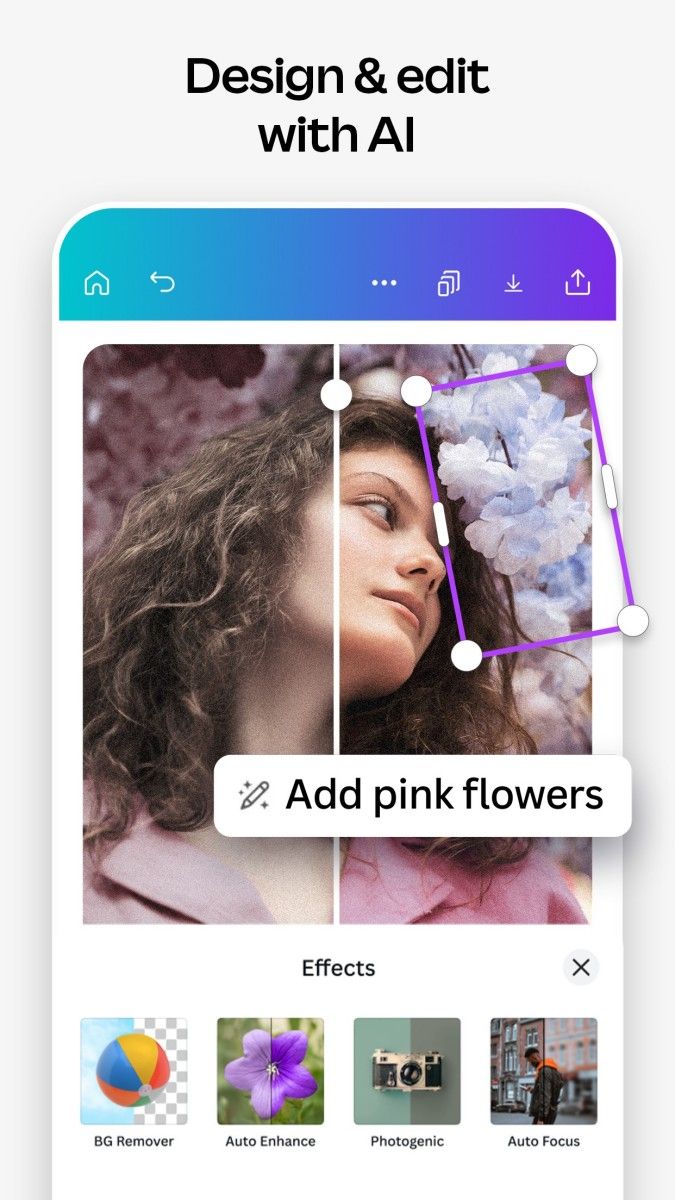
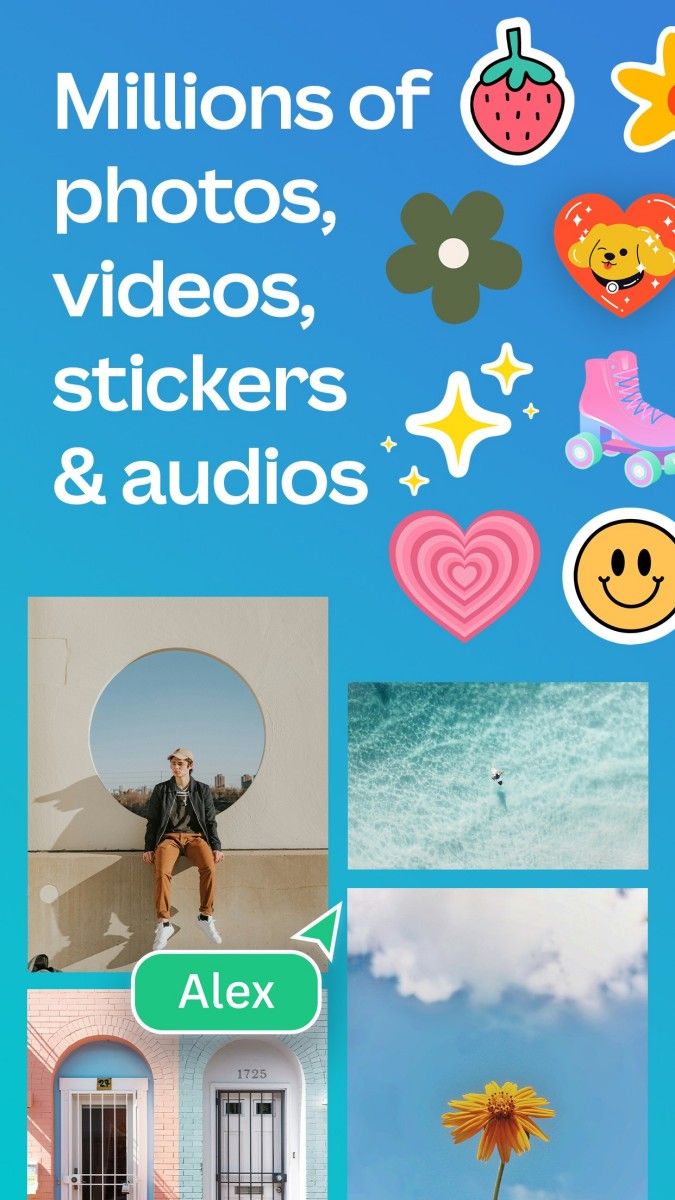
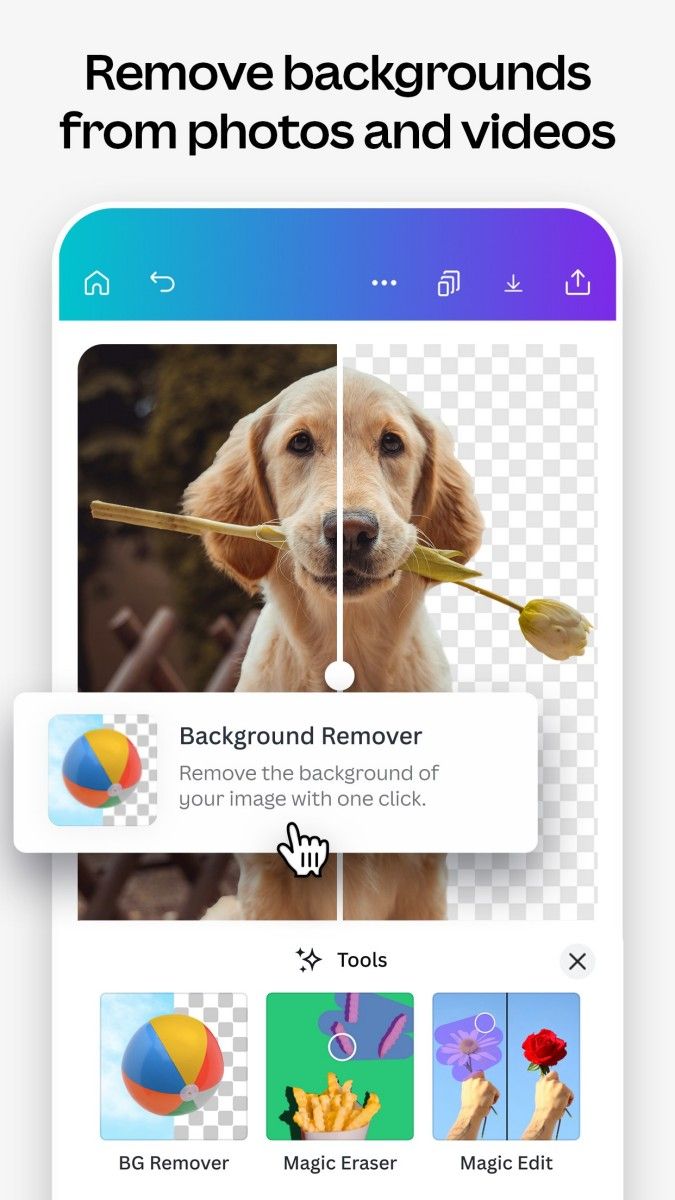
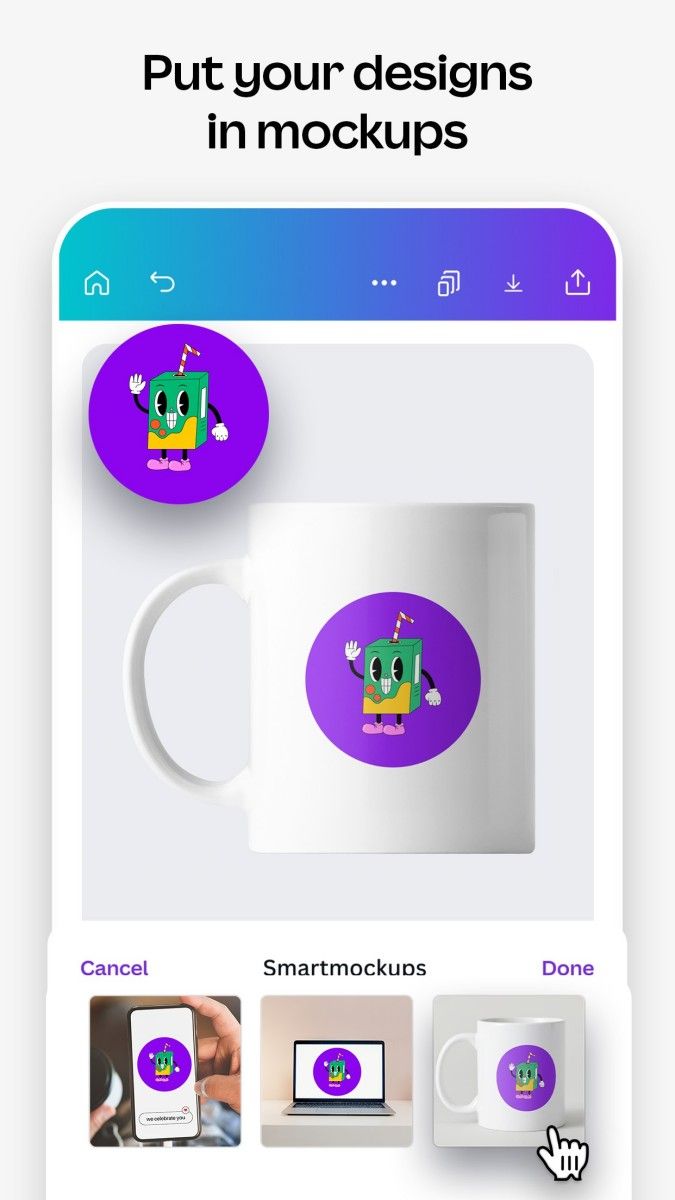
Using Canva is like stepping into a creative playground where everything is within reach. Simply pick a template or start from scratch, choose your colors and fonts, drag elements around, and voila—you’ve got a masterpiece. Want to add photos? Canva has a huge collection of high-quality stock images, or you can upload your own for a personal touch. Need to adjust text? Just tap, type, and tweak the style to make it pop. If you’re working on a project with others, Canva even lets you collaborate in real time, making teamwork smoother than ever. And let’s not forget the magical resize tool—one click, and your design instantly adapts to different formats, whether you need it for Instagram, Facebook, or a printable poster. It’s like having a personal design assistant that does all the hard work for you.
Canva fits into your life no matter what you do. Running a small business? Use it to create eye-catching social media posts, stunning advertisements, or professional business cards. Planning an event? Design invitations, menus, and decorations effortlessly. Are you a teacher? Canva helps you make engaging lesson materials that grab students’ attention. Even if you’re just having fun, you can create memes, personal greeting cards, or even vision boards to bring your dreams to life. It’s a tool that transforms everyday moments into something visually unforgettable, making creativity effortless for everyone. So whether you’re crafting a masterpiece for work, school, or just for fun, Canva is the ultimate companion for unleashing your inner designer.
Advertisement






















Top Searches
Top Games