

Advertisement
Design Space: DIY with Cricut is a creative app designed for Cricut cutting machines that provides a powerful design platform for DIY enthusiasts to create personalized projects with ease. The app combines creative design, precise cutting and easy operation into one, bringing a whole new experience to crafting.
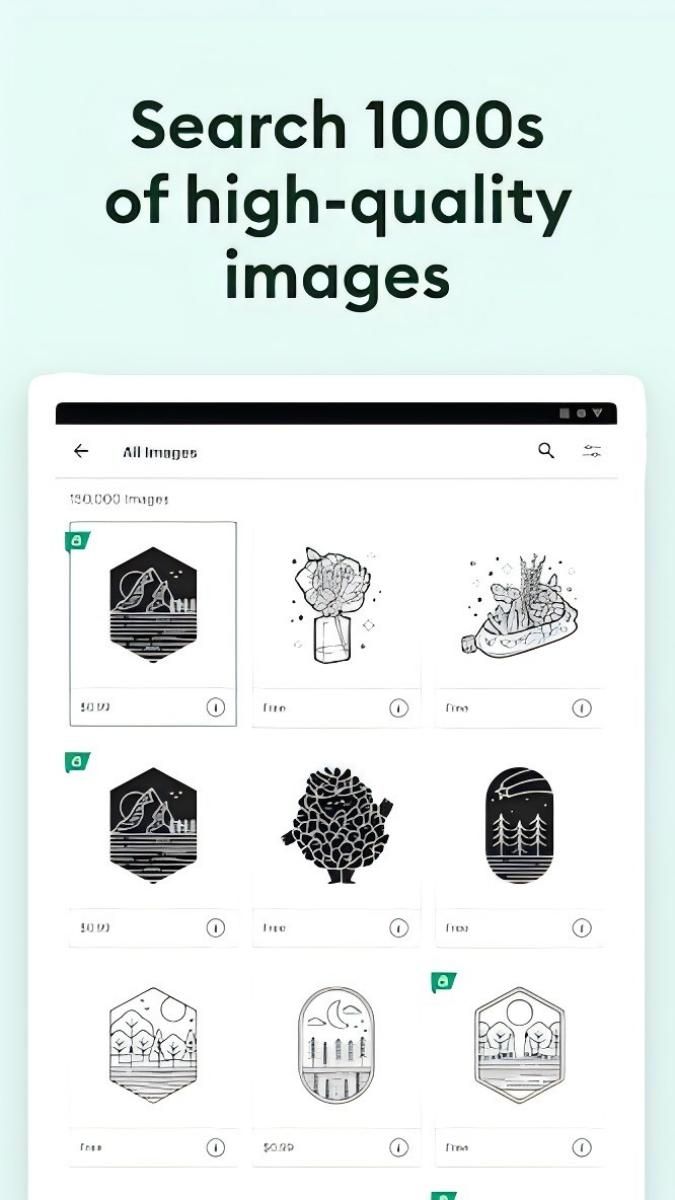
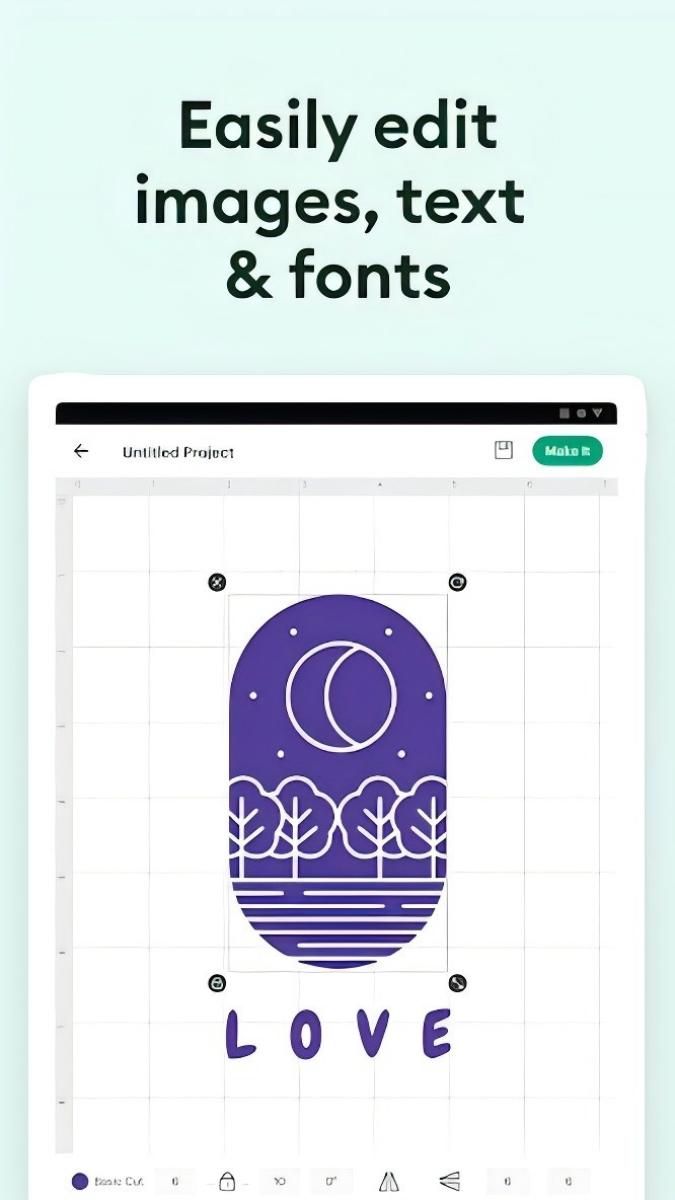
The app performs extremely well in terms of design features. It has a massive library of design elements covering a wide range of styles and themes. From vintage floral patterns to modern geometric shapes, from cute cartoon images to elegant art fonts, everything is available. Users can easily search for the elements of their choice, whether for making greeting cards, decorating their homes or designing personalized clothing accessories. The quality of the elements is high enough to ensure that they are clear and beautiful, whether they are viewed on the screen or printed out for final production. What's more, users can freely combine and edit these elements, adjusting their size, color, rotation angle, etc. to meet their unique design needs. For example, users can combine a vintage floral pattern with a modern art font to create a unique and personalized wedding invitation design.
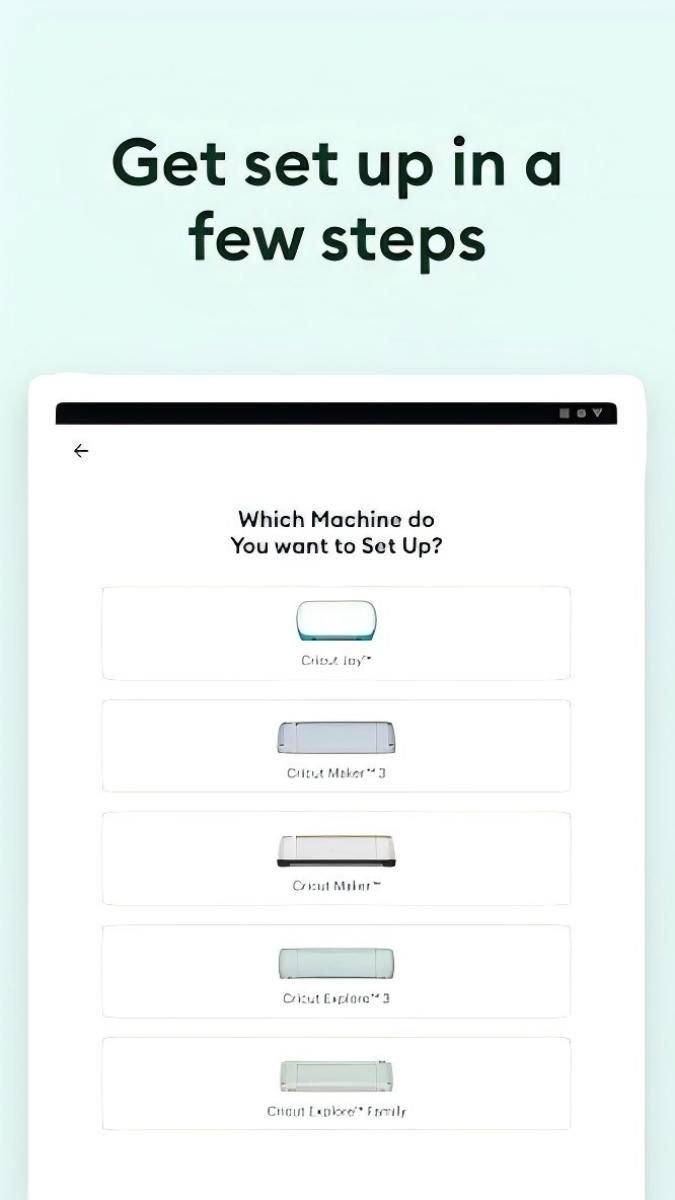
Design Space works perfectly with Cricut equipment. The app acts as a smart control center for users with Cricut cutters, plotters, and other devices. It accurately transfers patterns designed by the user within the app to the Cricut device for production. Whether it's an intricate multi-layer cutout design or a detailed drawing, the Cricut device is under Design Space's command to produce high quality work. This seamless connection dramatically improves production efficiency and reduces the errors and hassles that can occur when devices and software are not compatible. For example, when a user designs a set of large paper cutouts for decorating a wall, a simple operation allows the Cricut cutter to accurately cut the pattern out of the paper with smooth, precise edges.
When it comes to personalization, Design Space offers a wide range of possibilities. Users can import their own images, materials and creative inspirations and incorporate them into their designs. Whether it's a drawing they've made, a photo they've taken, or a unique piece of material they've acquired from elsewhere, it can all be part of the design. In addition, users can create their own templates and projects to preserve their design style and preferences. For example, a craft enthusiast can create a template for a birthday card, and every time a friend has a birthday, he or she can quickly create a unique birthday card by simply making some personalized changes to the template, such as changing the colors and adding a photo of the friend.
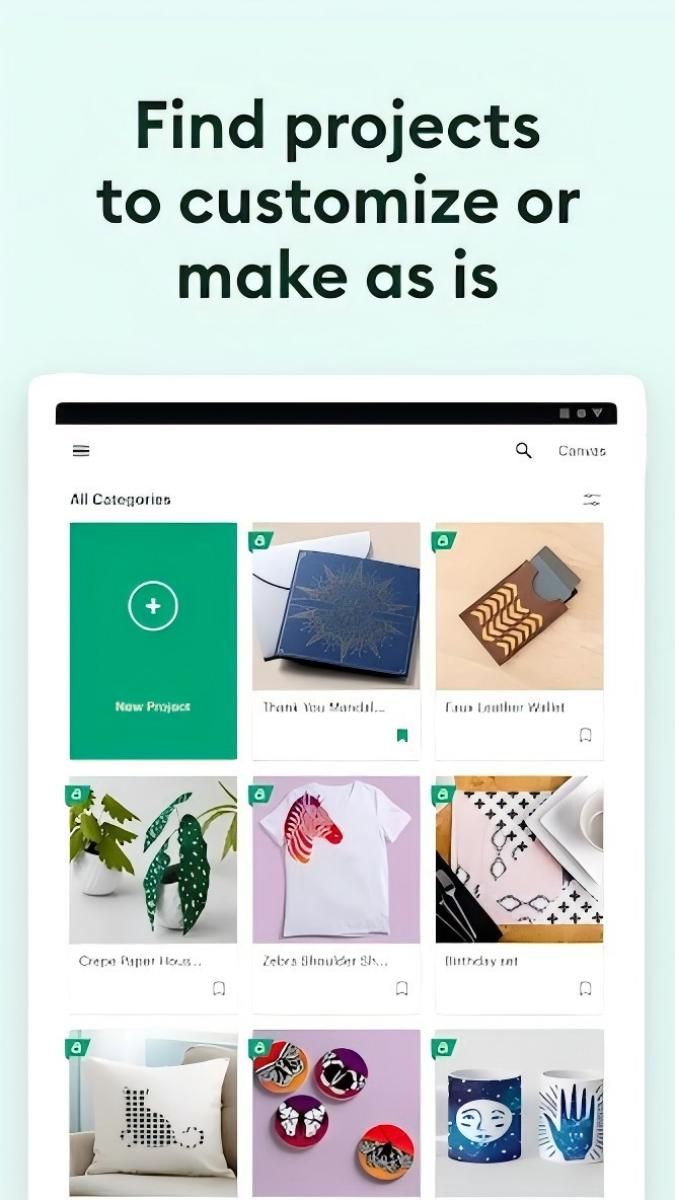
In Design Space, users can not only use their own uploaded images and designs, but also choose from a large selection of free and paid resources from the built-in library. The library includes fonts, shapes, patterns, images and more, covering a wide range of styles from minimalist to complex designs. The app updates the library on a regular basis to ensure that users always have access to the latest and most popular design elements. Users are free to choose materials according to their personal preferences and needs, and quickly build their own designs.
All in all, Design Space: DIY with Cricut is a powerful, creative and personalized app. With a rich library of design elements, perfect synergy with Cricut devices, a vast space for personalization, a wealth of tutorials and inspirations, and an excellent user experience, it provides DIY enthusiasts with an ideal platform to turn their ideas into beautiful handmade products.
Advertisement























Top Searches
Top Games