
Advertisement
Google Chrome is a browser app that makes surfing the web easier and faster. Whether you want to look up information, watch videos, surf social media, or just browse casually, Chrome provides you with a smooth experience. It's not only powerful, it's easy to use, which is why it's a favorite among users around the world.
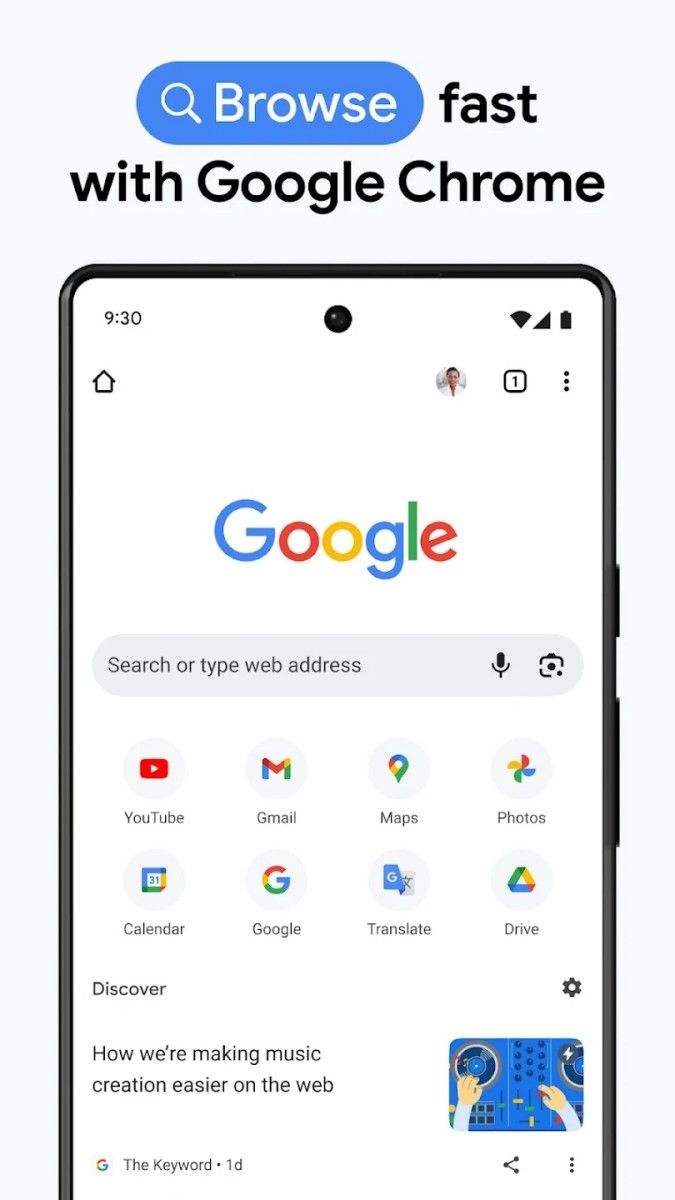
When you open Chrome, you'll notice that the interface is very clean and simple, with no unnecessary buttons, giving it a very refreshing feel. Simply type the website you want to visit into the address bar, or search for something you're interested in, and Chrome will load the page for you in no time. It's really quite amazing how fast it is, and the page will be in front of you almost as soon as you click on it. It's a fast and responsive experience that you'll absolutely love.
What makes Chrome so fast is its V8 engine technology. Simply put, this is Chrome's “super engine” for processing web content. Whether it's high-resolution images, large amounts of text, or complex website animations, Chrome can handle it with ease. Whether you're browsing news sites, watching high-definition movies, or working on an online office document, you'll enjoy a smooth experience.
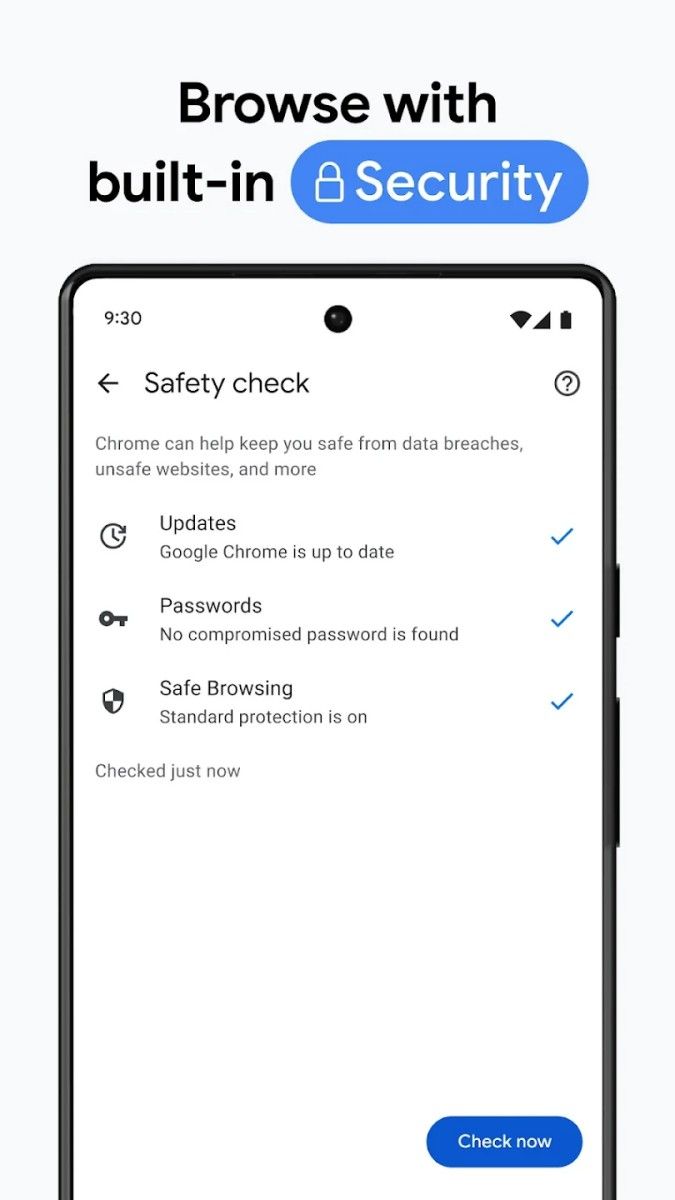
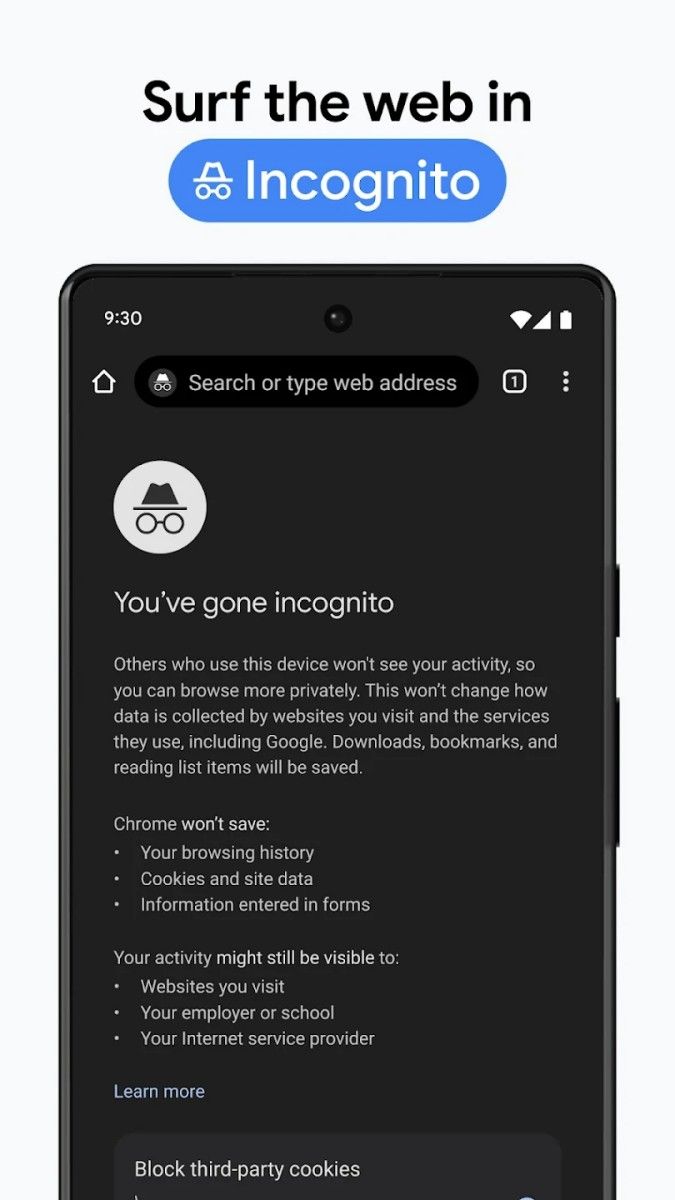
In addition to speed, Chrome takes your privacy and security seriously. It has built-in Safe Browsing Protection, which automatically blocks dangerous websites and suspicious downloads, so you don't end up on phishing sites or with viruses. And Chrome has a No Trace Mode feature. In this mode, your browsing history, cookies, and other data are not saved. Perfect for public computers, or when you just want to protect your privacy.
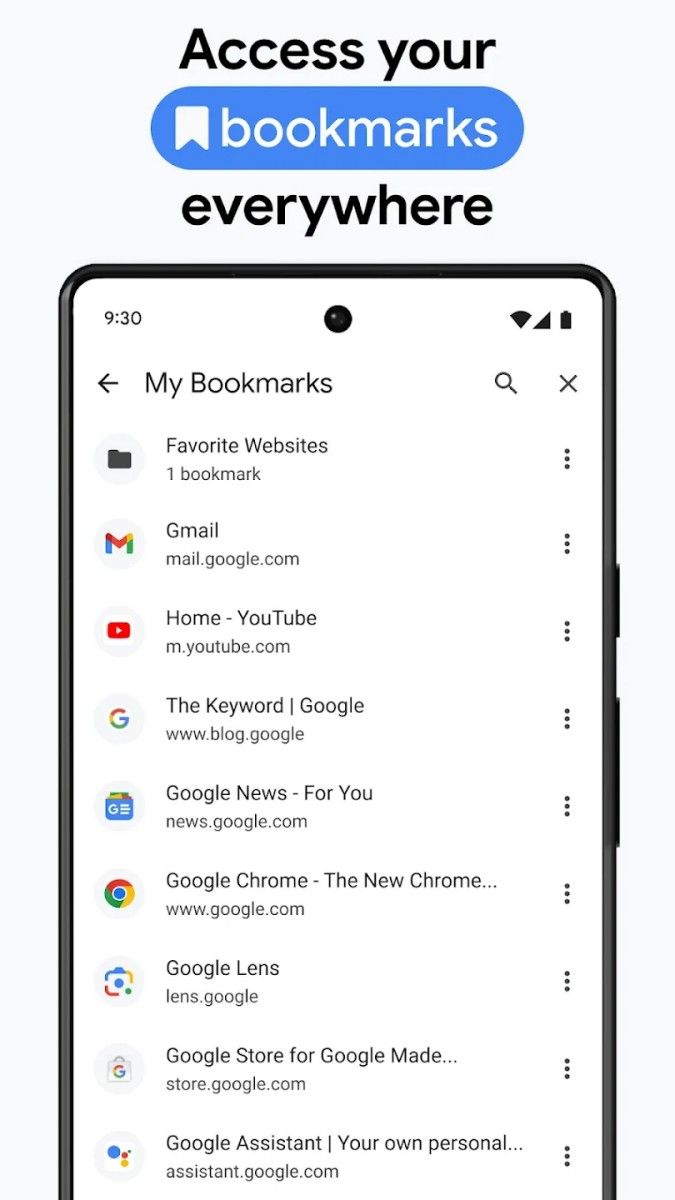
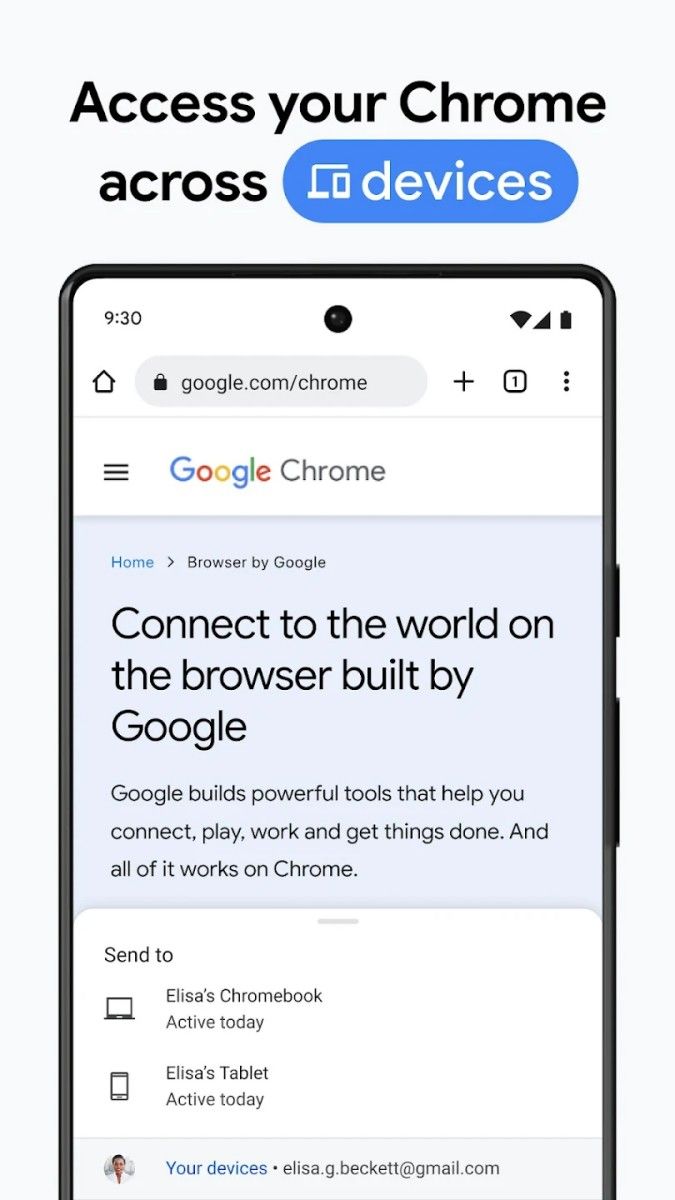
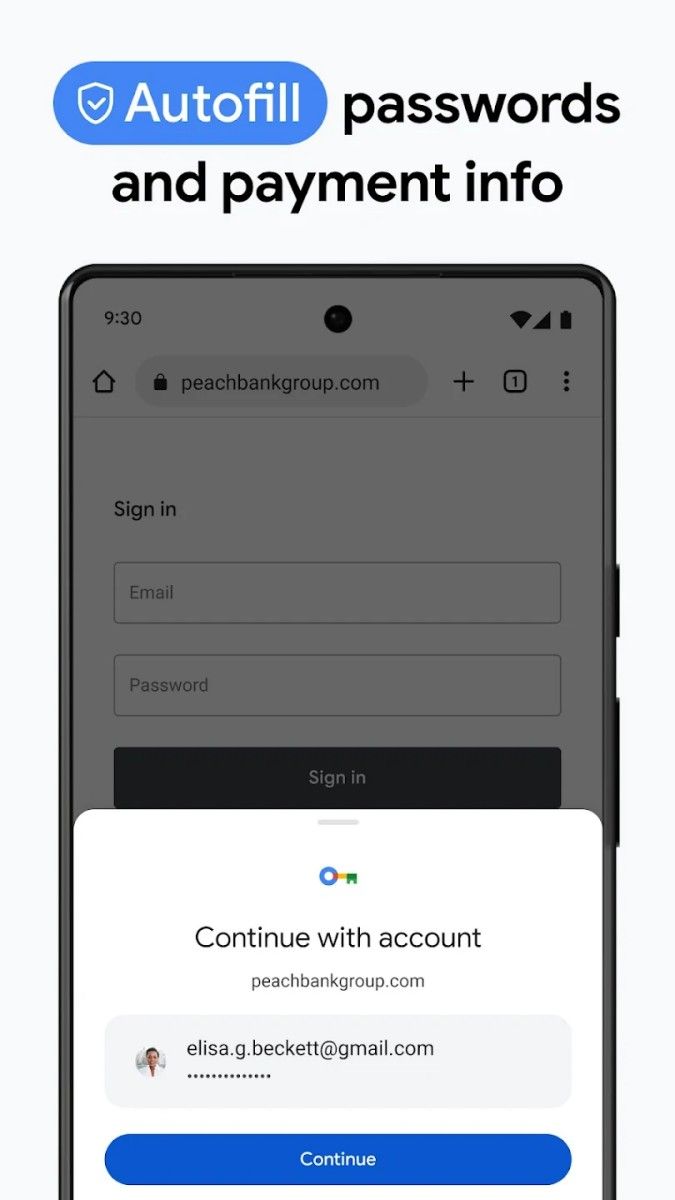
If you use multiple devices - phone, tablet, and computer - just sign in to your Google account and Chrome synchronizes bookmarks, history, and passwords across all your devices. That means the useful sites you've bookmarked on your computer can continue to be accessed on your phone whenever you want, without having to re-enter the URL. What's more, it remembers your passwords and login details so you don't have to enter them manually every time. Isn't it very convenient?
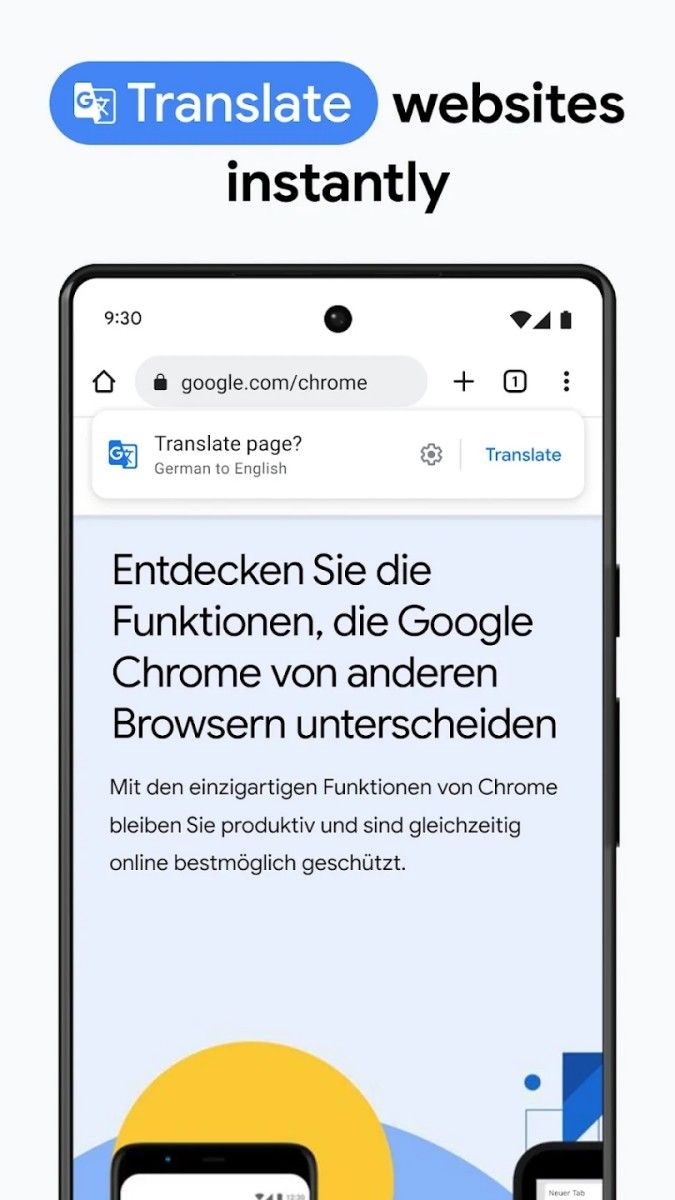
For those who like to get their hands dirty, Chrome also supports extensions. These extensions are like “plug-ins” for Chrome that add all sorts of fun and useful features. For example, you can install an ad blocker to avoid annoying ads, or use the Translate extension to make reading web pages in foreign languages easier. There are many other features waiting to be explored to make your browser more personalized.
If you're worried about traffic, Chrome also has a sweet data-saving mode. When you turn it on, it automatically compresses web content, so you can save even more traffic on mobile networks and still enjoy fast loading speeds. That's a real boon for those who are strapped for cash.
Not only that, but Chrome has Google Smart Search built in. When you enter a keyword in the address bar, it will not only display relevant search suggestions, but also automatically help you to complete the URL, saving you a lot of typing trouble. And you can also do voice search directly. Just speak your question into your phone, and Chrome will find the answer for you.
Google Chrome is a powerful, easy-to-use browser app. Whether it's loading web pages quickly, keeping your privacy safe, or synchronizing across multiple devices, it does a great job. Whether you're a student, a commuter, or just a regular web surfer, Chrome will make your online experience much more enjoyable. If you haven't tried it yet, download one now and give it a try! You will definitely be impressed by its smoothness and convenience.
Advertisement























Top Searches
Top Games