

Advertisement
Microsoft Authenticator is a powerful, highly secure multi-factor authentication app designed to protect your digital security. It provides users with two-factor verification to help prevent unauthorized access and ensure the security of all types of online accounts. Whether it is used to protect work accounts, personal accounts, or other online platforms, Microsoft Authenticator provides a solid barrier for users' digital lives.
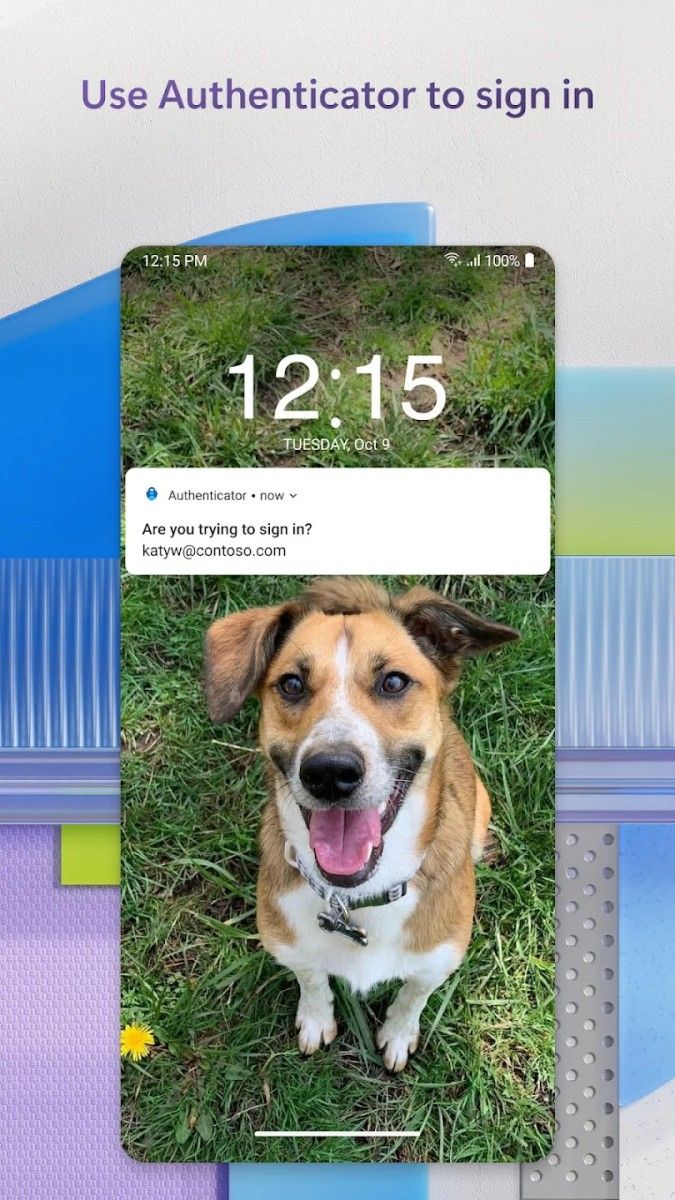
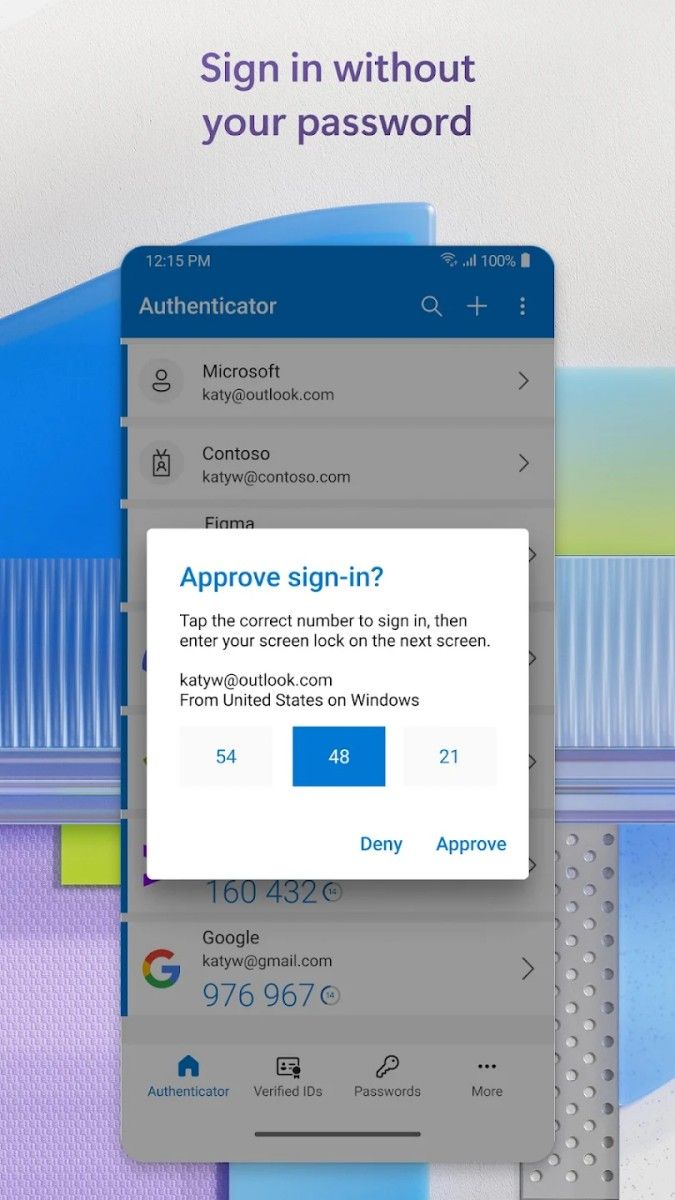
The core function of Microsoft Authenticator is multi-factor authentication (MFA), which greatly enhances the security of accounts by requiring users to provide additional verification information when signing in. Every time a user tries to sign in to a Microsoft account or other linked accounts on a new device, Authenticator will send a login request notification, allowing users to confirm their identity through a pop-up message in the app. In this way, even if the password is leaked, it is difficult for unauthorized users to log in to the account.
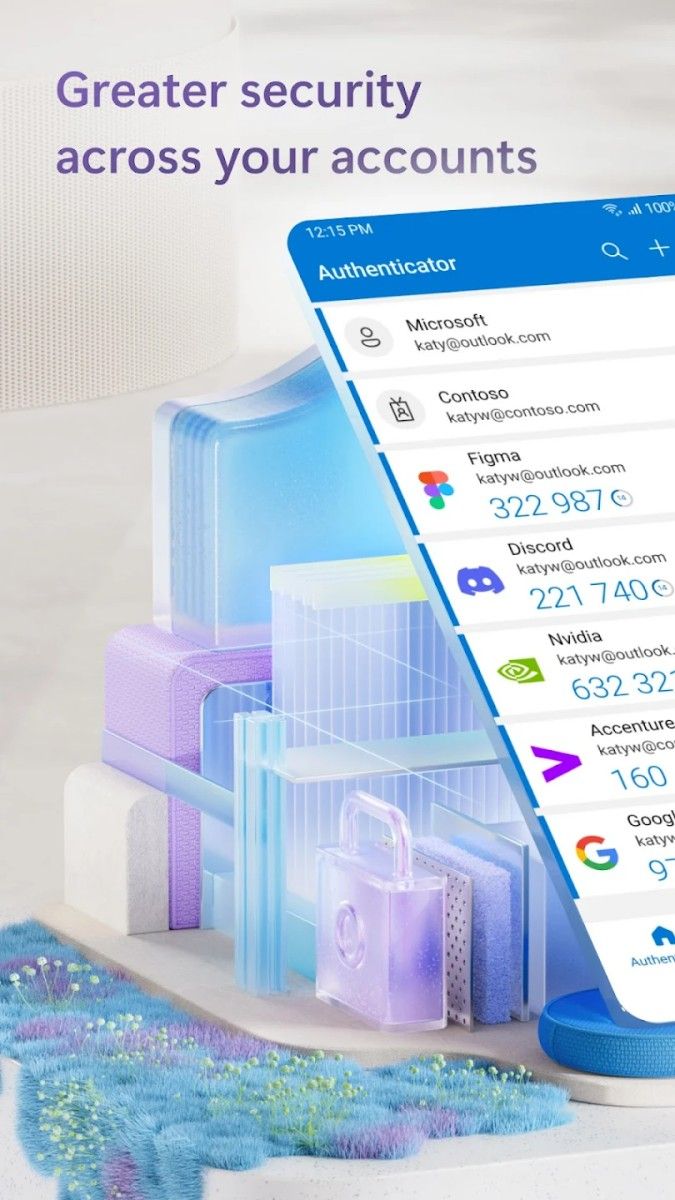
In addition to traditional password verification, Authenticator also provides a one-time password (OTP) function. Users only need to enter the six-digit verification code generated by the application every time they log in to verify their identity. These verification codes are automatically updated every 30 seconds to ensure that each login request is unique and secure.
Microsoft Authenticator's interface is simple and intuitive, allowing users to easily view all added accounts and their security status. Each account is displayed with an icon and name, allowing users to quickly locate and select the account to log in. When opening Authenticator for the first time, users can choose to use a personal account or a work account to complete the account association and verification while ensuring the security of all information.
Once multi-factor authentication is enabled, the app will automatically pop up a verification request when logging in, and users only need to click "Agree" or "Reject" to complete the verification, which is a smooth and fast process. For users who need to manage multiple accounts, this design is particularly convenient, avoiding the tedious operation of entering verification codes one by one. In addition, the app supports fingerprint and facial recognition functions, providing users with a more convenient and advanced security verification method.
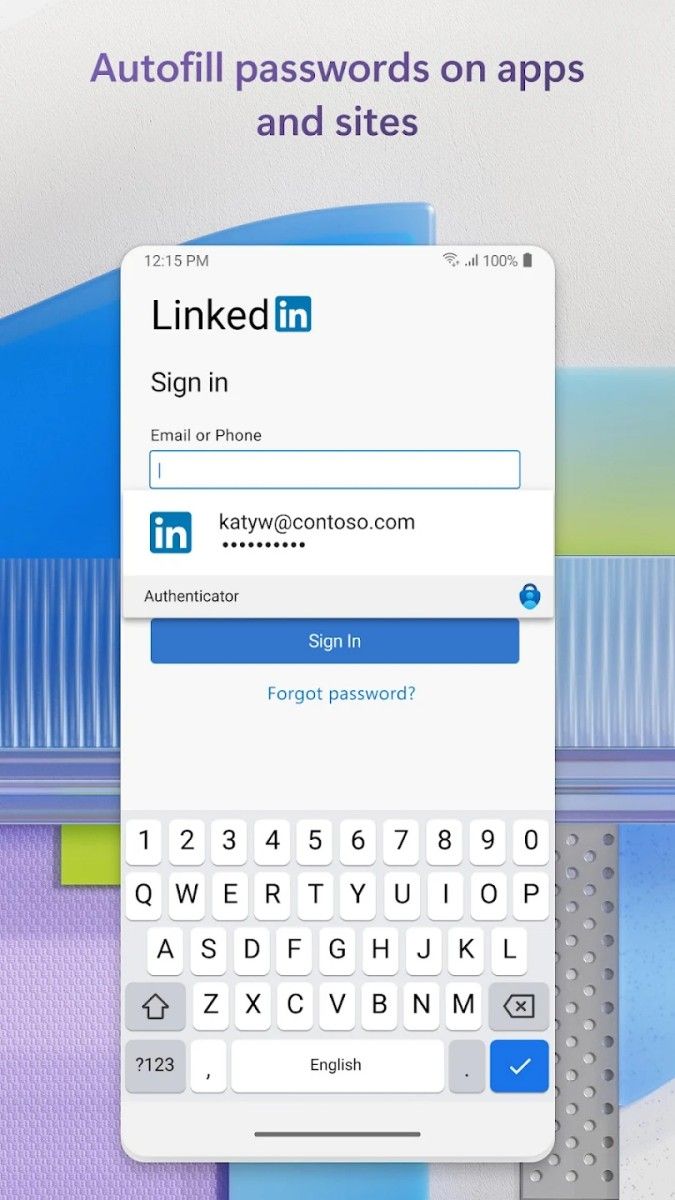
Microsoft Authenticator is not only applicable to Microsoft accounts, but also supports other common social, financial and work accounts, such as Google, Facebook, Twitter, etc., and even some cryptocurrency accounts and developer platforms. Users can add any account that supports MFA in the app, and each addition is accompanied by clear operation instructions. The app will generate different login verification methods based on the user's choice, allowing users to enjoy security protection in all types of accounts.
In addition, Authenticator is also compatible with some services that use QR code verification. Users only need to open the app's scan function and scan the account's QR code to complete the addition of verification information, which greatly simplifies the binding process. For corporate users, this function is particularly practical, allowing companies to quickly apply it to multiple employee accounts.
Microsoft Authenticator supports offline generation of verification codes, which is suitable for identity authentication scenarios without a network environment. Whenever a user cannot connect to the network, they can still complete account login through the offline code provided by Authenticator, regardless of network conditions. This feature ensures that users can access their accounts normally in any situation, which is very suitable for travel or away from the network environment.
To further enhance security, Microsoft Authenticator provides backup and restore functions. Users can choose to back up data through a Microsoft account to ensure that all account data is updated synchronously when changing devices. The backup function can be operated manually or automatically synchronized. Users do not need to worry about the loss of verification information for important accounts, and migrating devices becomes easier and more convenient.
Security is at the core of Microsoft Authenticator. The app stores data locally using a high level of encryption to ensure that unauthorized users cannot access account verification information. The in-app "App Lock" feature provides an extra layer of protection. Users can set a PIN, fingerprint, or facial recognition verification for Authenticator. Only through this verification can you enter the app to view your account.
In addition, when the App Lock feature is enabled, the user's account security can be guaranteed even if the user's device falls into the hands of others. App Lock is not only suitable for scenarios such as lost or stolen phones, but also suitable for use on shared devices to prevent others from accidentally operating or accessing account information.
Microsoft Authenticator is carefully designed for account management. Users can add, edit, and delete accounts in the app, and manage their own list of accounts that need to be verified at any time. Every time an account is added or deleted, the app will pop up a security reminder to ensure that every operation is under the user's control. For accounts that have already been added, users can also enable or disable verification, further increasing the flexibility of operation.
In terms of verification notifications, Authenticator notifies users in real time through push reminders to verify. Users can choose to receive reminders on their phones or quickly operate on smart watches. All notification reminders are encrypted to ensure that the login verification process is secure and correct. At the same time, the app supports custom notification settings, and users can adjust the notification frequency and receiving conditions to reduce unnecessary interruptions.
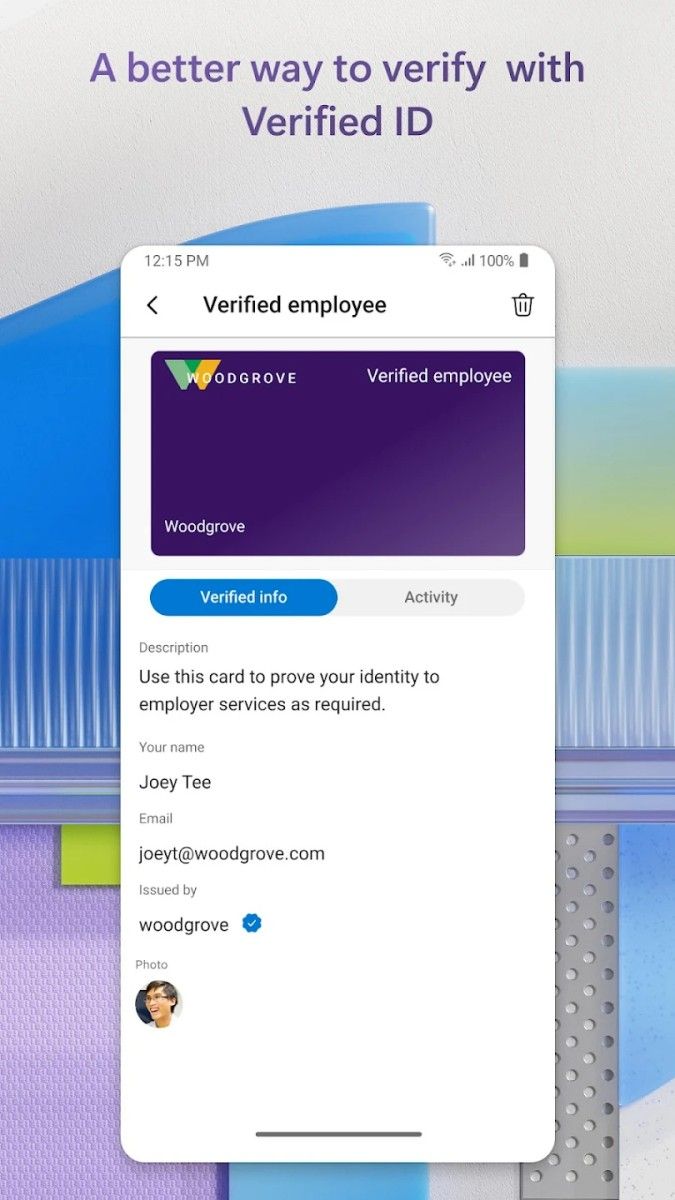
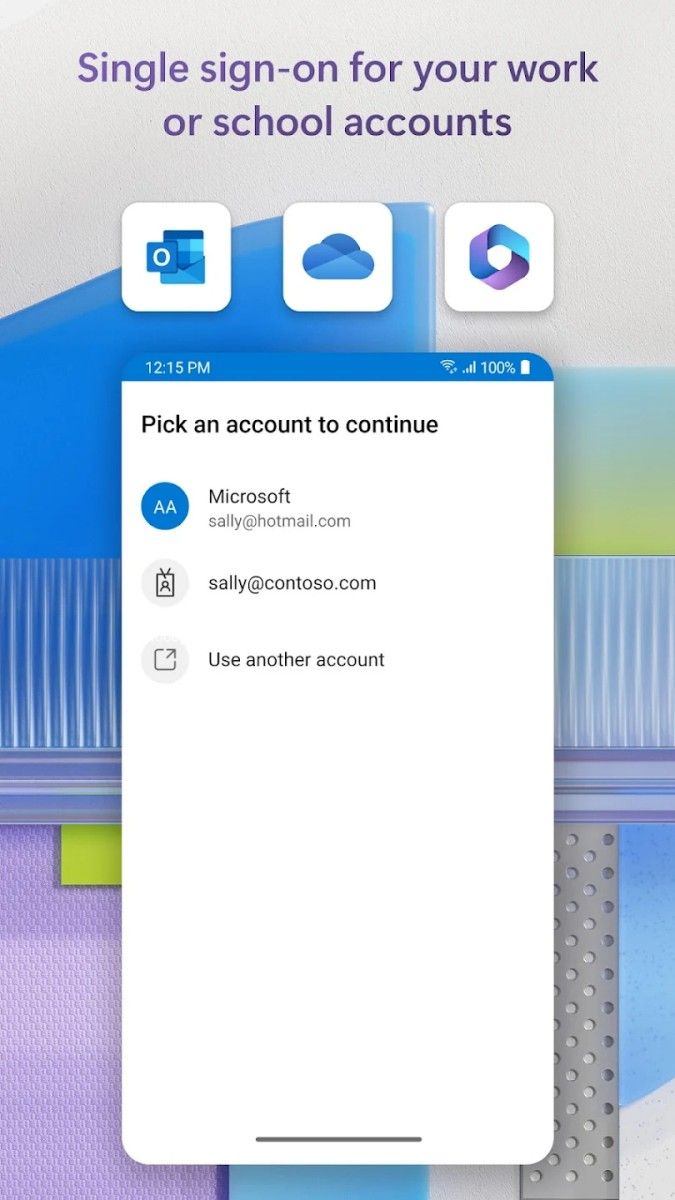
Microsoft Authenticator is a professional-level authentication tool for enterprise users. Enterprise administrators can enable multi-factor authentication for employees' Microsoft work accounts through the app to effectively protect the security of corporate information. IT administrators can also use Authenticator to configure employees' authentication policies, including setting different security permissions, reviewing permission requests, etc. These features ensure efficient management of enterprise authentication when applying authentication on a large scale, and also help employees get security protection when using corporate resources.
In addition, Authenticator also supports Azure AD's multi-factor authentication function, allowing users to enjoy the same security when using company accounts. This is especially applicable to employees who need to work remotely and enterprises that need to protect a large amount of sensitive information, ensuring the security of data transmission on different devices and locations.
Microsoft Authenticator provides a variety of options for multi-factor authentication, covering demand scenarios such as fast verification, offline use, and enterprise integration. Whether it is the protection of personal accounts or corporate resources, Microsoft Authenticator provides users with comprehensive security protection with its high efficiency, security, and flexibility. The application is not only suitable for high-frequency personal use, but also for corporate environments with high security requirements. It is a security tool suitable for multiple fields.
Advertisement























Top Searches
Top Games