
Advertisement
Microsoft Excel: Unlock the magic tool for efficient office work. If you are looking for a powerful and flexible tool to process data, plan tasks or analyze information, Microsoft Excel is definitely your best choice. This application is known as the "king" in the field of electronic spreadsheets. It is not only suitable for professionals to handle complex financial statements and data analysis, but also helps ordinary users to easily plan various matters in daily life.
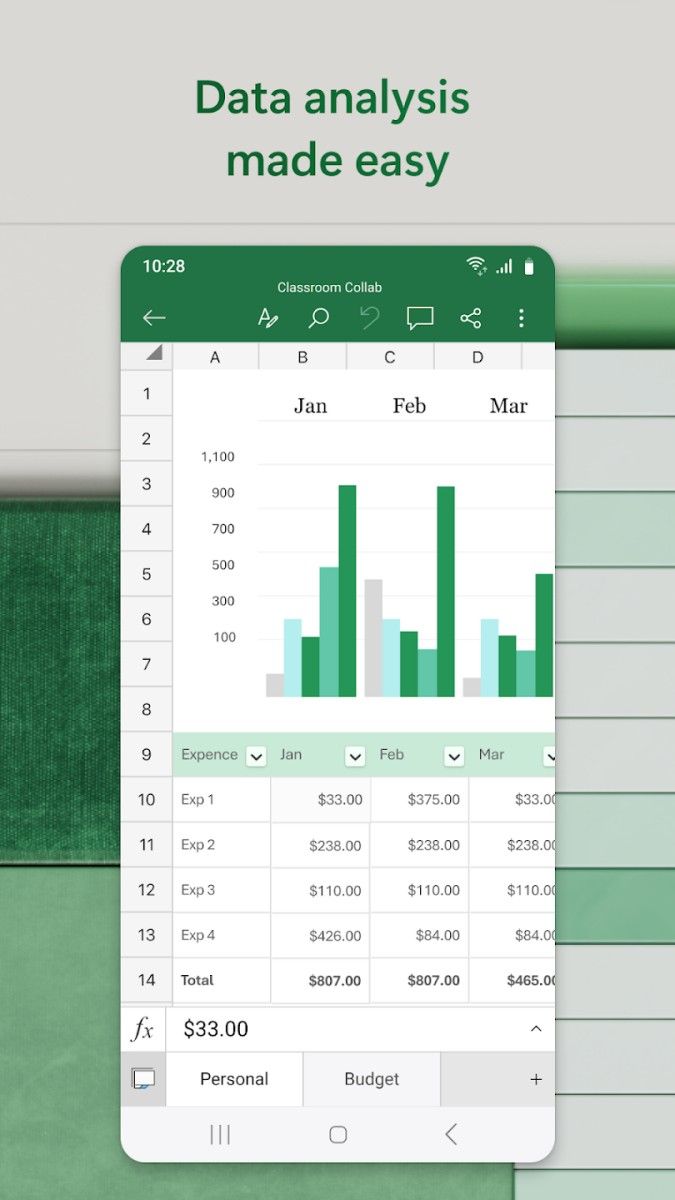
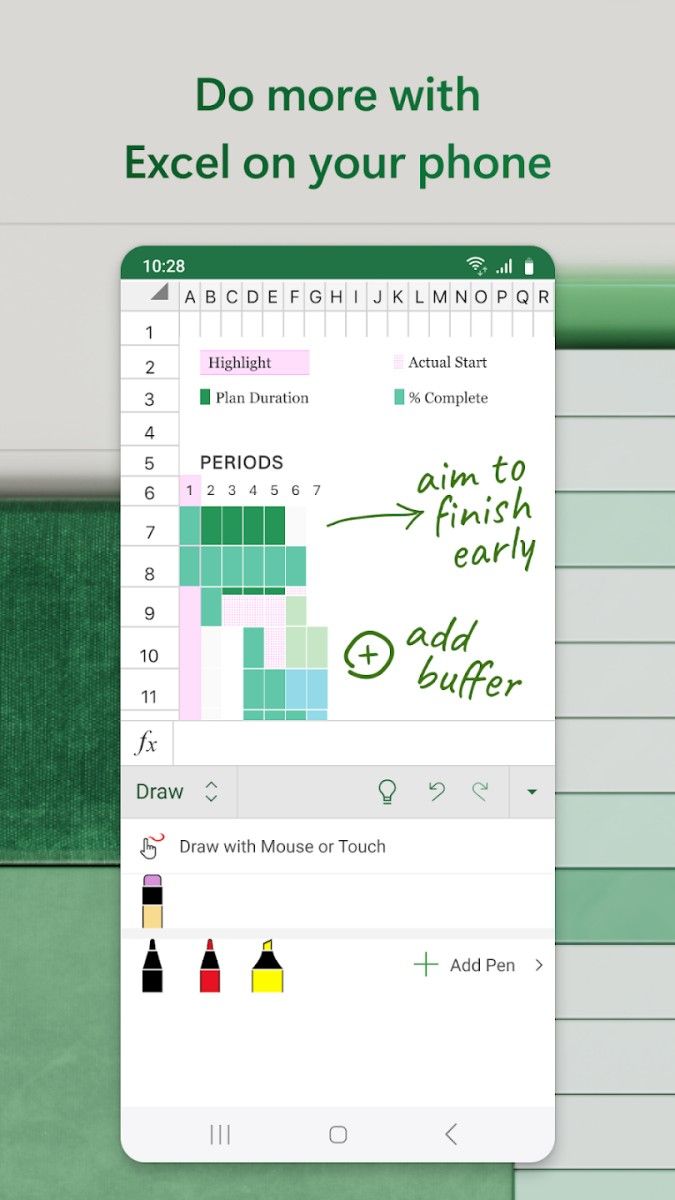
The core of Excel lies in its table design and data processing capabilities. You can easily record text, numbers or formulas through simple cell input. Whether it is creating a budget table, tracking project progress, or designing beautiful charts to display data, Excel can meet your needs in a simple way.
Excel has more than 400 built-in functions, from the most basic addition, subtraction, multiplication and division to complex statistical, logical and financial calculations. You only need to enter the equal sign = in the cell and call the corresponding function, for example:
=SUM(A1:A10) Quickly sum
=AVERAGE(B1:B10) Calculate the average
By combining these functions, you can even design an automated calculation model to greatly improve work efficiency.
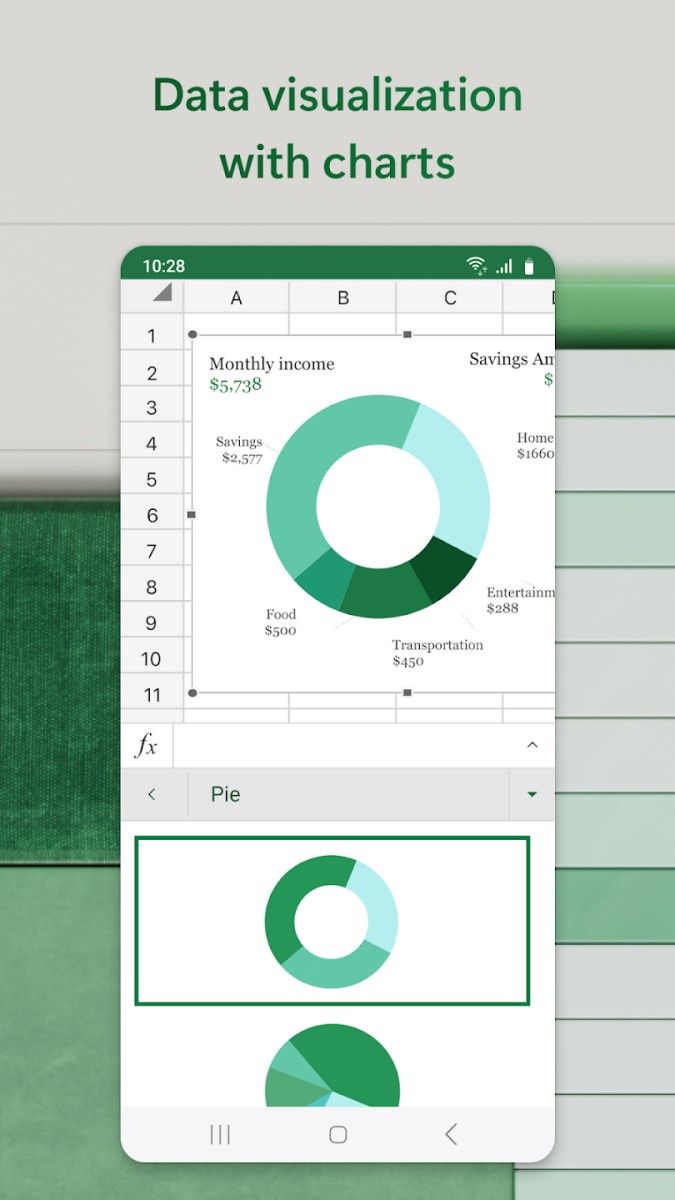
Excel's chart function can easily make boring data vivid and interesting. You can choose from more than ten styles such as bar charts, line charts, pie charts, etc. Just select the data, click the "Insert" tab and select the chart type, the system will automatically generate a chart that conforms to the data structure, making your report more convincing.
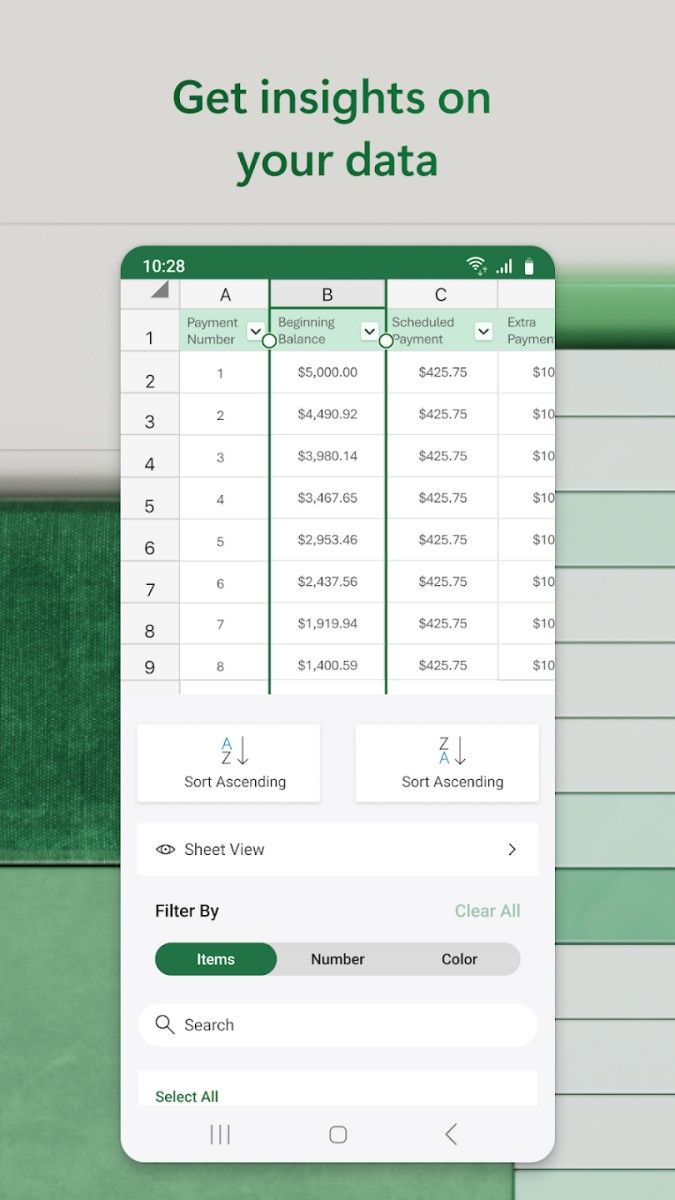
If you need to quickly extract key information from massive data, PivotTable is your best assistant. With a simple drag and drop, Excel will automatically classify and summarize the data for you, making the originally messy table instantly clear and organized.
Specific operation examples
1. Create a task list
After opening Excel, start with a blank workbook:
Enter column headers in the first row, such as "Task Name", "Deadline", and "Priority".
Fill in each task information in turn below.
Use the conditional formatting function to set the task with a "high" priority to highlight in red to remind yourself to focus on the key points.
2. Make a family budget table
Use Excel to plan monthly expenses:
List the "Income Source", "Fixed Expenses", and "Variable Expenses" columns in the table and fill in the relevant amounts.
Enter the formula = Income-Expenses to quickly calculate the balance, and display the expenditure ratio through a chart to intuitively and clearly understand the flow of funds.
3. Analyze sales data
Suppose you manage a small store and want to know which products are the best sellers:
Import sales data into Excel and analyze it through a pivot table.
Generate a bar chart to easily see the products with the highest sales.
The secret to efficient office work
The beauty of Excel lies in its flexibility and extensibility:
Multi-table linking: reference data across worksheets or workbooks to achieve complex related calculations.
Collaboration function: multiple people can edit a table at the same time and view updated content in real time.
Automated macro: By recording macros, repetitive operations can be completed with just one click, saving time.
Microsoft Excel is not only a spreadsheet tool, but also a good helper for you to efficiently manage data and easily complete tasks. From simple records to complex data analysis, it can help your work and life in the most convenient way. If you want to experience true digital office, Excel is definitely worth your in-depth exploration!
Advertisement



























Top Searches
Top Games