

Advertisement
NordPass® Password Manager is a full-featured, secure and efficient password management application that not only helps users generate strong passwords and auto-fill passwords, but also provides a number of services such as cross-device synchronization and secure storage. By using NordPass, users can effectively solve the problem of password management and avoid the security risks caused by using weak or repeated passwords. At the same time, strong encryption technology and secure sharing features provide users with an extremely high level of privacy protection, ensuring that sensitive information is always protected. Whether you are an individual or a team of users, NordPass provides a one-stop password management solution to enhance the security and convenience of your Internet life.
Security is the core value of NordPass®. It utilizes advanced encryption technology to ensure the highest level of protection for users' password data. This encryption technology is based on advanced algorithms that are resistant to all kinds of cyber-attacks, including malicious hacking and data theft attempts. Password information is tightly protected both during data transmission and when stored locally. Furthermore, NordPass® does not store the user's original password on its servers, which further enhances password security and makes it seem as if the user's sensitive information is placed in an impenetrable digital safe.
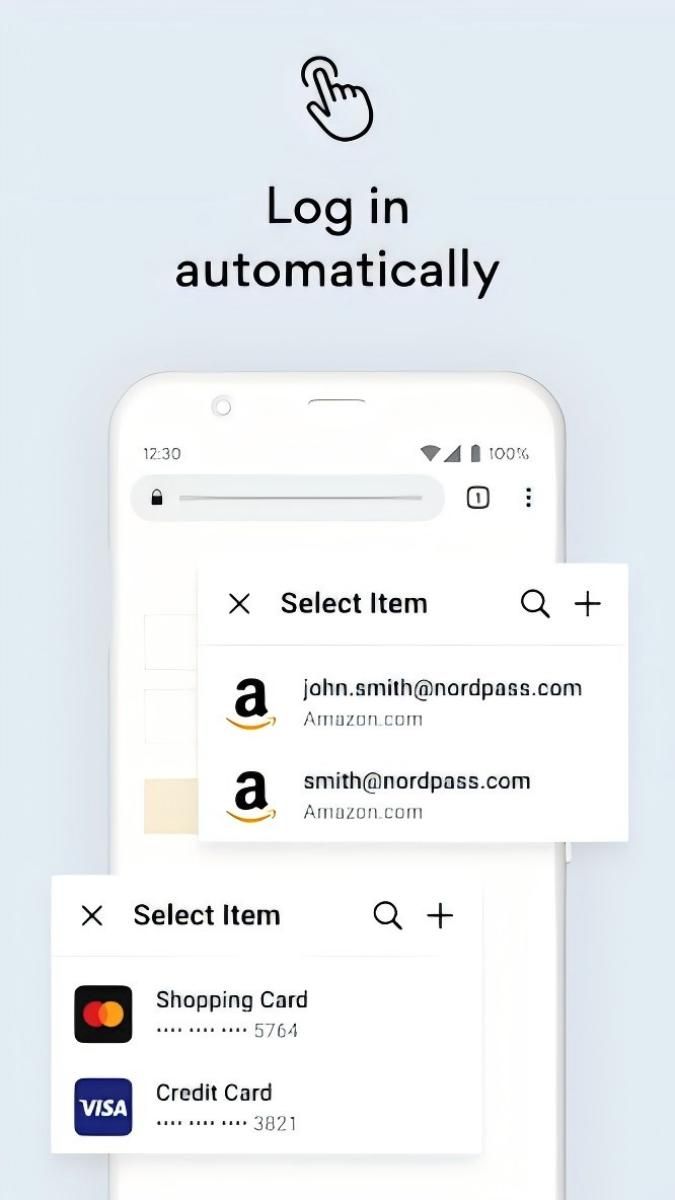
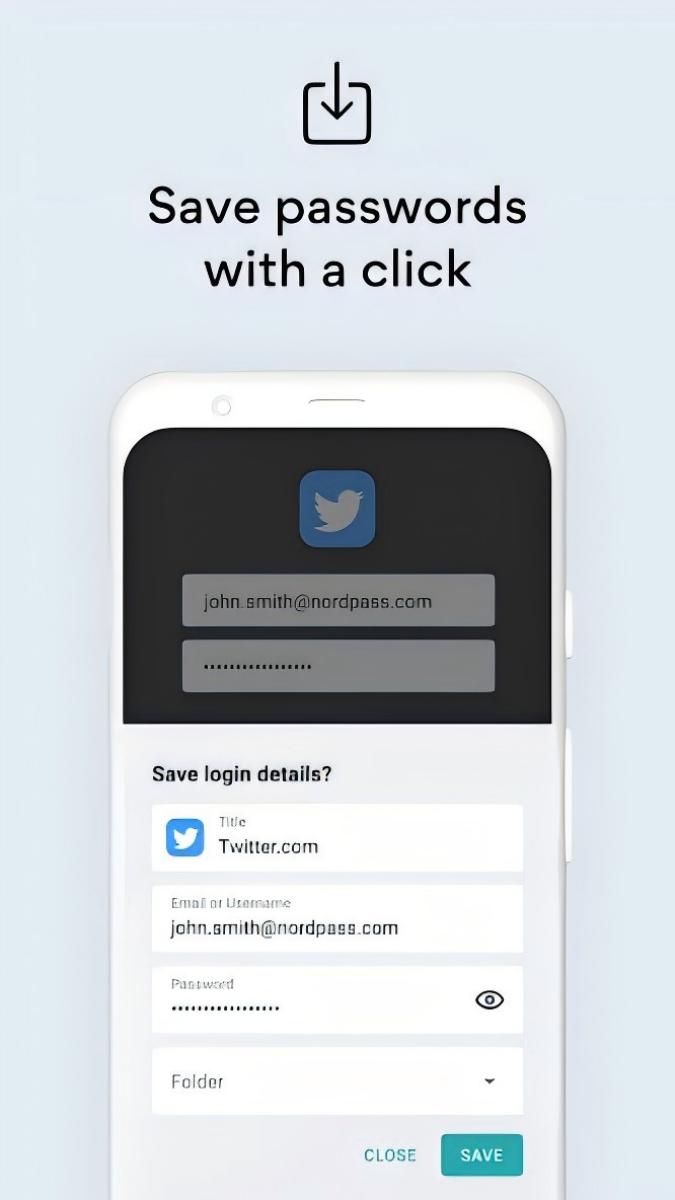
The convenience of NordPass® is also outstanding. It has an autofill feature that allows the app to automatically recognize the corresponding account number when the user is on the login page and quickly fill in the password fields. This process is fast and accurate, saving users time in entering their passwords and reducing login problems caused by manual input errors. In addition, the app supports cross-platform use, allowing users to easily access and use their stored passwords whether on desktop (Windows, Mac) or mobile (iOS, Android). This means users can still seamlessly perform login operations when switching between devices, keeping their digital lives fluid.
For teams and corporate users, NordPass® also excels. It offers the ability for teams to share passwords while allowing fine-grained access control based on different user roles and permissions. For example, in a project team, members can share account passwords related to a specific project, while administrators can set viewing and editing privileges for different members to ensure that the passwords are both easy to use and secure. This team collaboration feature improves work efficiency and reduces security risks due to irregular password sharing, making security management more standardized and efficient in digital operations.
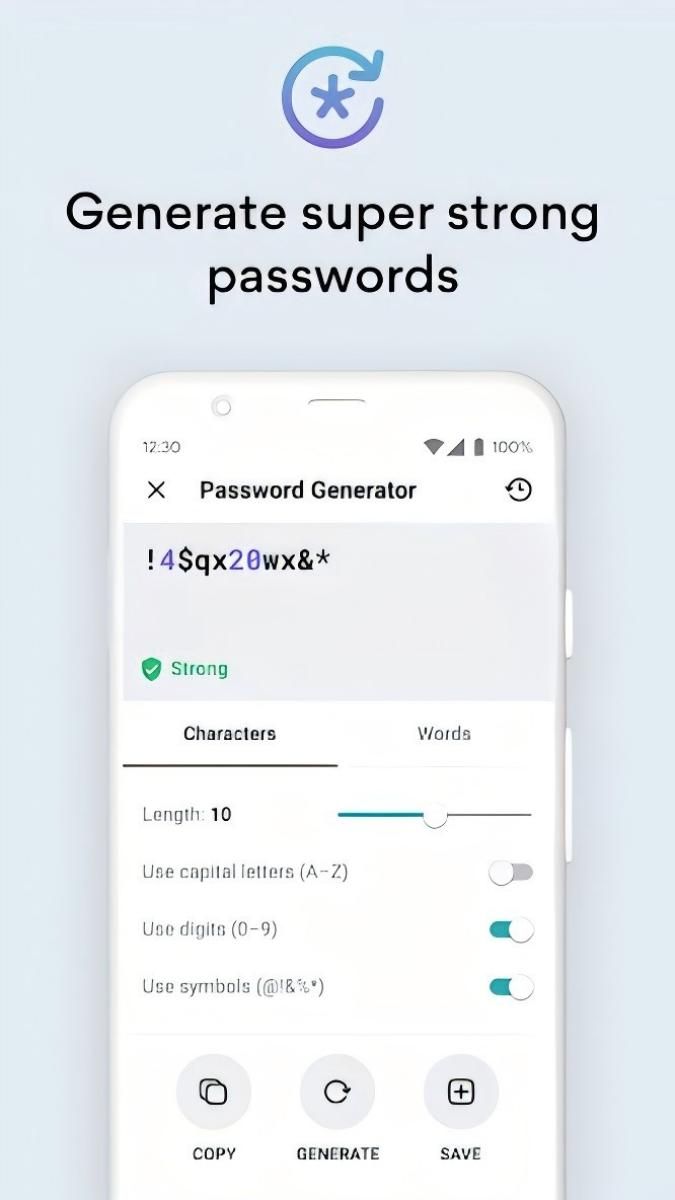
NordPass® also has a password generation function. It generates high-strength random passwords based on user-specified parameters, such as password length, the type of characters included (letters, numbers, special characters), and so on. These generated passwords are highly secure and resistant to attacks such as brute-force cracking. For newly registered accounts or when a new password is required, users can rely on NordPass® to easily obtain a secure and reliable new password, which is automatically stored in the application for future use.
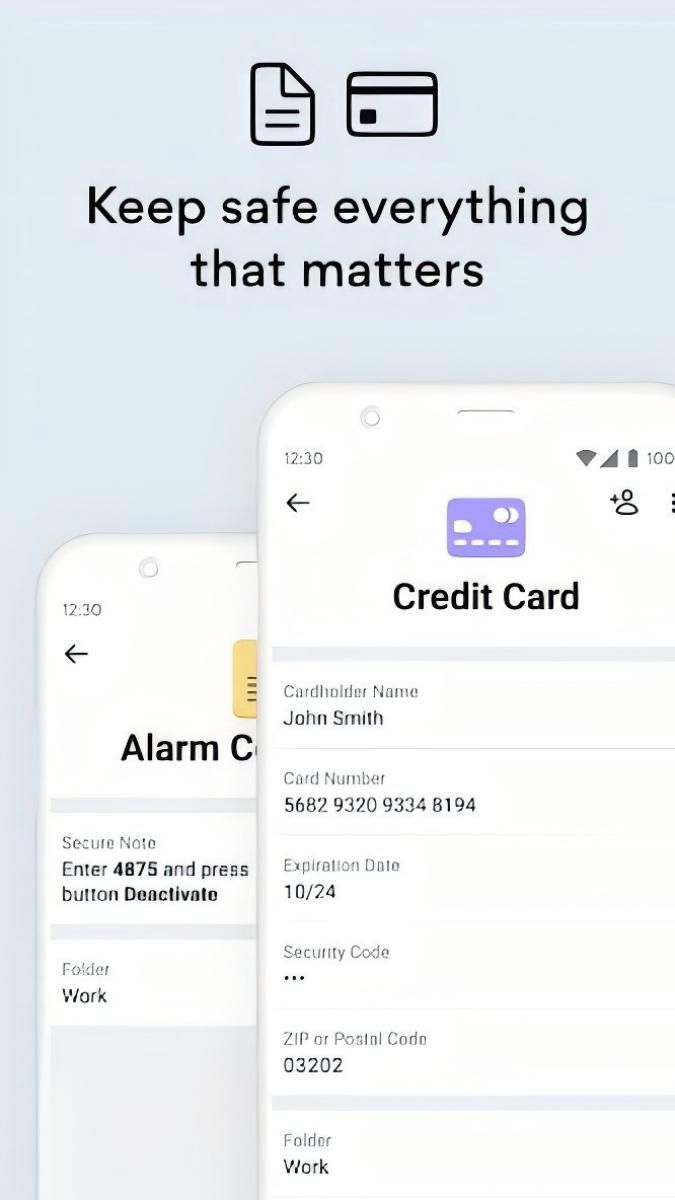
In addition, NordPass® focuses on user experience. Its interface is designed to be clean and simple to understand. Users can easily add, edit and delete password entries, as well as categorize passwords, such as work-related passwords and personal life passwords. Meanwhile, the powerful in-app search allows users to quickly find the account password information they need and locate it quickly even when a large number of passwords are stored.
All in all, NordPass® Password Manager is a password management application that combines high security, convenience and multi-functionality. With advanced encryption technology, autofill, cross-platform usage, team collaboration, password generation and quality user experience, it is the ideal choice for individuals and organizations to manage passwords in the digital world and protect users' network security.
Advertisement



















Top Searches
Top Games