
Advertisement
In modern office and learning scenarios, efficient expression and wonderful presentation are particularly important. As a comprehensive and flexible presentation tool, Microsoft PowerPoint has become the first choice for many people to make professional presentations. If you need a tool that is both easy to use and has powerful creativity and exquisite effects, then PowerPoint is definitely worth recommending.
Microsoft PowerPoint brings users a smooth operating experience with its simple and intuitive interface design. Whether you are a student, a newcomer to the workplace or a senior speaker, you can get started quickly. On the homepage of the application, you can easily find the entrance to create a new document, or browse the recently edited works for efficient management.
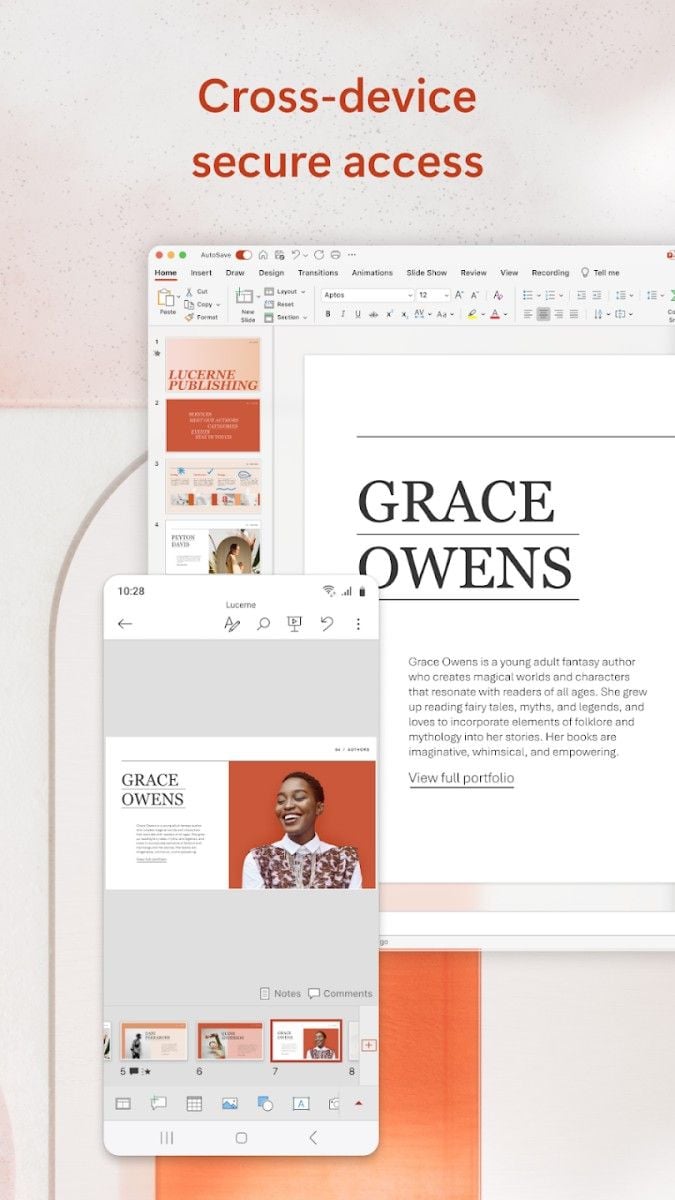
After opening a blank document, you will see a toolbar at the top of the page, which includes multiple options such as insert, design, animation, and projection. These options are modularly designed, and the functions are clearly arranged, so you can find the tools you need without searching through complex menus.
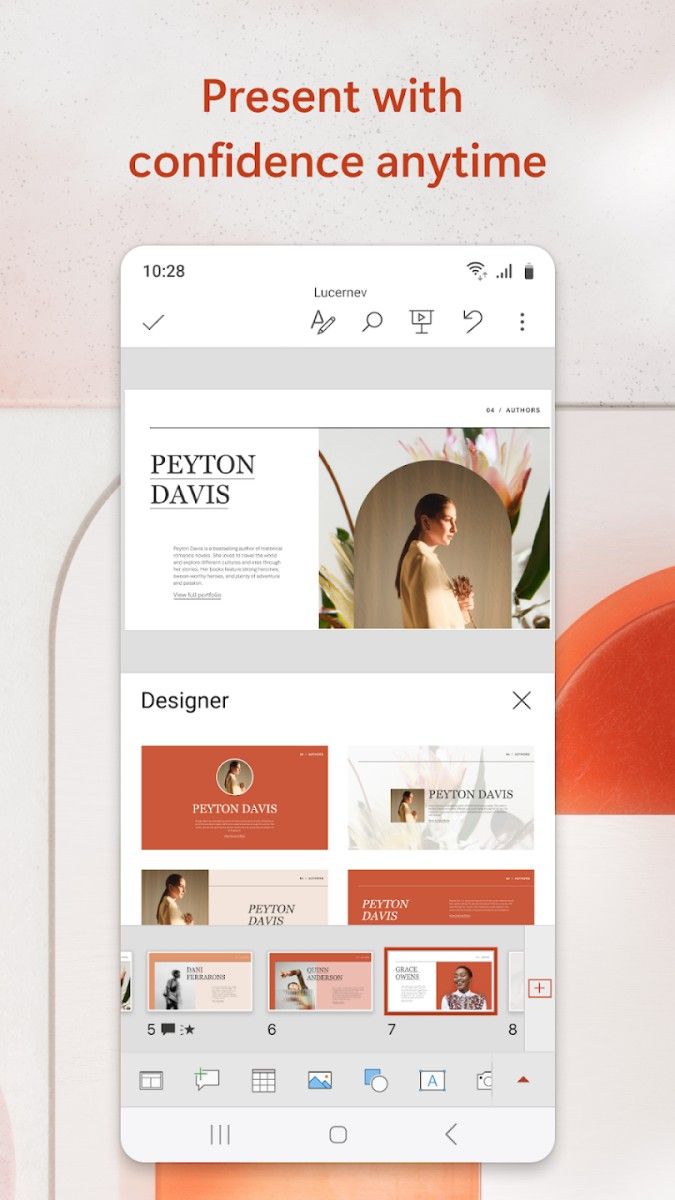
When creating a presentation, a beautifully designed template is a good helper to save time and efficiency. PowerPoint has a large number of built-in templates covering a variety of topics such as business, education, personal resumes, event planning, etc. Just pick a template that meets your needs, and you can start content creation immediately without worrying about layout or aesthetics. At the same time, the text and pictures in the template can be replaced at will, and the design is flexible, which truly realizes "simple but not monotonous".
PowerPoint's editing function is very powerful, covering almost all aspects of presentation design:
Insert multiple elements: Through the insert function, you can easily add text boxes, pictures, tables, charts, shapes and even videos and audios to make the document content more expressive.
Text layout: fonts, colors, sizes and styles can be adjusted freely, and even shadows, reflections and other effects can be added to make every word a visual focus.
Image editing: built-in cropping, filter and transparency adjustment tools help you quickly optimize image effects without the need for additional image processing software.
In addition, the application supports seamless adjustment of slide layout and order. You can quickly rearrange the document structure by simply dragging and dropping.
In PowerPoint, dynamic effects are a great way to attract the audience's attention.
Animation settings: set unique animations for each content in the slide, such as "fly in", "fade out" or "zoom in". You can also adjust the speed, triggering method and order of the animation to create a rhythmic presentation effect.
Transition effects: Add cool transition effects such as "fade", "rotate" or "erase" when switching slides to add a professional touch to your presentation.
These features can not only enhance the visual impact of the document, but also make the content not too fancy, helping you stand out in important occasions.
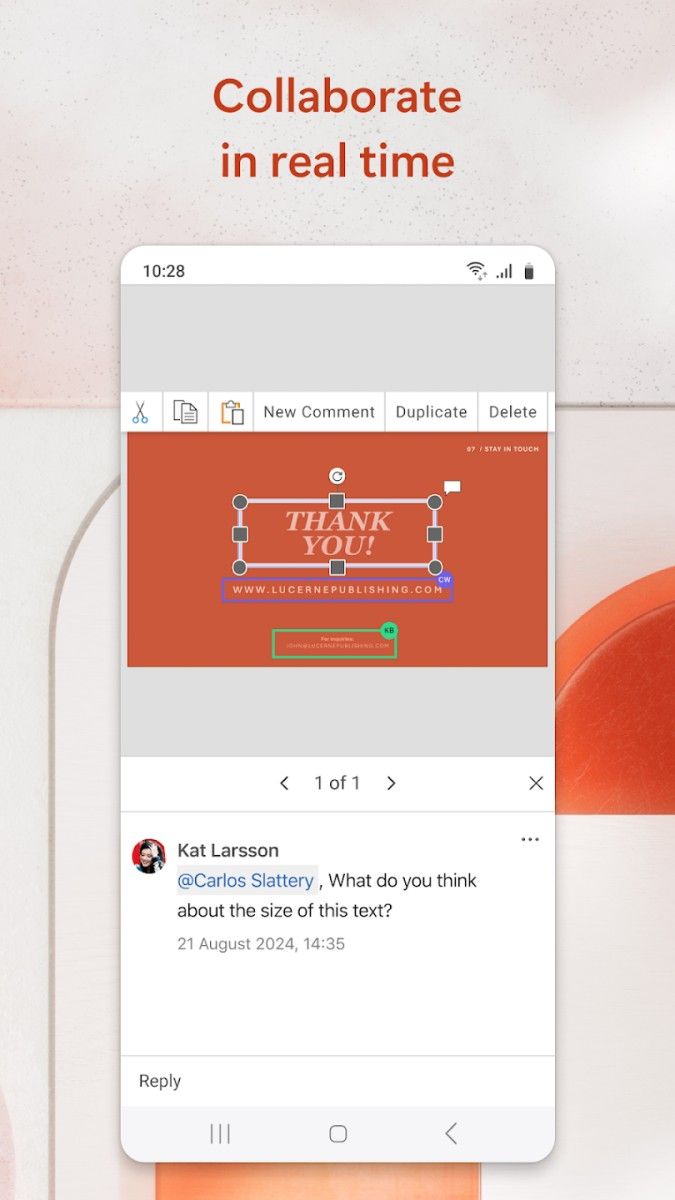
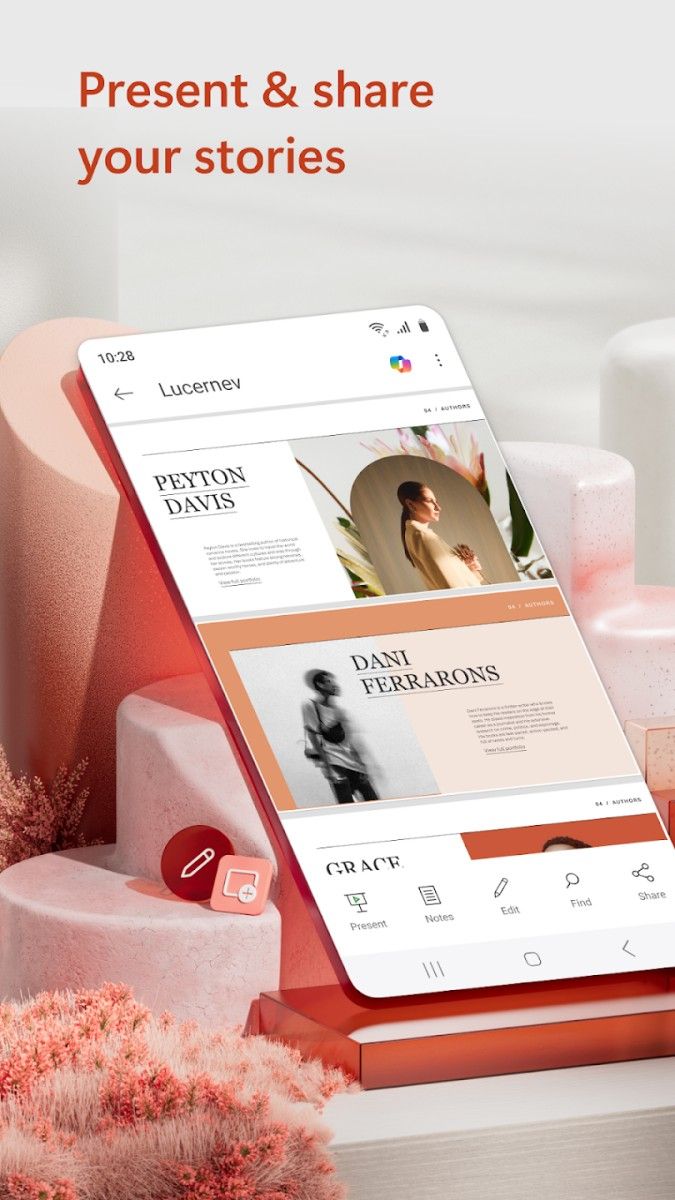
PowerPoint also performs well in team collaboration scenarios. You can send the document to colleagues or friends through the sharing function, so that everyone can edit and comment together. In multi-person collaboration mode, each participant's changes will be synchronized in real time, avoiding the trouble of version confusion. In addition, the presentation also supports conversion to PDF files or export to video format, which is convenient for flexible use in different scenarios.
PowerPoint also provides a series of intimate tools for speakers:
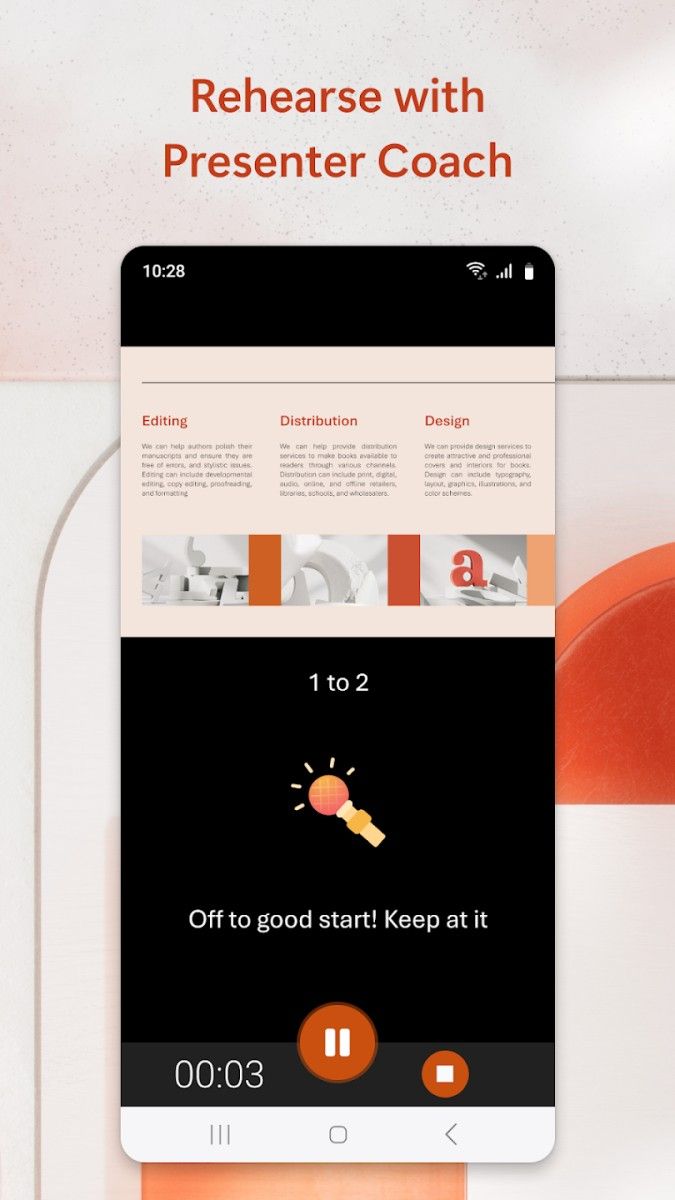
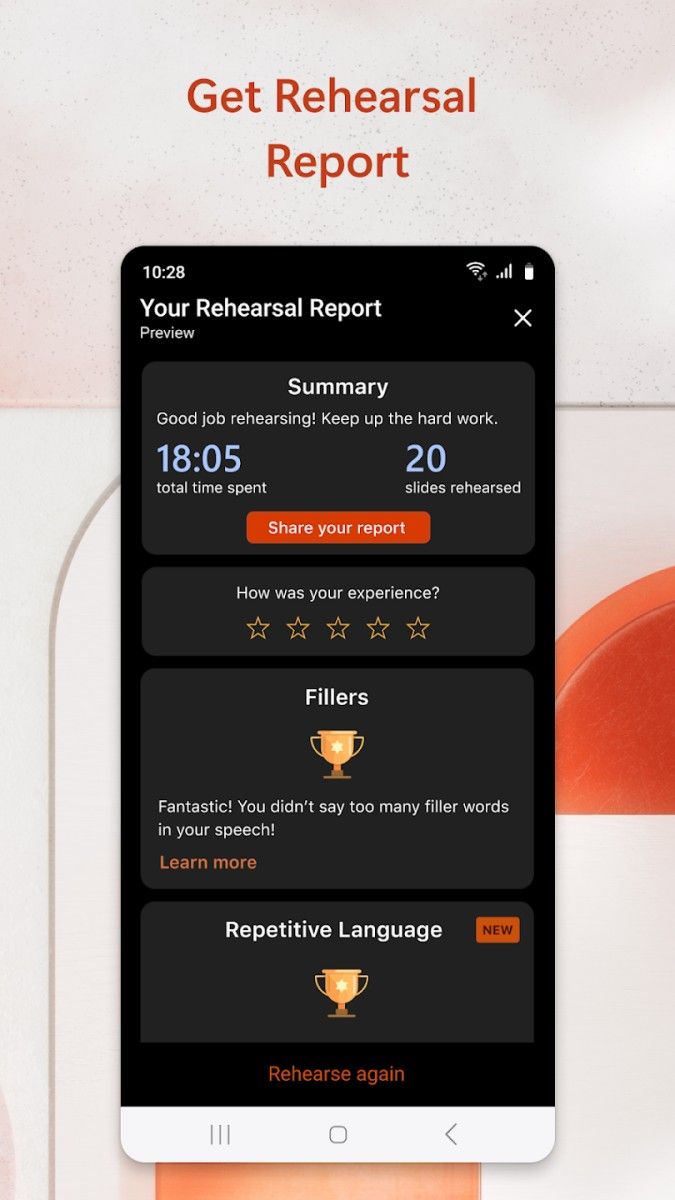
Speaker view: During the presentation, you can view the speech notes and time on your own device, while the audience can only see the projected slides, ensuring smooth presentation.
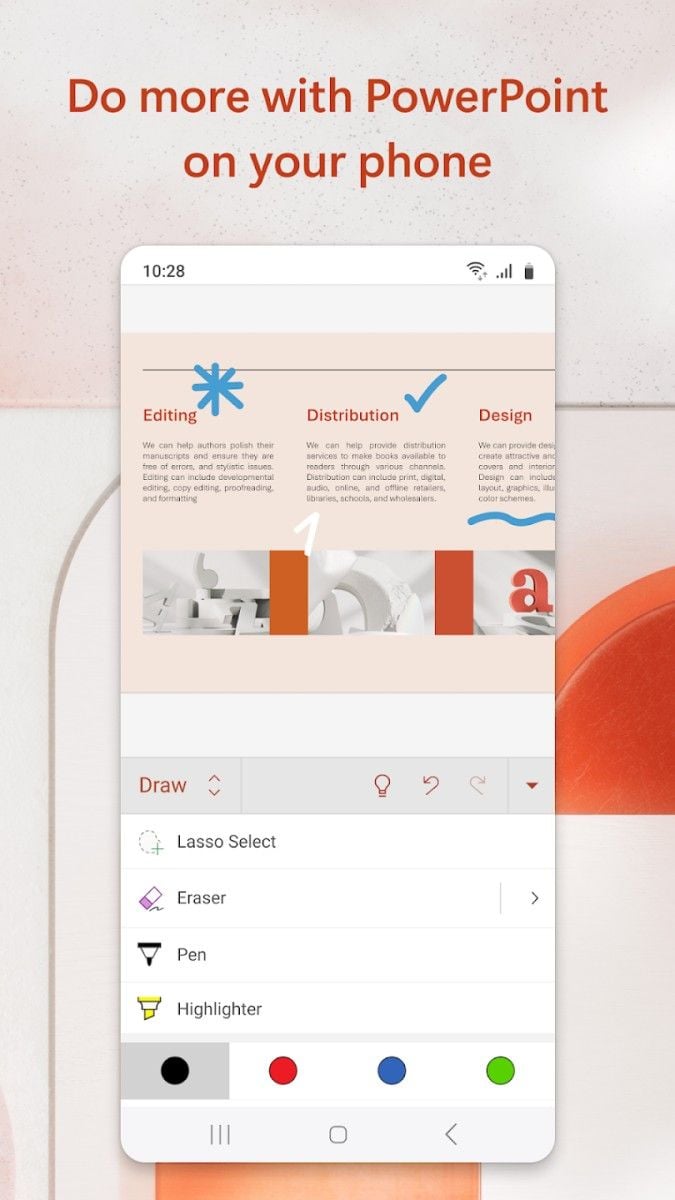
Laser pointer and annotation tools: Use a laser pointer to highlight key points, or use annotation tools to record inspiration instantly, making your presentation more interactive.
Microsoft PowerPoint has become an indispensable tool for modern office and learning with its powerful functions, flexible design and excellent collaboration performance. Whether you are making an important business presentation or completing a unique class assignment, it can help you easily achieve your goals and demonstrate your professional level. Through PowerPoint, you can not only express your creativity, but also tell a wonderful story with visual effects - this is its real charm.
Advertisement






















Top Searches
Top Games