

Advertisement
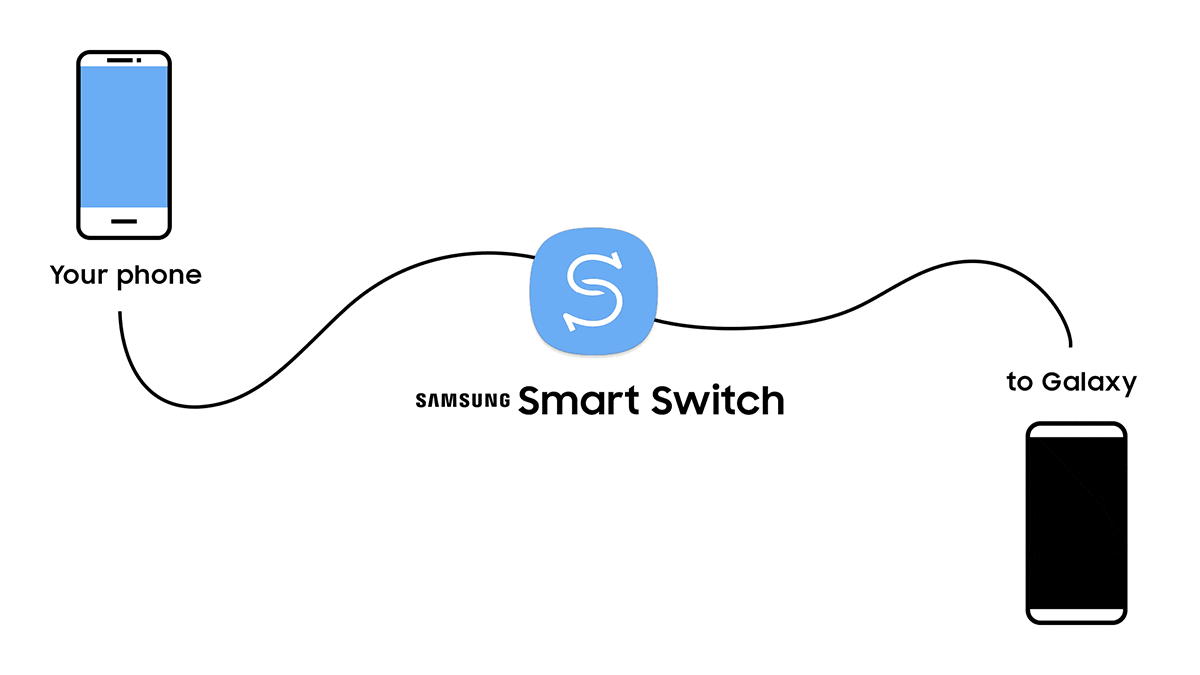
Samsung Smart Switch Mobile is a convenient data transfer app designed for users. The app allows users to easily migrate personal information, files, photos, music, contacts and other data from their old device to a new phone or tablet.Samsung Smart Switch Mobile supports multiple operating systems, including Android, iOS and Windows Phone, which means that no matter what kind of cell phone you were using, you can migrate your data with this app. Samsung Smart Switch Mobile supports multiple operating systems, including Android, iOS and Windows Phone. In addition, Samsung Smart Switch Mobile supports cross-platform transfer, making the data migration process even easier.
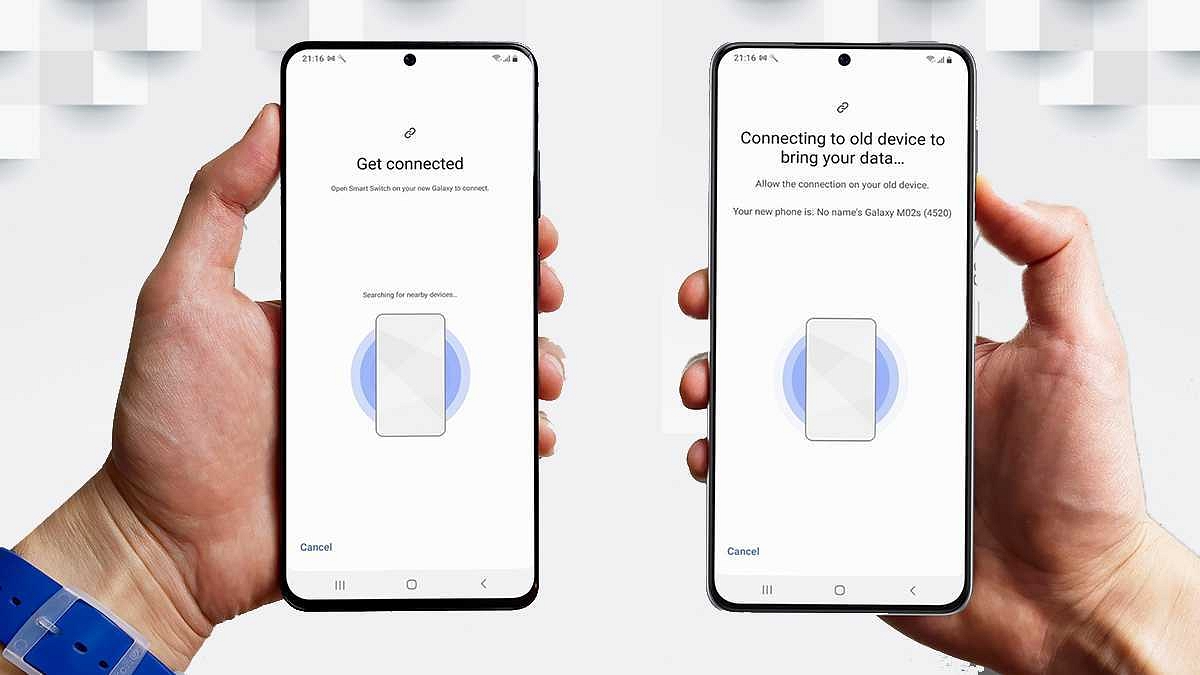
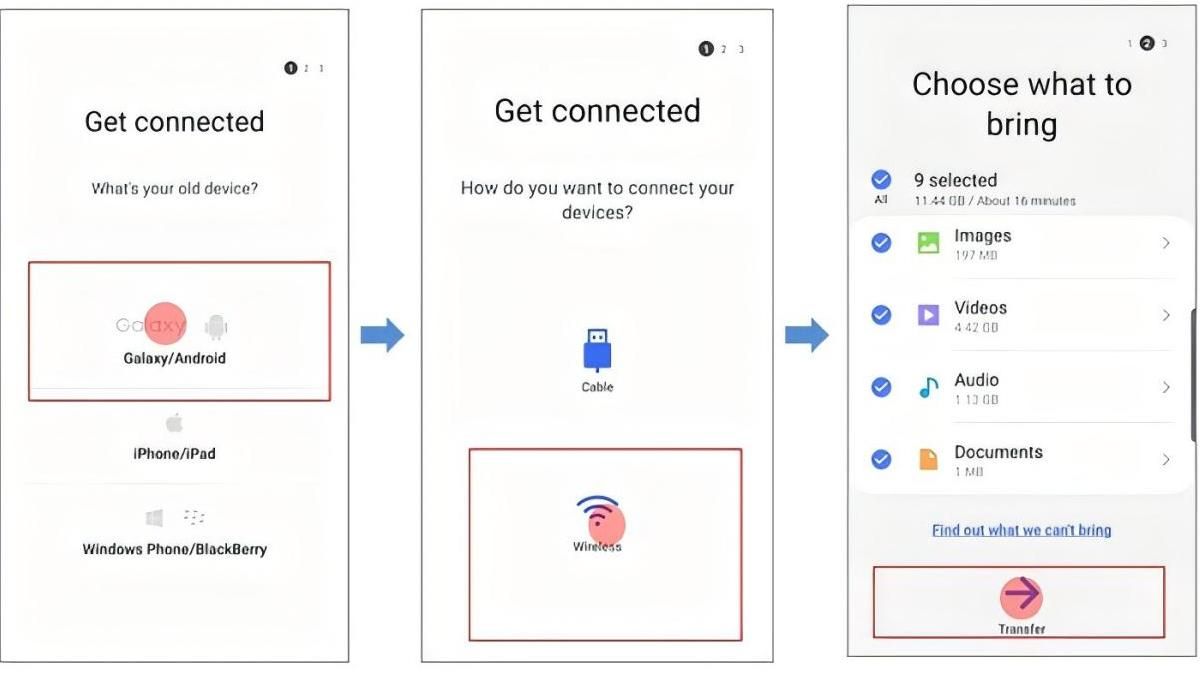
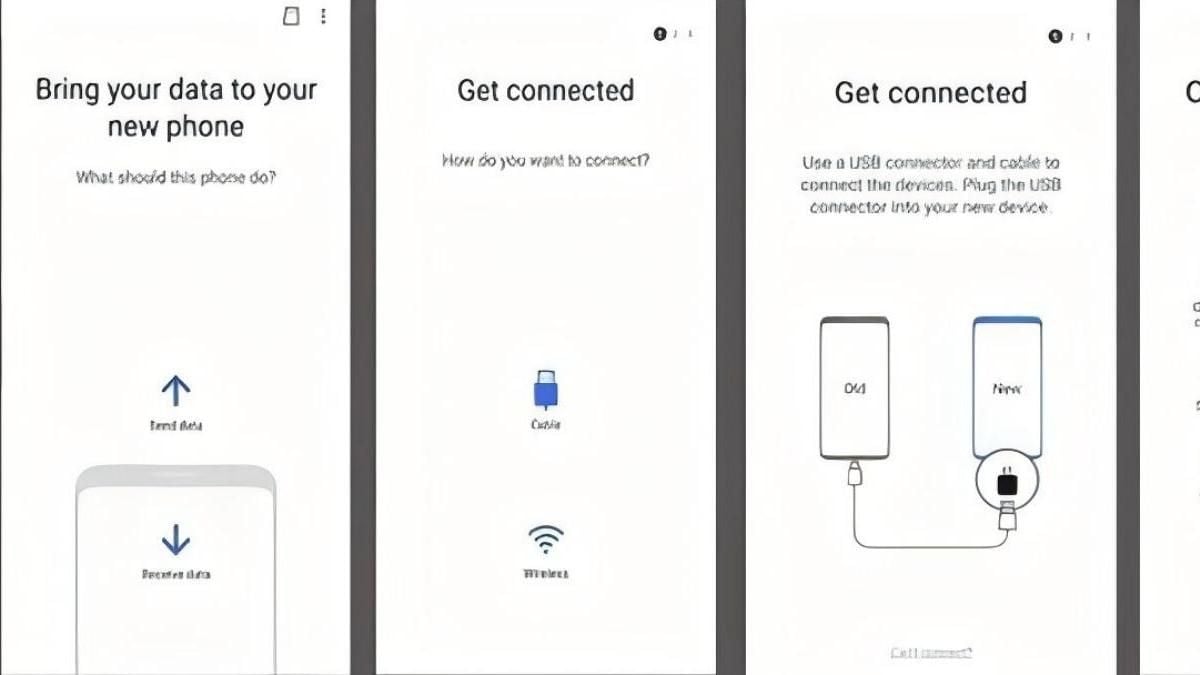
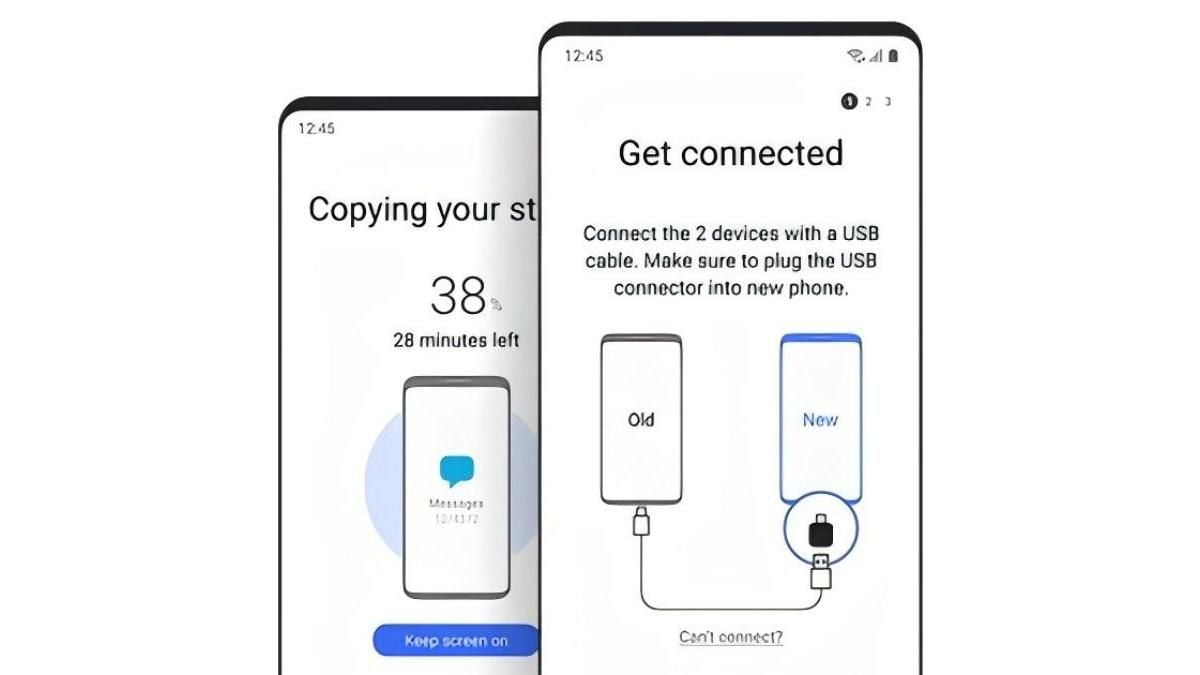
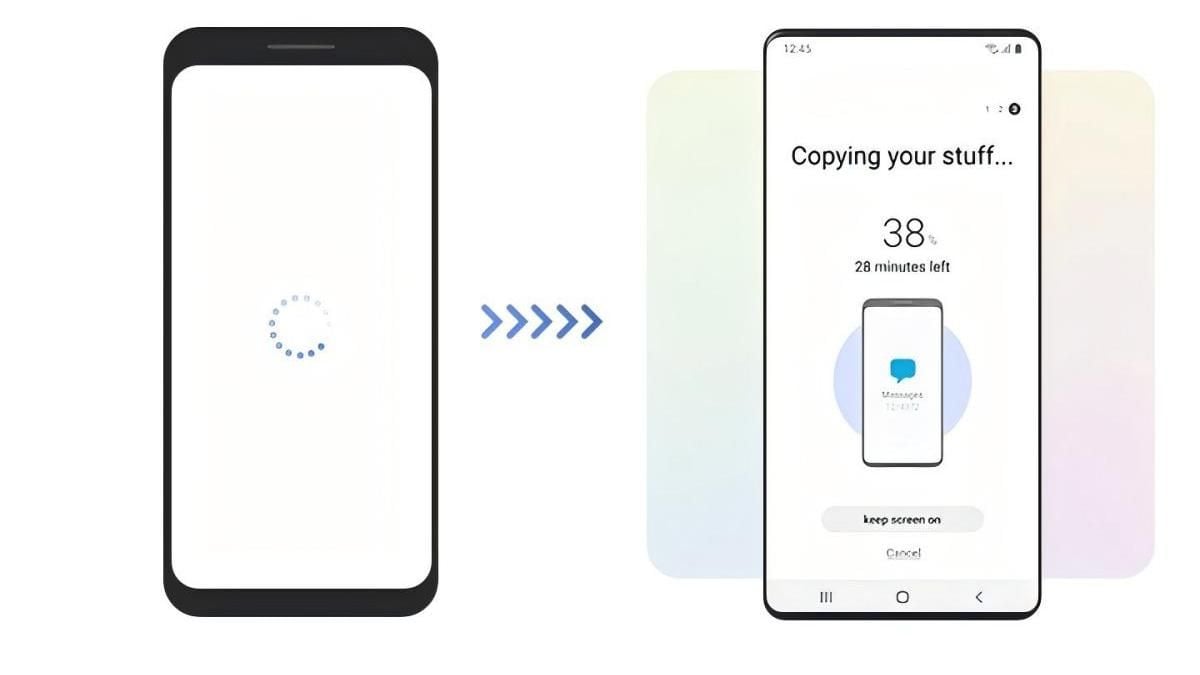
Samsung Smart Switch Mobile is designed with an intuitive interface that makes it easy for users to get started. During the data migration process, you just need to follow the prompts to complete the data transfer smoothly. Here are the main function modules of this app:
Data Transfer: the app automatically recognizes the old and new devices and provides data transfer options. You can choose the type of data you need to migrate, such as contacts, SMS, photos, music and so on.
Data Backup: Before migrating data, you can make a backup of the data on the old device to ensure data security.
Data Recovery: After installing Samsung Smart Switch Mobile on your new device, you can restore your backup data with one click for a seamless transition.
Samsung Smart Switch Mobile utilizes wireless transmission technology to greatly increase the speed of data migration. During the transfer process, the app automatically optimizes the network connection to ensure the stability of data transfer. Compared with the traditional data cable transmission method, wireless transmission is more convenient and faster.
During the data migration process, Samsung Smart Switch Mobile fully protects the security of user data. The app utilizes encrypted transmission technology to ensure that data is not leaked during the transfer process. It also has a data verification function to ensure the integrity of the migrated data.
Samsung Smart Switch Mobile allows you to customize your data migration policy to meet your individual needs. For example, you can set to keep part of the old data on the new device or merge the data of the old and new devices. In addition, the app also supports data preview function, which allows you to filter and organize your data before migration.
Samsung Smart Switch Mobile not only supports data migration but also cross-device synchronization. With this app, you can easily synchronize your contacts, calendars, memos and other data across multiple devices for daily use.
Samsung Smart Switch Mobile provides a full range of after-sales services, including online customer service, telephone support and detailed usage tutorials. If you encounter any problems during use, you can always seek help.
All in all, Samsung Smart Switch Mobile is a powerful and easy-to-use data migration application. It provides an efficient and secure data transfer solution for all users, making it easy and hassle-free for you to change your cell phone. With this app, you can better enjoy the convenient life brought by smart devices.
Advertisement


















Top Searches
Top Games