
Advertisement
The Bose app is a comprehensive control tool designed for Bose smart devices, designed to help users easily manage audio devices, optimize sound settings, and provide an immersive music experience. Whether it is headphones, speakers or home audio systems, the Bose app allows users to quickly set up devices, adjust sound parameters, and easily explore the world of high-quality audio brought by Bose.
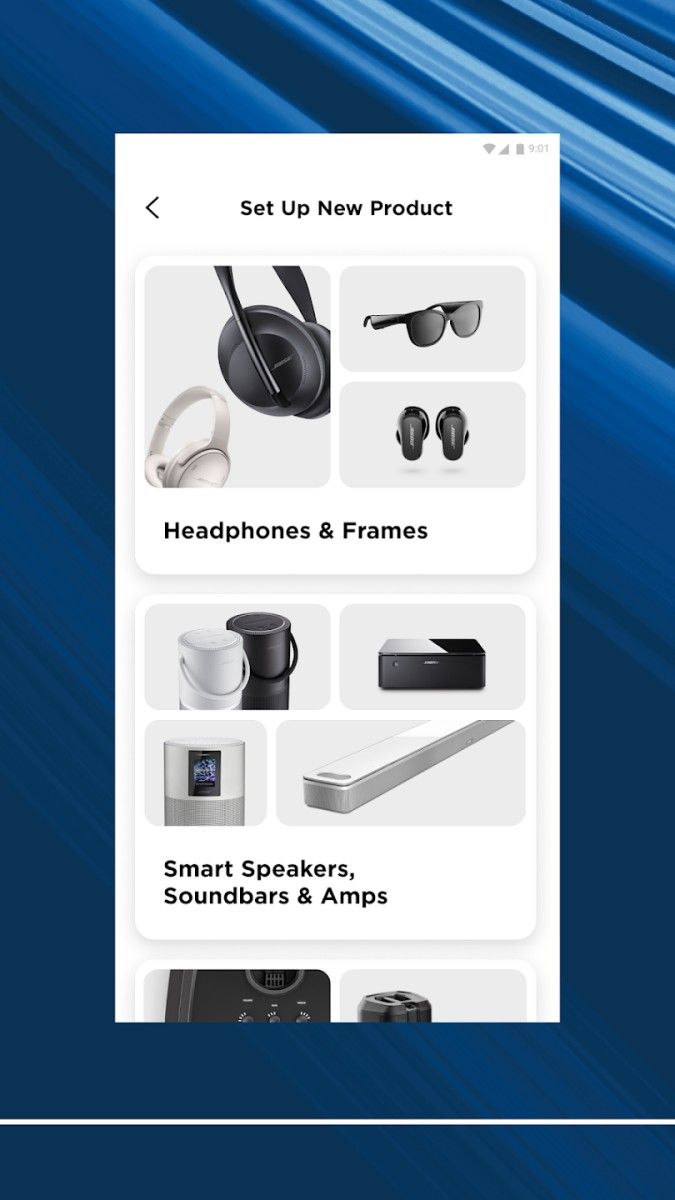
The device management function of the Bose app allows users to easily control and set up all compatible Bose audio products. In the main page of the app, users can quickly add new devices and complete Bluetooth or Wi-Fi connections through the guidance of the app, helping users to manage multiple devices in one stop. Whether used at home or in different occasions, users can switch devices at any time to achieve full audio control.
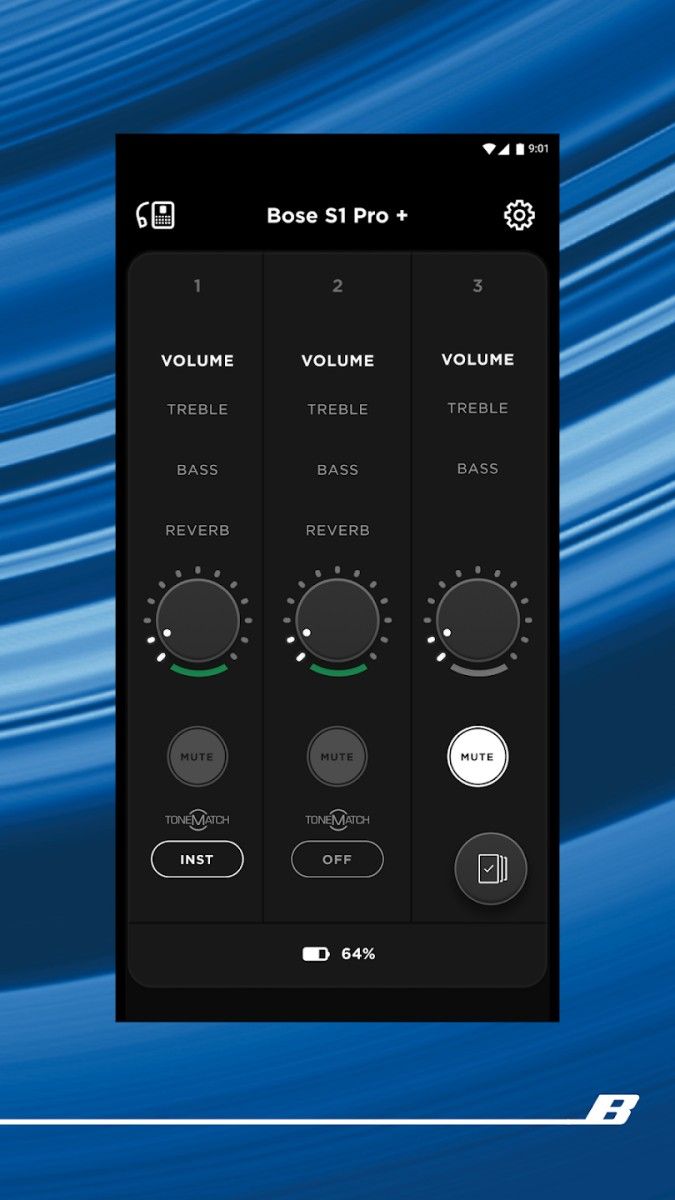
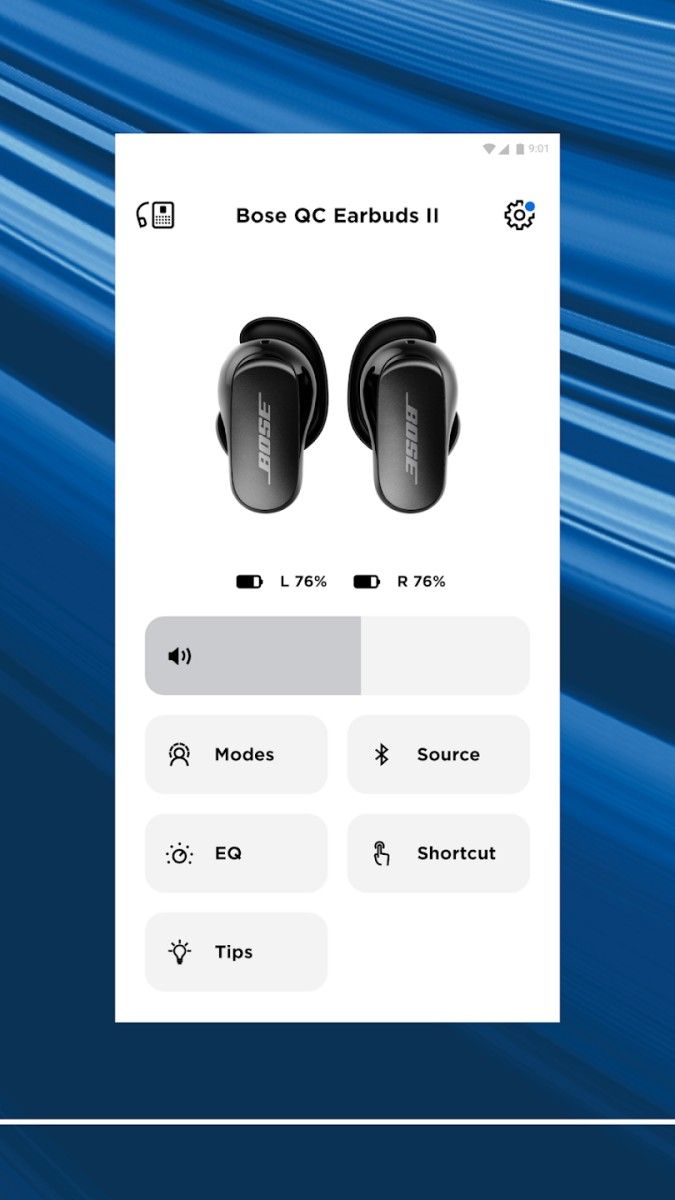
After adding a device, the Bose app will automatically identify the device model and related functions and provide the corresponding control interface. Users can view device information such as connection status and battery power in the app to ensure that the device is running in the best condition. The device management page is intuitive and concise, making it more convenient for users to operate.
The Bose app provides a variety of personalized sound adjustment options, allowing users to get an ideal sound experience in a variety of scenarios such as music, movies and games. Users can adjust the equalizer according to their personal preferences, including bass, midrange and treble settings, to optimize the sound quality. For example, users who like heavy bass can enhance the intensity in the bass band, while users who prefer clear vocals can adjust the midrange and treble bands to meet different audio needs.
The app also provides preset sound effect modes, and users can switch to the appropriate sound effect mode according to the scene, such as "Music Mode" focuses on music details, "Movie Mode" enhances surround and bass effects, and "Voice Mode" enhances vocal clarity, which is suitable for podcasts or conference calls. Users can switch sound effect modes in a few simple steps, and the app will automatically optimize the sound quality performance according to the selected mode, making the audio effect more colorful.
The noise control function of the Bose app is designed for Bose headphones and audio devices with active noise reduction technology. Users can freely adjust the noise reduction level through the app, from full immersion full noise reduction to moderate ambient sound transparency. The Bose app provides up to 11 levels of noise reduction adjustment to help users get the ideal sound experience in different occasions.
If the user is in a quiet environment, the noise reduction can be adjusted to the lowest level to hear the surrounding environment clearly; in noisy public places, users can choose the highest level of noise reduction to enjoy pure sound quality. In addition, the Bose app also provides an "ambient sound transparency mode" that allows users to hear external sounds without taking off their headphones. It is suitable for use when walking and running to ensure the safety of users.
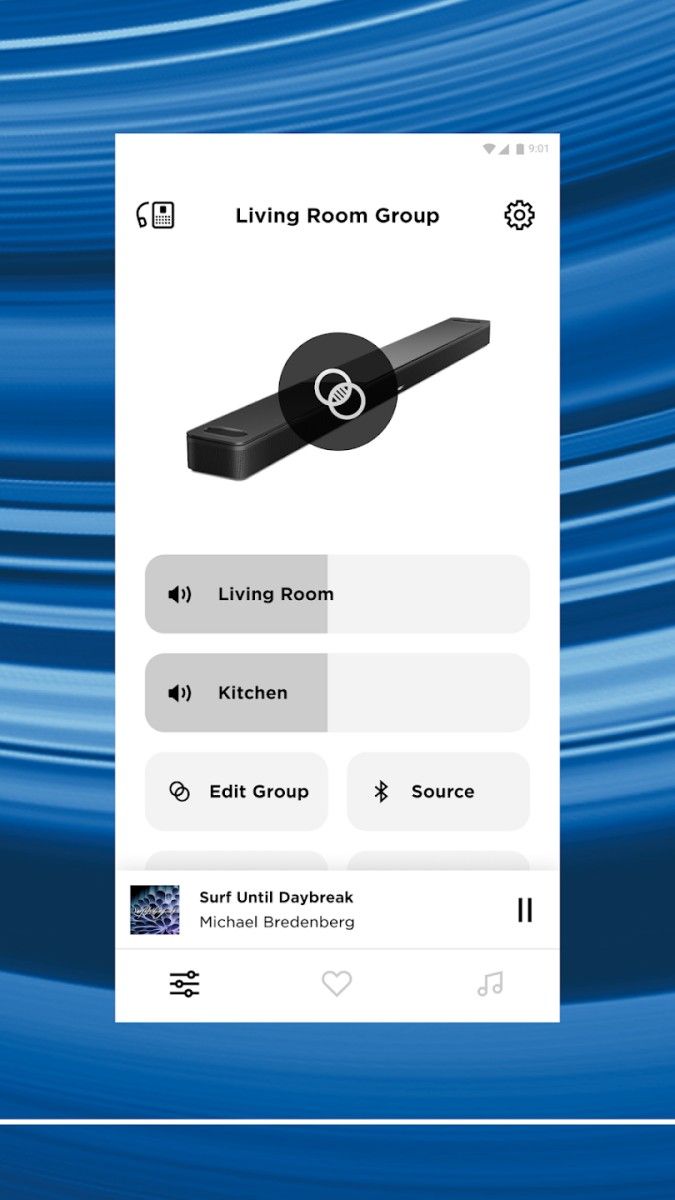
The Bose app supports multi-device synchronization. Users can connect the same app account to multiple devices to achieve multi-device linkage. Whether it is a home theater system or multiple Bluetooth speakers, users can control multiple devices in the app to create a stereo surround sound effect. Through the "Family Link" mode in the app, users can play music synchronously with different Bose speakers to build a whole-house music experience, so that every corner is full of the rhythm of music.
For families with multiple users, the Bose app provides a music sharing function. Users can connect to the same device with family or friends and operate the playlist together. Everyone can share music and sound in real time, and the audio experience between different devices can also be perfectly coordinated.
The Bose app provides users with a hands-free smart control experience through the voice assistant function. Users can configure mainstream voice assistants such as Alexa or Google Assistant in the app and connect the device to the corresponding voice assistant platform. Through simple voice commands, users can operate music playback, adjust volume, switch sound effect modes, and even obtain weather, news and other information for daily use.
The voice assistant function not only improves the convenience of audio control, but also enables Bose devices to seamlessly connect with smart homes. Users only need voice commands to play their favorite music with one click and enjoy the high-quality experience of smart homes.
The Bose app will automatically notify users of new version updates of their devices. Users can choose the right time to update the device in the app to ensure that both functions and sound quality are kept in the best condition. Software updates usually include performance optimization, sound quality improvement and the introduction of new features. The app will explain the update content in detail and users can adjust it as needed. This feature helps Bose devices adapt to new technological trends and maintain good operating conditions and clear and smooth sound performance.
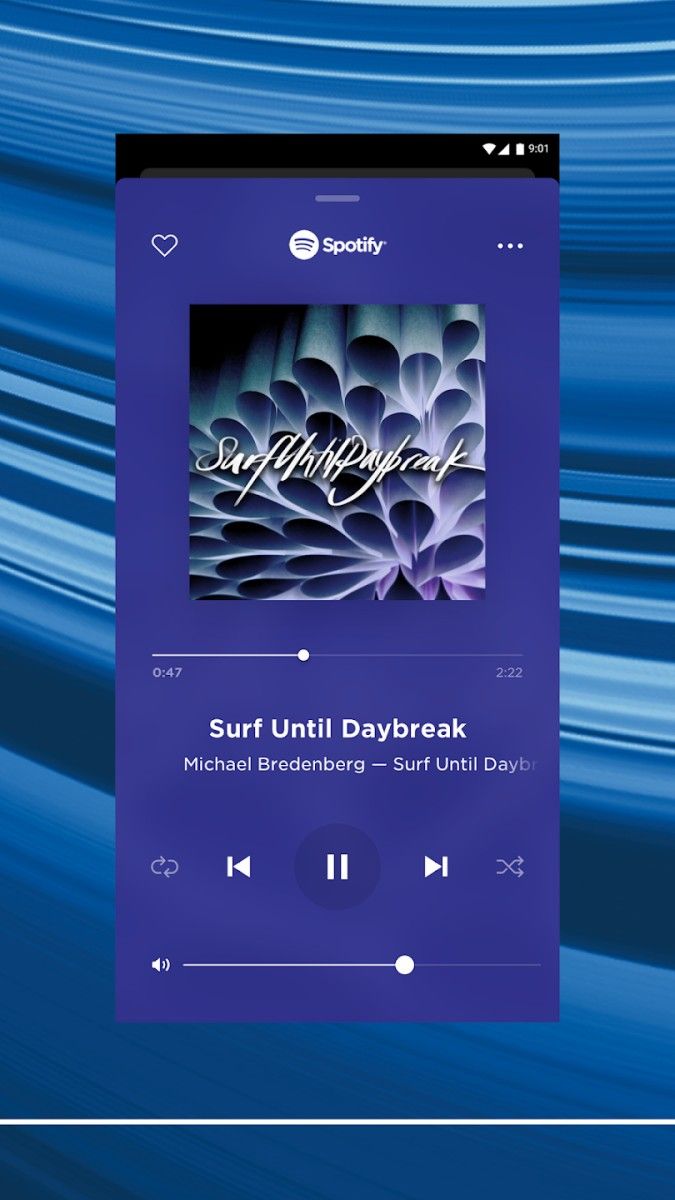
The Bose app provides docking with a variety of streaming services and online radio stations. Users can log in to their music accounts in the app and connect to the device to directly play personalized music libraries. In addition, the app also provides a wealth of online radio services, covering a variety of music styles and radio channels. Users can find suitable music at any time to enrich their daily listening experience.
In daily use, the radio function in the Bose app does not require additional operation. Users only need to select their favorite channels to enjoy online music with high-definition sound quality. Through seamless connection with audio equipment, Bose music and radio functions make the user's audio world more diverse and convenient.
The Bose app design interface is simple and easy to operate. The main functional modules in the app are clearly classified, and users can easily find the settings and adjustment options they need. The bottom menu bar contains the main function entrances such as devices, sound effects, music, settings, etc., to help users quickly navigate to the required page. At the same time, the application also provides concise operation prompts for each functional module to help novices get started quickly.
The main screen of the Bose app also provides personalized recommendations based on the user's usage habits, and the commonly used functions and device lists are displayed first, allowing users to manage devices more efficiently and experience improved sound quality.
With functions such as smart device management, personalized sound effects, voice assistant integration, multi-device synchronization, and music radio services, the Bose app has created a comprehensive and smooth audio management platform. It not only improves the convenience of Bose devices, but also enables users to control sound quality and enjoy high-quality music experience anytime, anywhere. Whether you're relaxing at home or exercising outside, the immersive sound effects brought by the Bose app make each user's music experience richer and more flexible.
Advertisement
























Top Searches
Top Games