
Advertisement
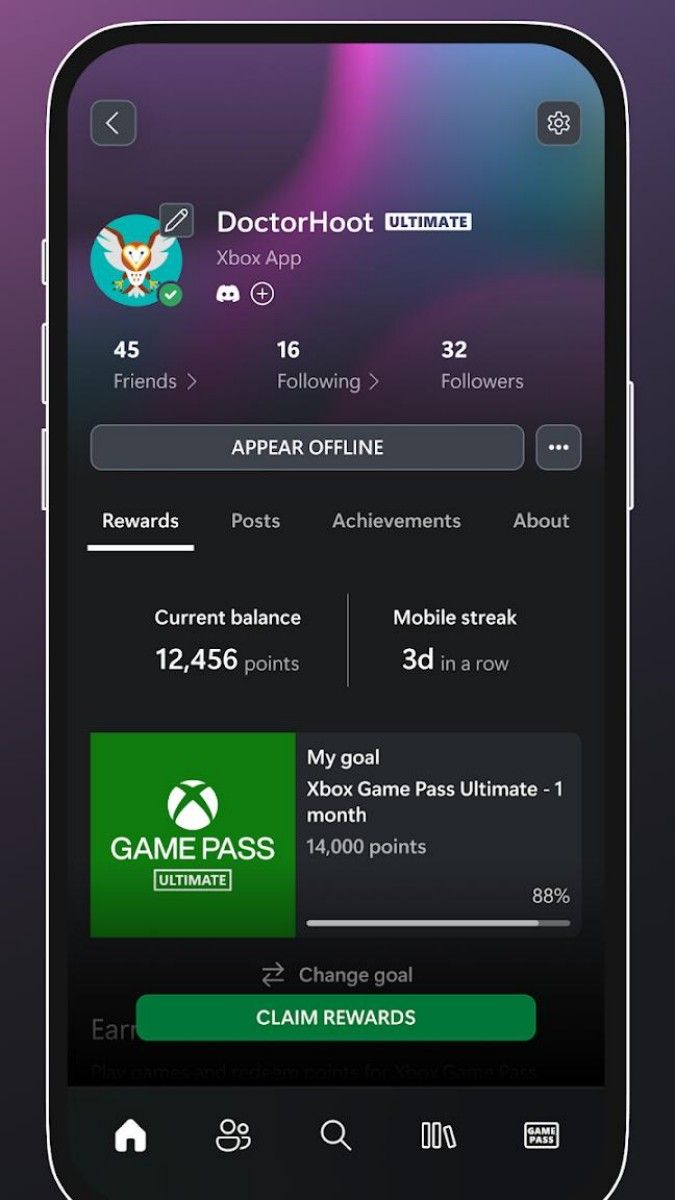
The Xbox app, as an important part of Microsoft's gaming ecosystem, has been a favorite and concern of gamers since its launch. It is not only a game management platform, but also an all-in-one app that integrates social, cloud gaming, remote gaming and many other functions. Below, let's take a brief and vivid look at the Xbox app.
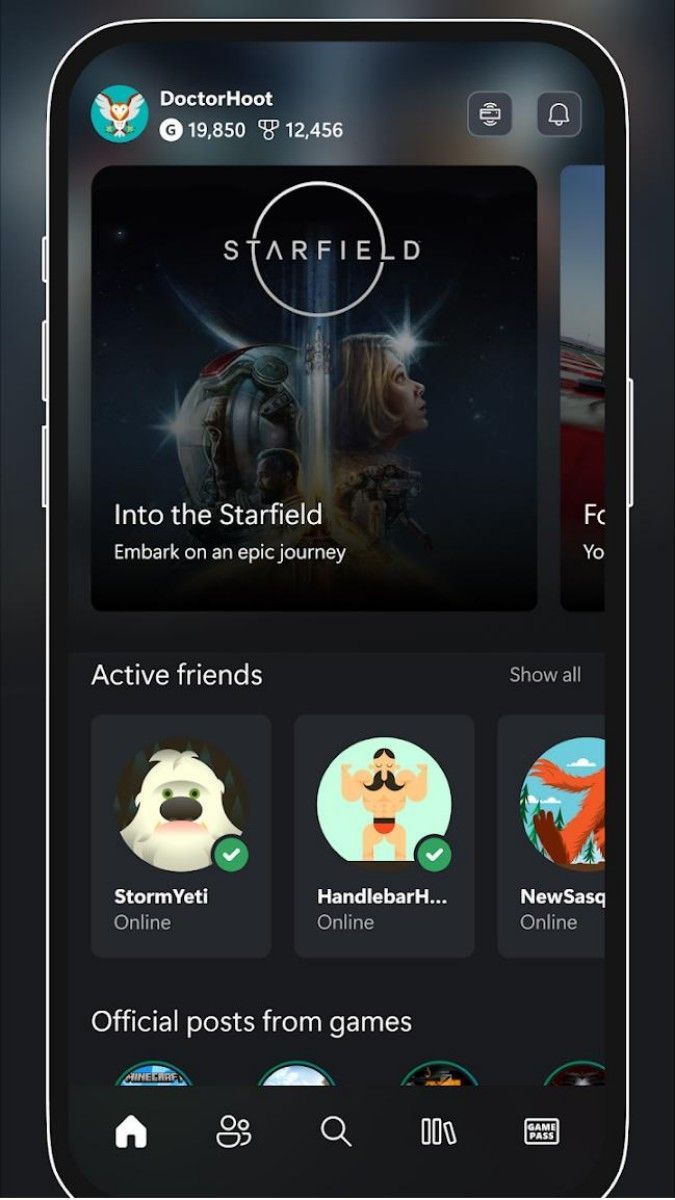
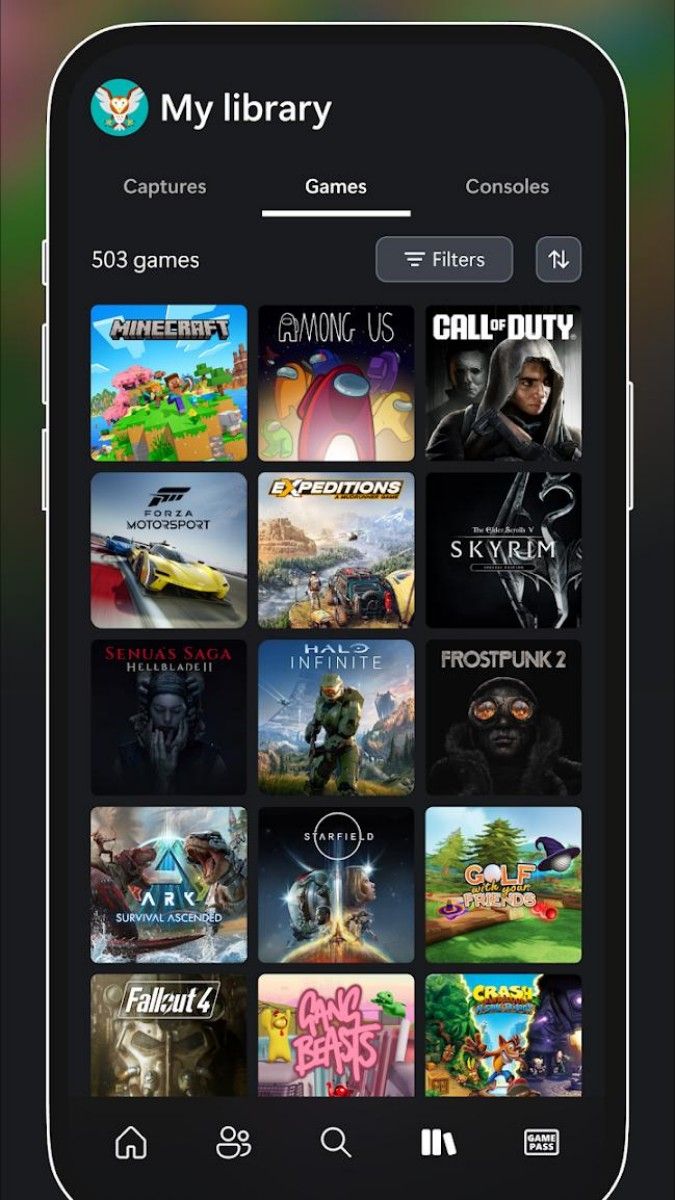
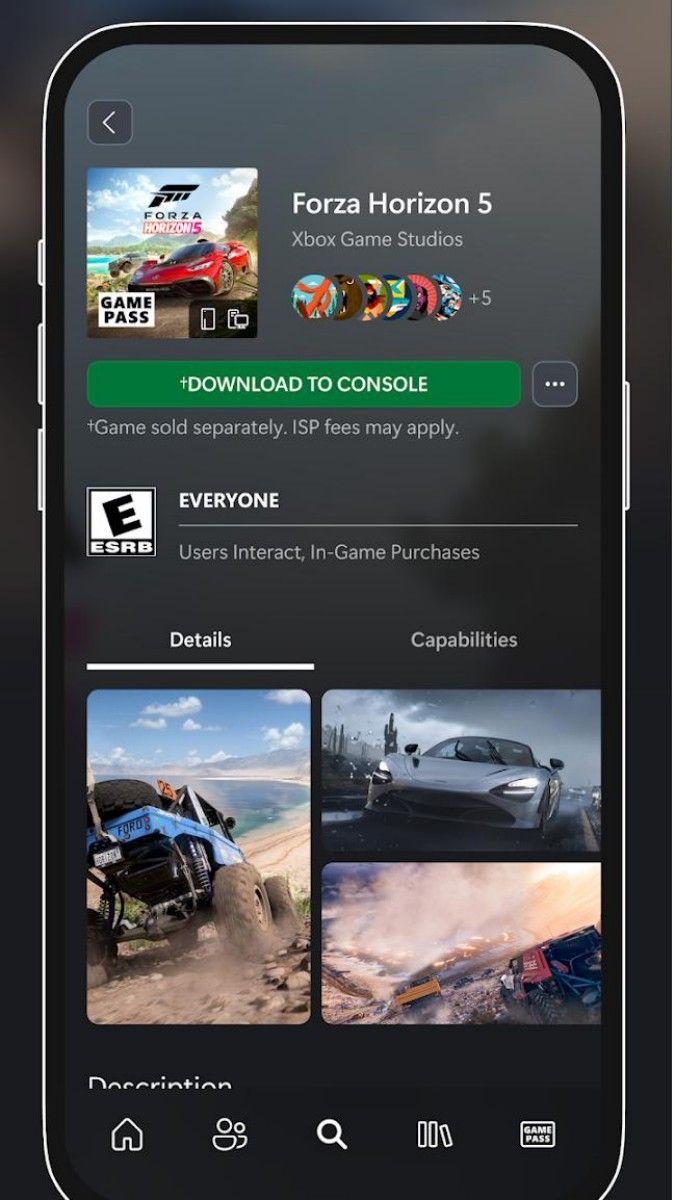
The Xbox app first attracts a large number of players with its rich game library and convenient browsing experience. Whether it's action, adventure, shooting or racing games, the Xbox app store has it all. Players can easily find their favorite games, download and install them with just one click. In addition, Xbox also provides game display and remote download and installation functions, so that users can easily browse the game library through the cell phone, select and download the game to the host computer or PC, truly realizing the experience of “controlling” the game on the cell phone.
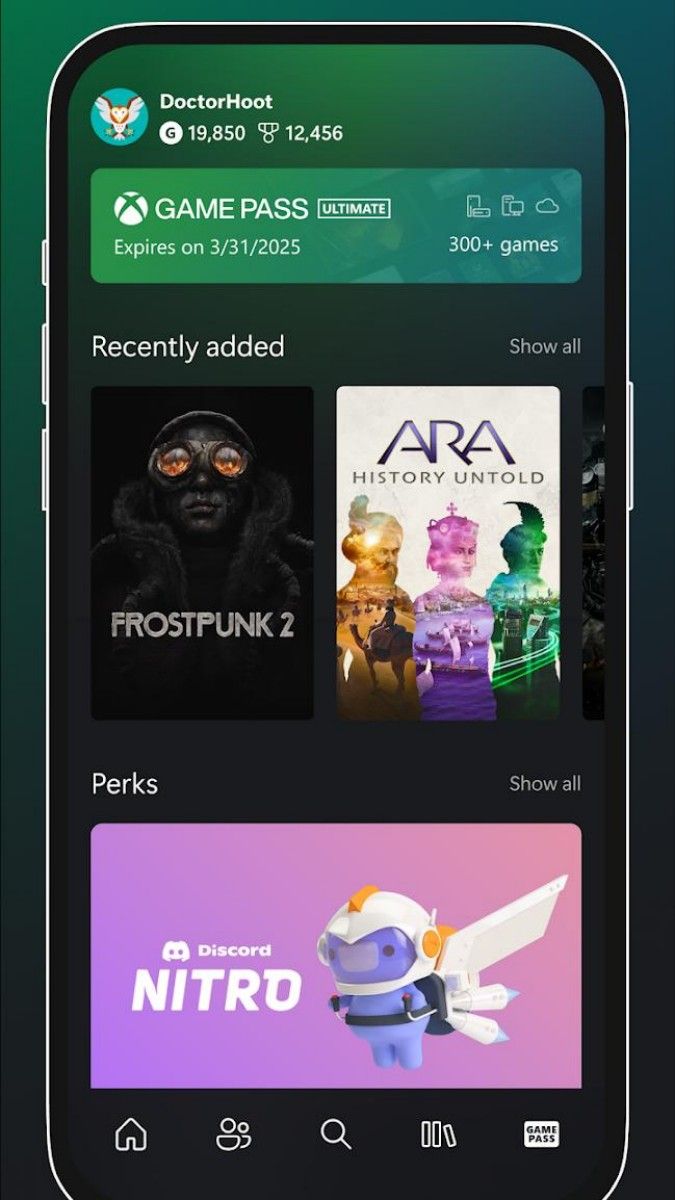
For Xbox Game Pass members, the Xbox app is a treasure trove, providing access to more than 100 high-quality games, including iconic Bethesda titles, same-day releases and EA Play. Members can play these games anytime, anywhere, without worrying about game purchases or storage. The Xbox app has also redesigned the account feature in the lower right corner as “Xbox Game Pass,” allowing users to view their subscription status and expiration dates in real time to better manage their personal subscriptions.
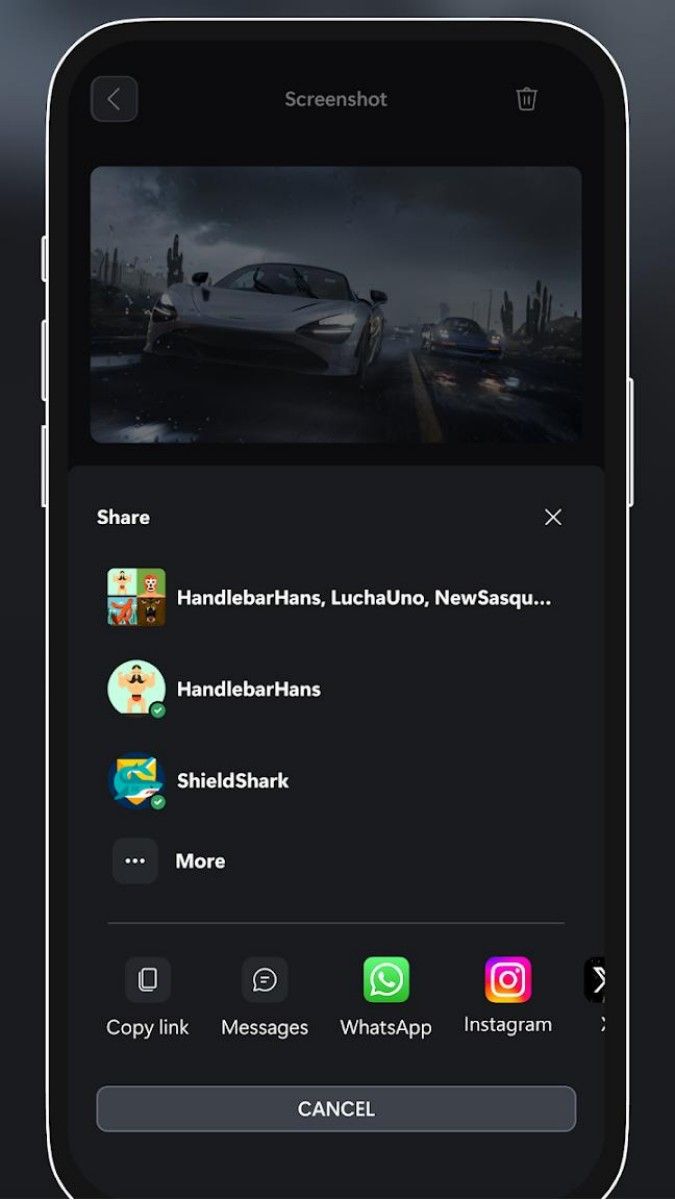
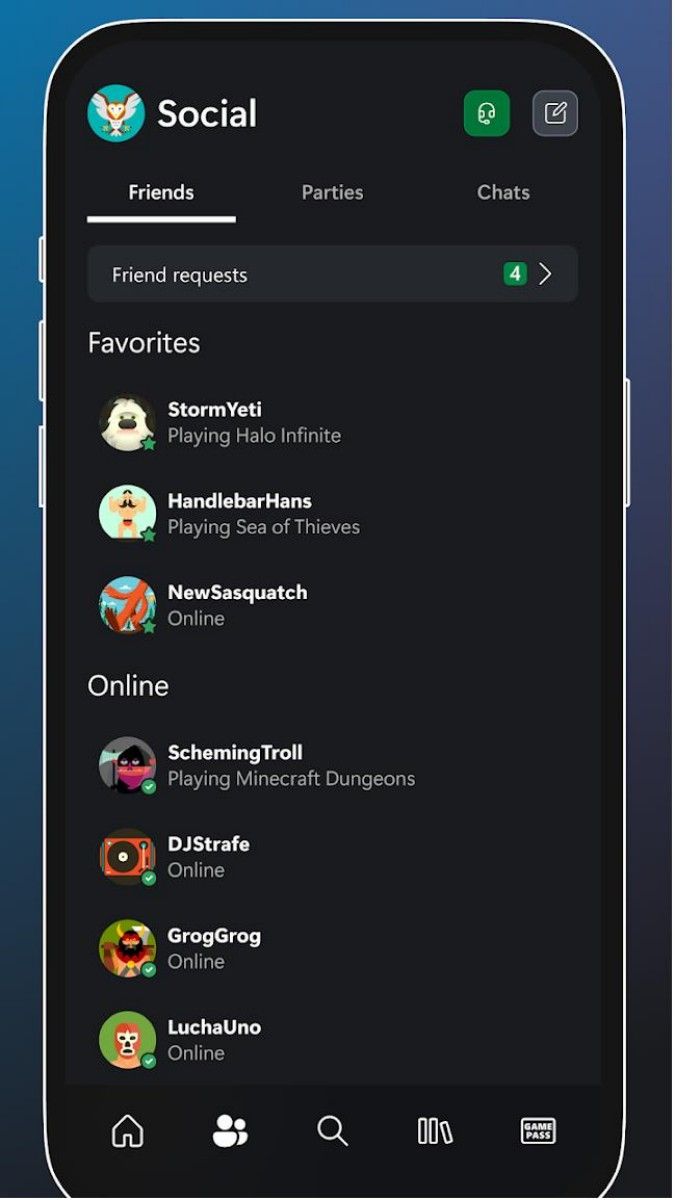
In addition to the game management features, the Xbox app also retains its core social features. Players can chat with friends, start or join groups, and share game tips and fun in the app. This social interaction not only enhances the connection between players, but also helps to promote the activity of the gaming community. In addition, the Xbox app also supports features such as remote control of the console and remote cross-platform gaming, allowing players to enjoy gaming at any time no matter where they are.
From a technical point of view, the changes and optimization of the Xbox app in terms of user experience also show Microsoft's intention. Whether in the design language or in the practicality of function integration, the Xbox application shows a strong user-centered thinking. The application interface is simple and clear, and the operation is smooth and convenient, so that players can easily get started and enjoy the fun brought by the game.
The Xbox app also integrates cloud gaming, allowing Xbox Game Pass Ultimate members to start playing Xbox console games in the cloud instantly, with no installation required. This seamless cross-platform experience allows gamers to enjoy high-quality content wherever they are. Whether you're on the road or traveling, it's easy to play your favorite games by simply opening the Xbox app.
The Xbox app also has some areas for improvement. For example, some users reflect that the application needs to be reconnected after switching to the background is rather cumbersome, and the outdoor link bit rate is a bit low. But on the whole, Xbox app has become an indispensable game management tool for gamers with its rich game library, convenient browsing experience, powerful social functions and cloud game functions.
The Xbox app is a powerful game management tool with an excellent experience. It allows gamers to easily manage their games, enjoy social interactions and cloud gaming, and many other features. If you are a gamer who loves games, then Xbox app is definitely worth a try.
Advertisement























Top Searches
Top Games