
Advertisement
FlipaClip is a feature-rich and powerful animation software that not only provides comprehensive painting tools, but also allows users to create amazing cartoon animations through frame-by-frame animation technology. Whether you are a professional animator or an animation enthusiast, you can find tools and functions that meet your needs in this app.
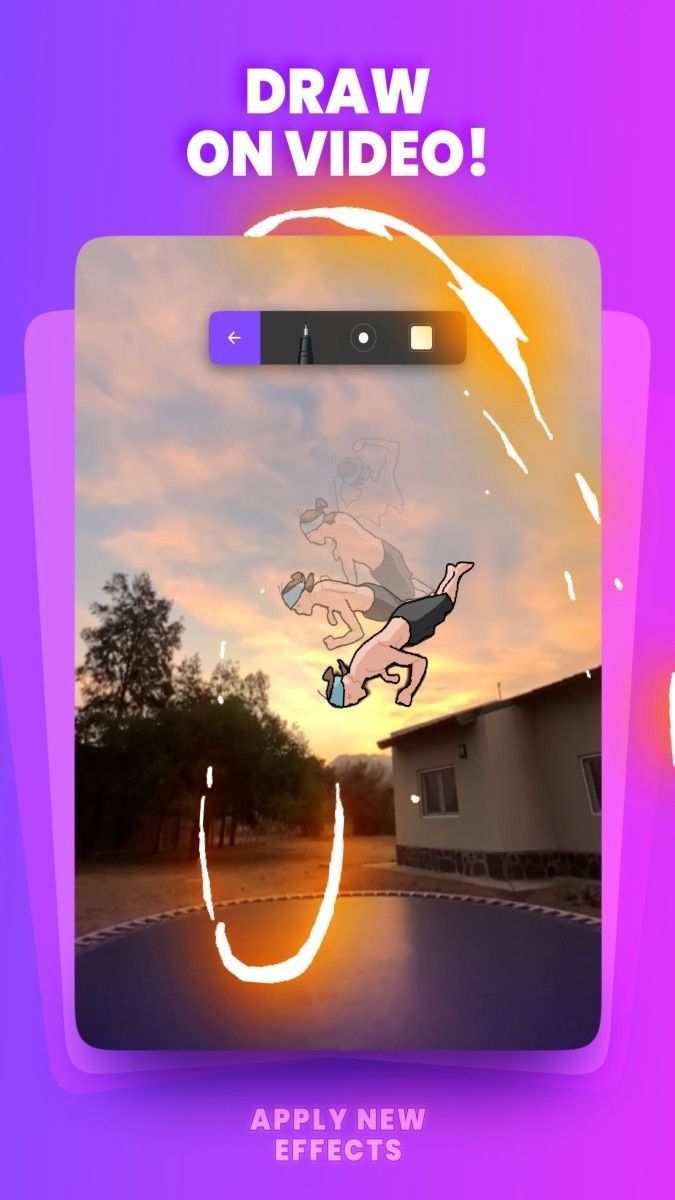
In FlipaClip, users can easily create paintings. The app has built-in multiple brush tools, such as brush, eraser, lasso, paint bucket, etc., which are very comprehensive and easy to use. Users can adjust the size and transparency of the brush according to their needs, and use pressure-sensitive pens (such as Samsung S Pen and SonarPen) for more detailed painting. In addition, the app also provides a text insertion function with multiple font options, making it easier for users to add text to animations.
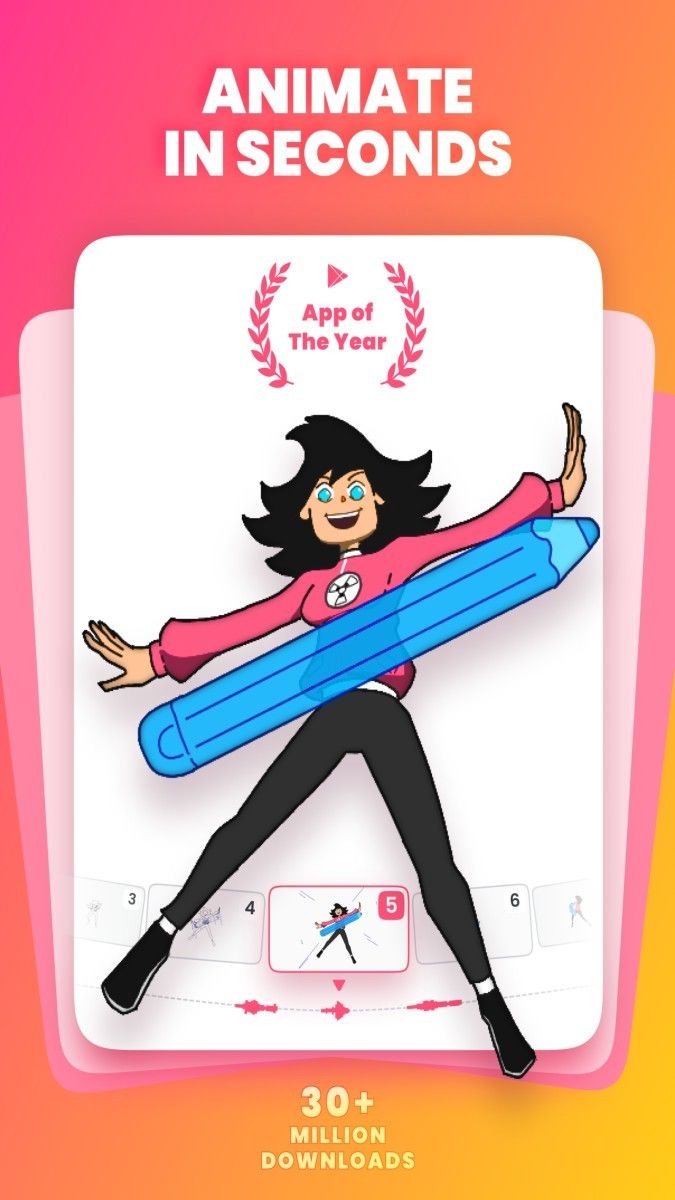
In addition to the painting function, FlipaClip's animation function is also one of its highlights. Users can combine a series of static images into dynamic animations through frame-by-frame animation technology. The app provides an animation frame viewer, allowing users to easily view and edit each frame of the image. The onion skin feature is another very useful tool, which allows users to see the image of the previous frame displayed in a shadow-like form when drawing the next frame, making it easier to grasp the rhythm and continuity of the animation. In addition, the application also supports multi-layer operation. Users can draw different elements on different layers, and then adjust the order and transparency of the layers to achieve more complex animation effects.
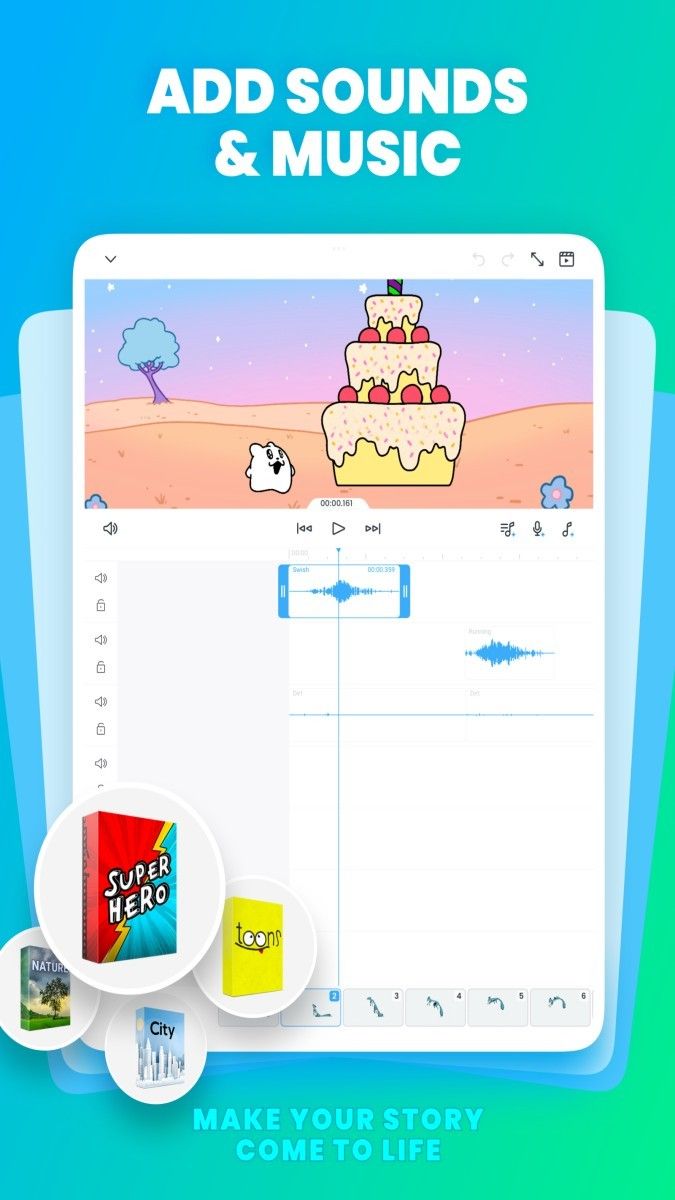
During the creation process, users can also add and edit audio at any time. FlipaClip provides up to six free audio tracks, where users can add music or recordings. If necessary, users can also import their own audio files to add more sound elements to the animation. The sound effect library that comes with the application also provides a wealth of sound effect options for users to choose and use.
After completing the animation creation, users can share their works in a variety of ways. FlipaClip supports exporting animations to formats such as MP4, GIF or PNG sequences. Users can choose the appropriate export format according to their needs. In addition, the application also supports one-click sharing function, and users can share animations directly to social media platforms such as TikTok, YouTube, Instagram, etc., to share their creativity and achievements with more people.
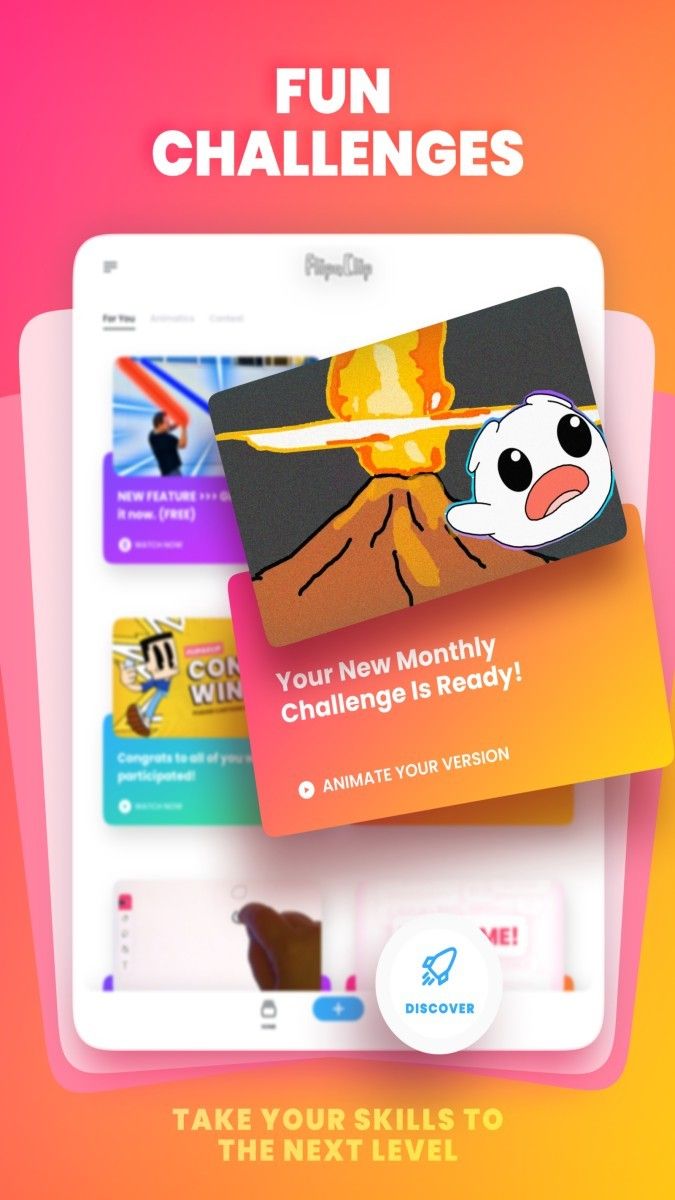
It is worth mentioning that FlipaClip is still being updated and improved. The development team has been listening to user feedback and suggestions, and constantly adding new features and tools to provide a better user experience. For example, the latest updated version adds blur and smear tools, which can help users add depth and texture to their works and enhance the overall visual effect. At the same time, the application also provides a more concise and intuitive navigation interface, allowing users to use it more easily.
In general, FlipaClip is a very good animation software. It provides a comprehensive range of drawing tools and animation functions, allowing users to easily create high-quality animation works. Whether you are a beginner or a professional, you can find the functions and tools that suit you in this app. If you are interested in animation, you might as well try FlipaClip. I believe it will bring you a new creative experience and fun.
Advertisement






















Top Searches
Top Games