

Advertisement
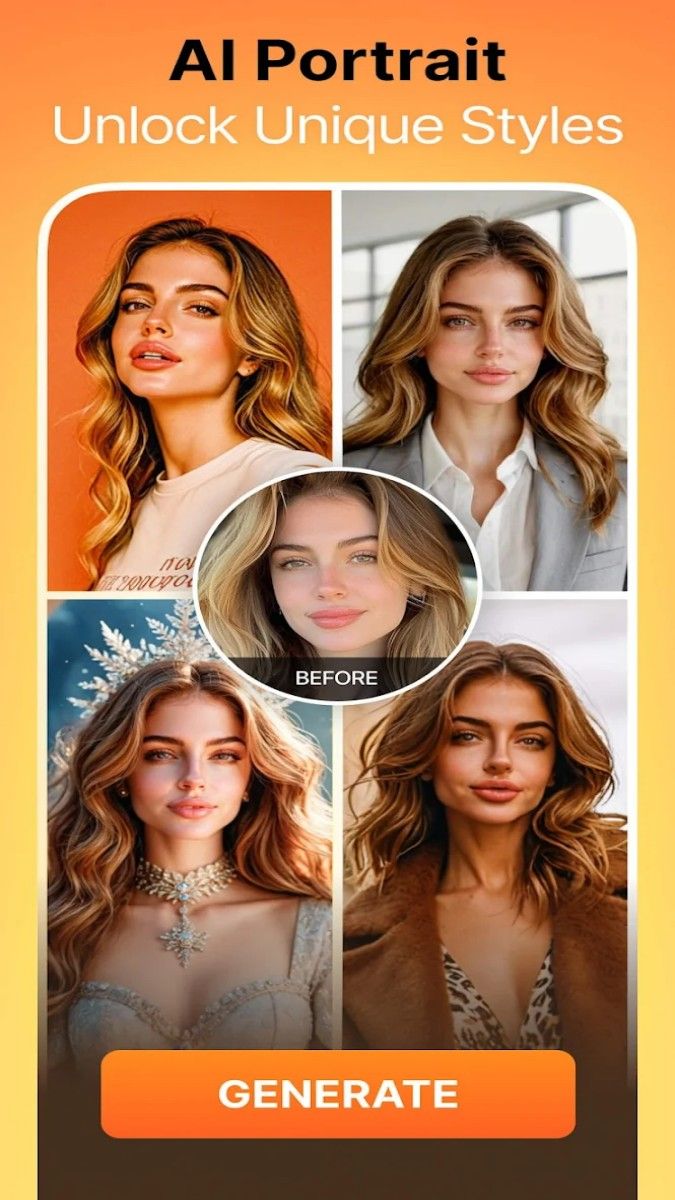
AirBrush is a popular photo and video editing tool designed for photography enthusiasts and fashionistas. It provides a wealth of photo editing functions and personalized effects to help users easily create professional visual works. With its intuitive interface and powerful editing tools, AirBrush allows users to freely unleash their creativity and create amazing image effects on their mobile phones.
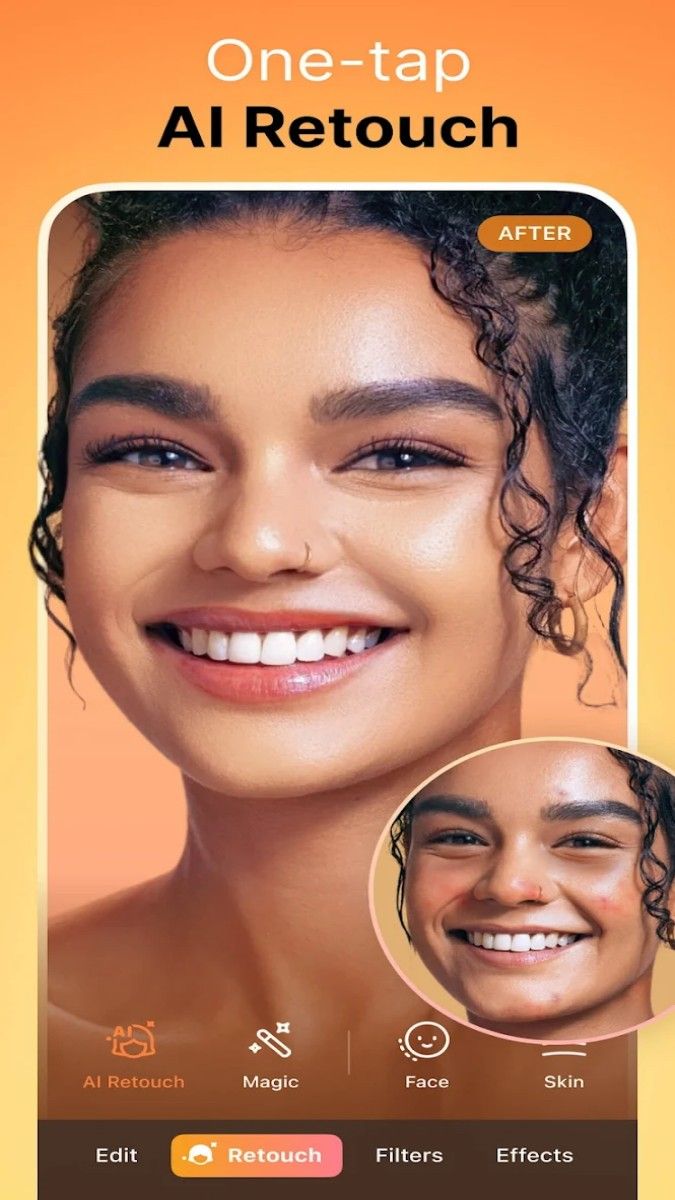
AirBrush's photo editing tools are one of its core highlights, covering a variety of detailed beauty functions, including acne removal, skin smoothing, whitening, etc., allowing users to quickly optimize facial details. With the "acne removal" tool, users can easily remove blemishes on the skin with just a click to create a smooth skin effect. The "skin smoothing" function can delicately adjust the skin texture to give the photo a soft and natural light feeling; the "whitening" function helps brighten the skin tone and make the face look brighter and more attractive. These tools are automatically adjusted, and users can also manually control the intensity of the effect to create the ideal retouching effect.
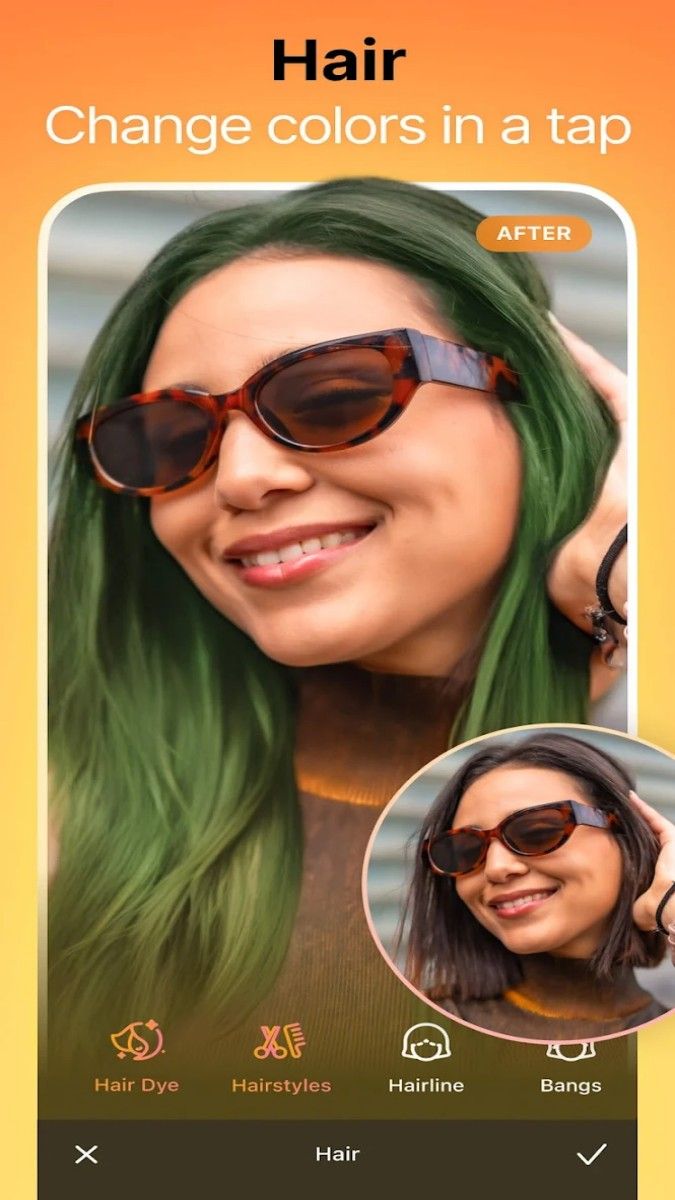
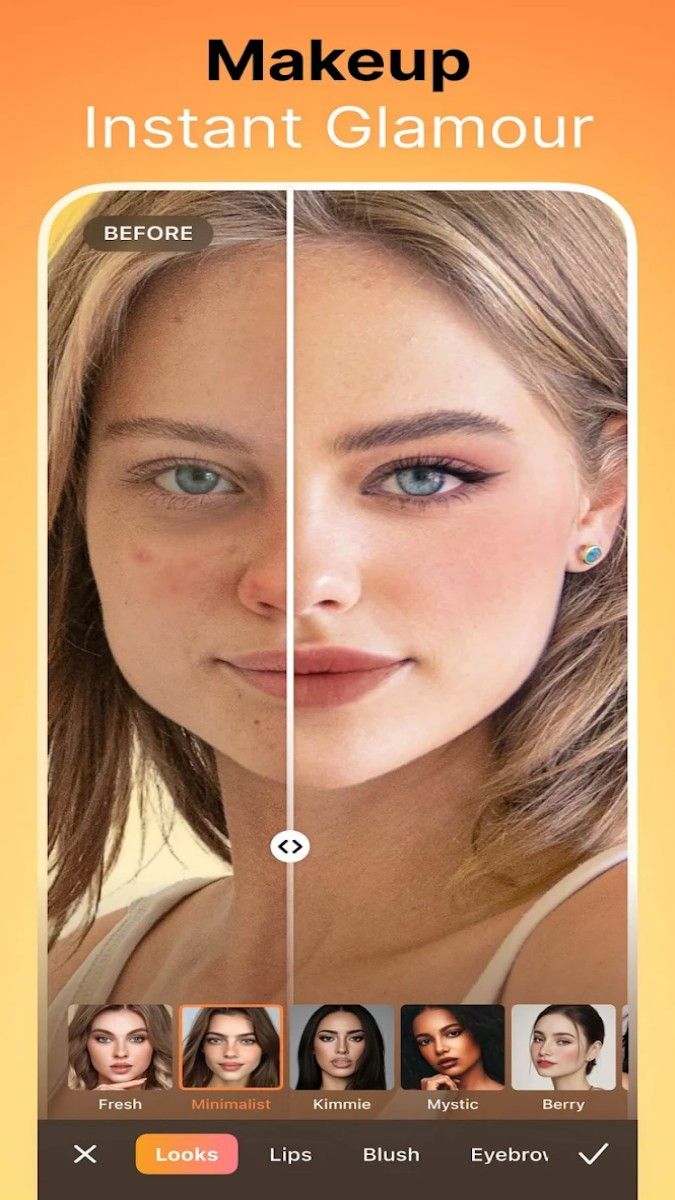
In addition, AirBrush also provides a "beauty" function, allowing users to try different makeup styles. Whether it is a natural daily makeup or a personalized party makeup, users can add lip gloss, eye shadow, blush and other effects to photos in a few steps. The beauty function makes the face in the photo more dynamic, and even adjusts the color of each detail to create a unique style.
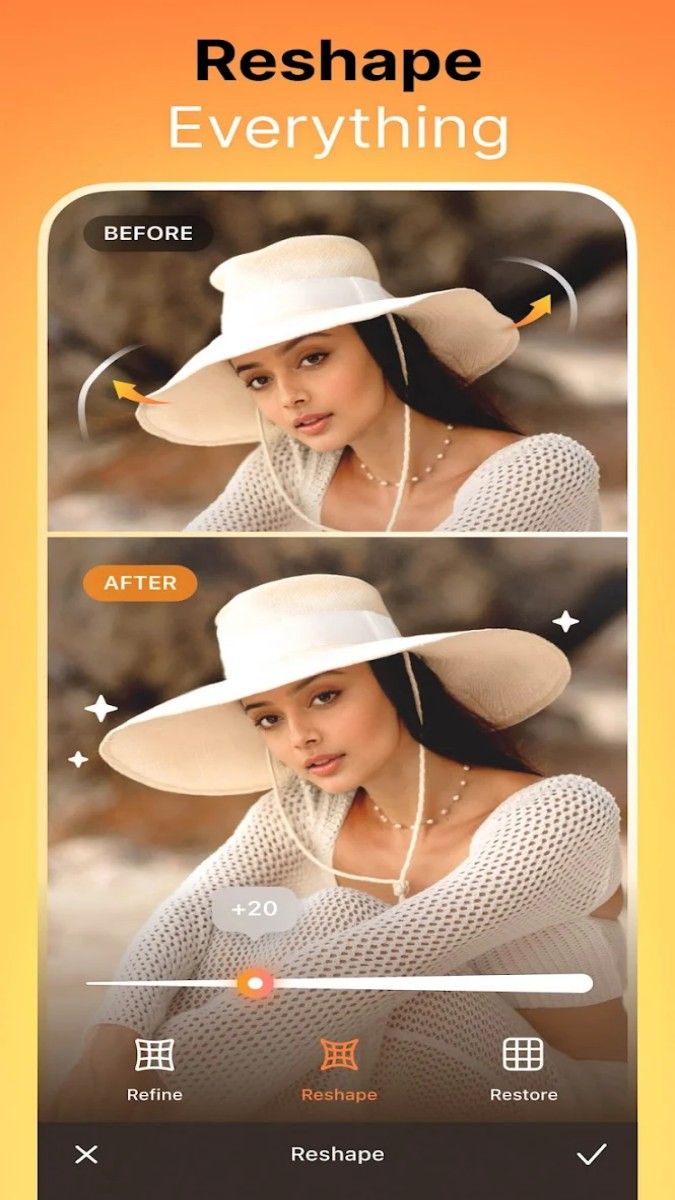
AirBrush has extremely practical functions in body adjustment, helping users to easily modify their body shape. With the "stretch" tool, users can moderately adjust the body proportions and optimize the visual effects in the photo. At the same time, the "slimming" function can automatically identify the body contour and easily slim down the body according to the needs of the user. Whether it is the overall line or the local details, it can be adjusted naturally without leaving any traces.
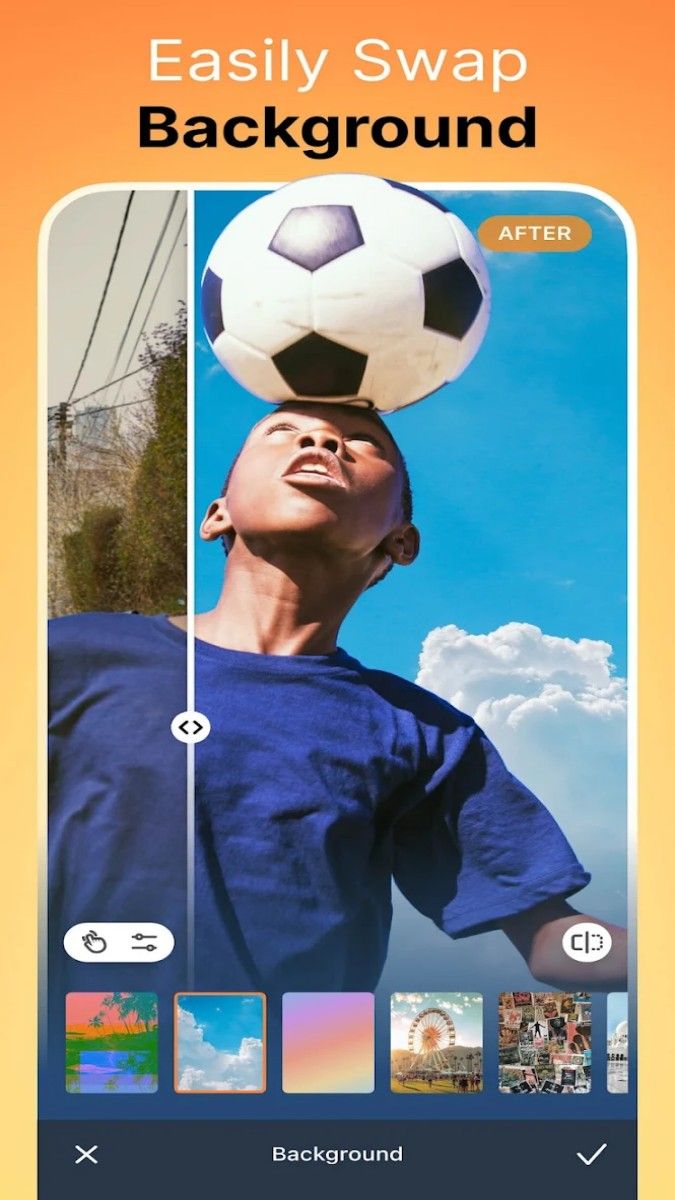
Background optimization is a major feature of AirBrush. With the smart background tool, users can blur the background of the photo to make the subject more prominent. In addition, AirBrush also supports the background replacement function. Users can choose from a variety of background templates or use their own pictures to adjust the background of the photo to the ideal scene. This background editing function can help users create photos with studio-level effects in daily environments.
AirBrush's filter library is rich and diverse, including a variety of styles from retro, fresh, bright to movie-like, to meet the various creative needs of users. Each filter can freely adjust the intensity, allowing users to find the most suitable balance between the filter effect and the original photo. At the same time, new filters are regularly updated in the app to provide users with more choices and make each photo unique.
In addition to filters, AirBrush also provides a variety of unique special effects, such as light and shadow effects, mirror effects, and blurred backgrounds. Users can use these special effects to make photos present different emotions and atmospheres. For example, "light and shadow effects" can simulate the effect of sunlight transmission and add a sense of layering to photos; while "mirror effects" can make photos present symmetrical beauty and bring a unique visual experience.
AirBrush not only performs well in photo editing, but also provides intelligent video editing functions. Users can add filters, special effects and music to videos to improve video quality. By adjusting the video color and filter effects, users can create a more artistic video style and make short video creation more attractive. In addition, users can apply the beauty effects in photos to videos simultaneously, making the video screen more refined and vivid.
The video editing function is simple to operate. Users can trim, adjust the length of videos, or add subtitles to videos in a few steps to enrich the video content. AirBrush's video editing module is suitable for various usage scenarios from daily recording to professional creation, helping users to quickly generate high-quality video works.
AirBrush comes with a real-time beauty function, and users can directly apply beauty effects when taking pictures, eliminating the trouble of post-adjustment. The built-in beauty mode of the camera allows users to preview the effect during shooting and adjust the beauty level according to their needs. Whether it is a selfie or a landscape, users can easily get the desired effect. This real-time preview function makes the photos more real and natural, and is also suitable for scenes of rapid creation.
AirBrush provides users with the function of custom editing, allowing users to set personalized photo editing plans according to their own needs. For example, users can adjust the editing intensity of each detail by themselves and save it as an exclusive editing template for easy application in other photos. This function provides a convenient solution for users who need batch editing, so that the style of each photo is consistent and time-saving.
Users can also save commonly used photo editing combinations as shortcuts, which can be applied with one click the next time they edit, improving operational efficiency. Whether it is daily selfies or event photos, AirBrush's quick editing function allows users to quickly get satisfactory results.
AirBrush's interface design is intuitive and concise, with clear functional divisions, allowing users to quickly find the editing tools they need. The main page sets up quick access to different functional modules, such as beauty, filters, backgrounds, etc., so that users can switch quickly. In each functional module, AirBrush provides detailed operation tips, so even first-time users can easily get started.
In addition, AirBrush also provides a history of photo editing, so users can view each step of the editing process and adjust or undo it at any time to ensure that each operation meets the expected effect.
AirBrush provides a convenient sharing function, so users can post edited photos and videos directly to social media platforms so that more people can appreciate the results of their creations. The application also provides an automatically optimized format for each work to ensure that the display effect on different platforms is clear and stable. Users can also save their works to AirBrush's album after editing for subsequent sorting and review.
With its powerful photo and video editing functions, simple and intuitive operation interface, and rich filter and special effect selection, AirBrush has become a powerful assistant for many users' daily creation. Whether it is simple selfie retouching or complex video editing, AirBrush can meet the different needs of users and help users easily create professional visual works.
Advertisement






















Top Searches
Top Games