

Advertisement
If you are looking for a powerful and easy-to-use video player, "MX Player" is definitely worth a try. This app has become the preferred tool for many users to watch videos with its wide format support, high-definition and smooth playback effect, and user-friendly operation experience. Whether it is local video playback or online content browsing, it can meet your diverse needs.
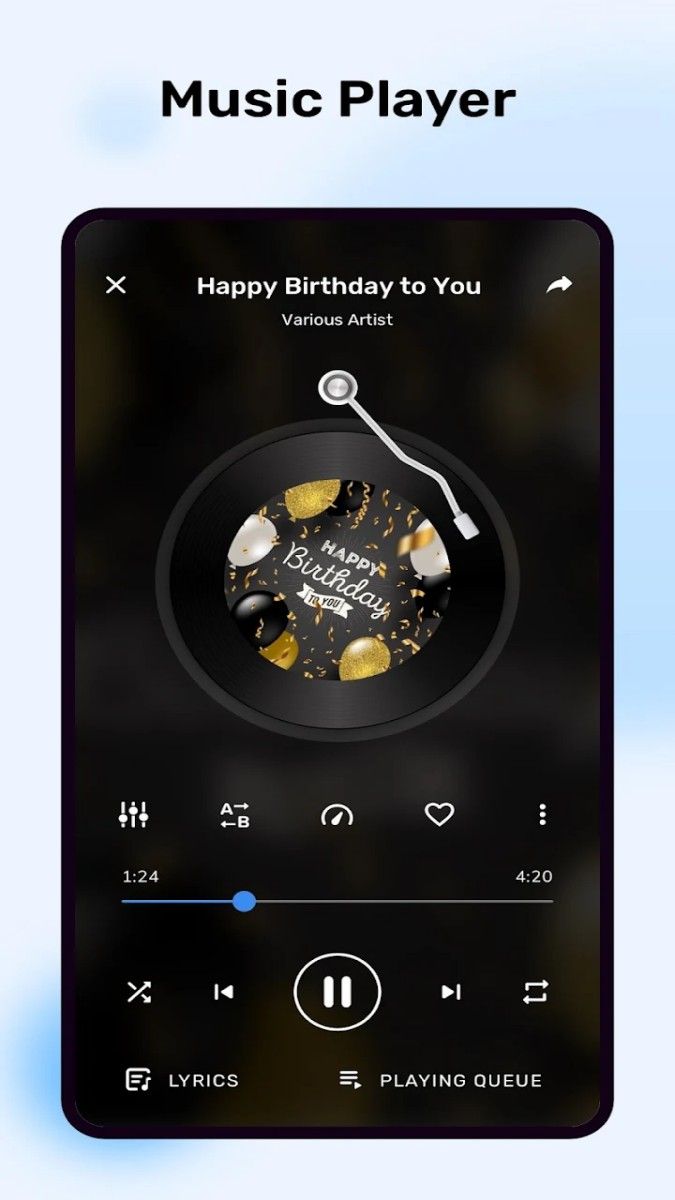
One of the biggest advantages of "MX Player" is that it supports almost all mainstream video and audio formats. Whether it is common MP4, AVI, or high-quality MKV, FLAC, it can perfectly decode to ensure that every file can be played smoothly.
In addition, this app also supports HD video and even 4K resolution. Whether it is home videos, popular movies, or high-quality videos in personal collections, they can be presented clearly here, with delicate picture quality and rich details, bringing cinema-level visual enjoyment.
For users who like to watch foreign language movies or dramas, the subtitle function of "MX Player" is undoubtedly a highlight. It supports subtitle files in multiple formats (such as SRT, ASS, SSA, etc.), and provides precise synchronization adjustment functions to ensure that subtitles match the video perfectly.
Users can customize the font, size, color and position of subtitles to make the visual effect more in line with personal habits. In addition, the app also has a built-in online subtitle search function to help you quickly find suitable video subtitles, so you no longer have to worry about language barriers affecting your viewing experience.
The operating interface of "MX Player" is simple and friendly, and various functions are clear at a glance. Users can easily adjust the playback settings through gesture control, such as:
Swipe the left side of the screen: adjust the brightness;
Swipe the right side of the screen: adjust the volume;
Swipe left and right: fast forward or rewind the video.
These gesture operations allow you to quickly adjust without frequently clicking the menu, and the viewing experience is smoother.
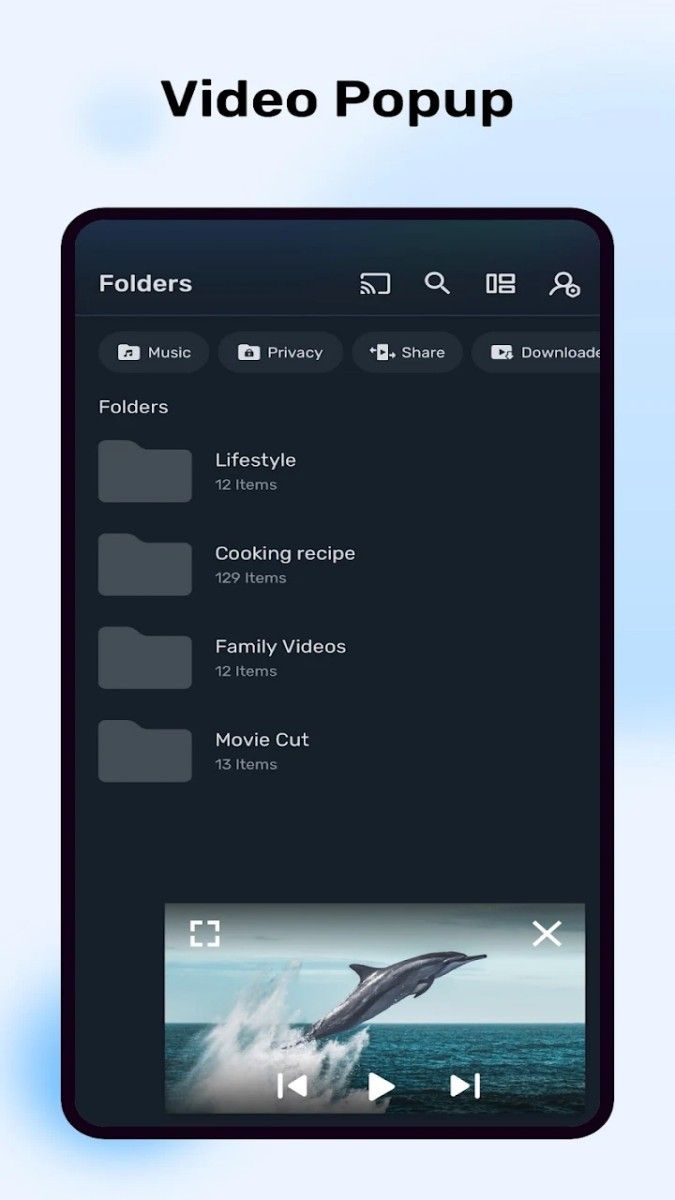
"MX Player" also supports picture-in-picture mode (PIP), allowing you to handle other tasks while watching videos. For example, you can reply to messages, browse the web, or handle work while watching a movie, without exiting the playback interface, and easily achieve multi-tasking.
In addition, the playback record function will automatically save your viewing progress, and you can quickly resume playback the next time you open it, without having to search again, which is considerate and convenient.
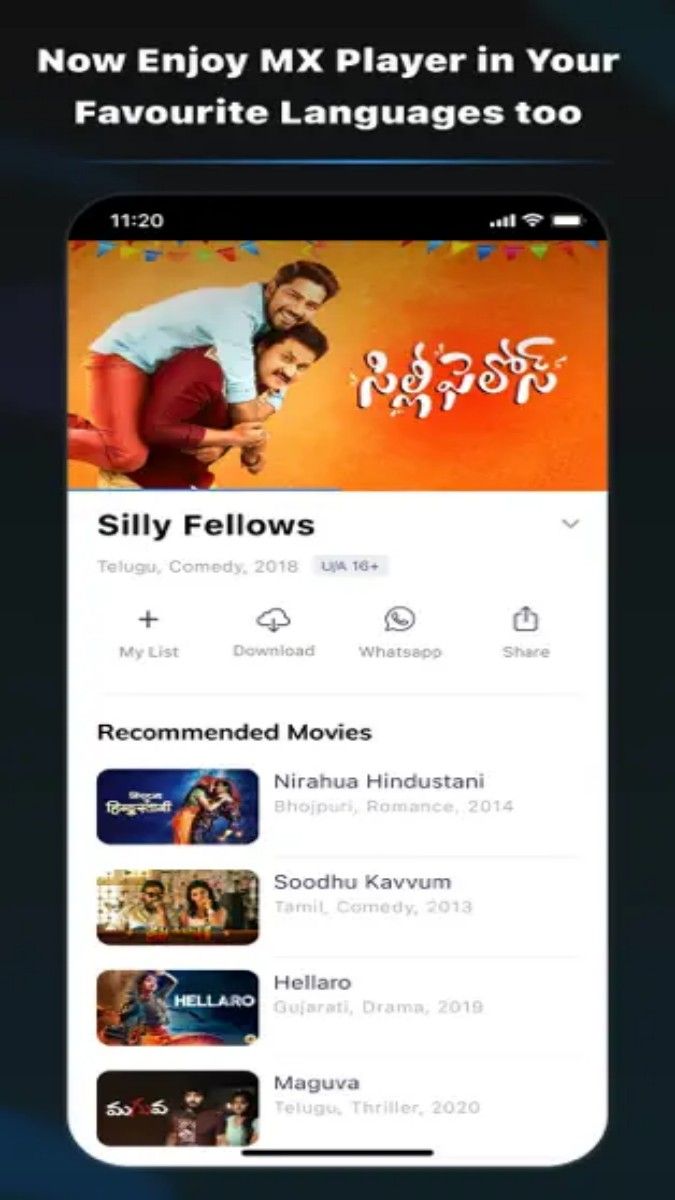
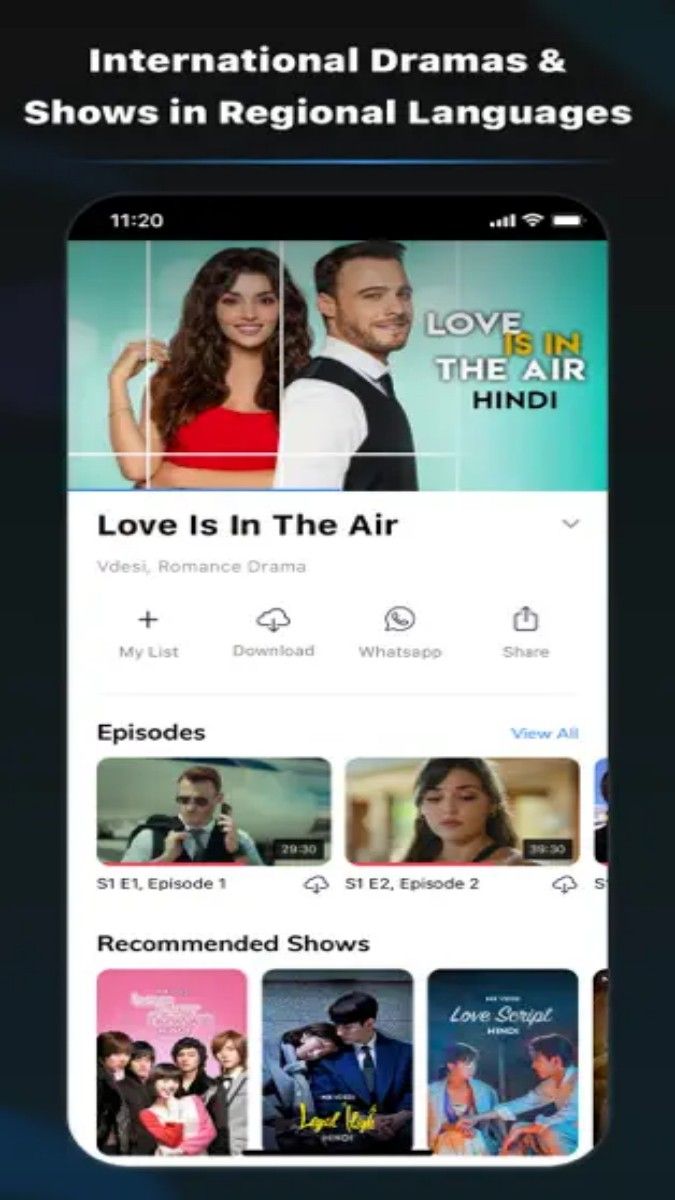
In addition to local playback, "MX Player" also provides a wealth of online streaming resources. Users can browse the latest movies, series, short videos or other content and play them directly in the app, eliminating the trouble of switching platforms.
Content recommendations in the app are pushed accurately based on your viewing history and interests, helping you discover more works that suit your personal preferences, making the viewing process more enjoyable and efficient.
Thanks to its efficient hardware acceleration function, "MX Player" performs particularly well when playing high-quality videos. It supports multi-core decoding, fully utilizing device performance to make playback smoother, and even older devices can get a high-quality experience.
In addition, the app can intelligently adapt to various screen sizes and resolutions, from smartphones to tablets, to get clear and perfect picture display.
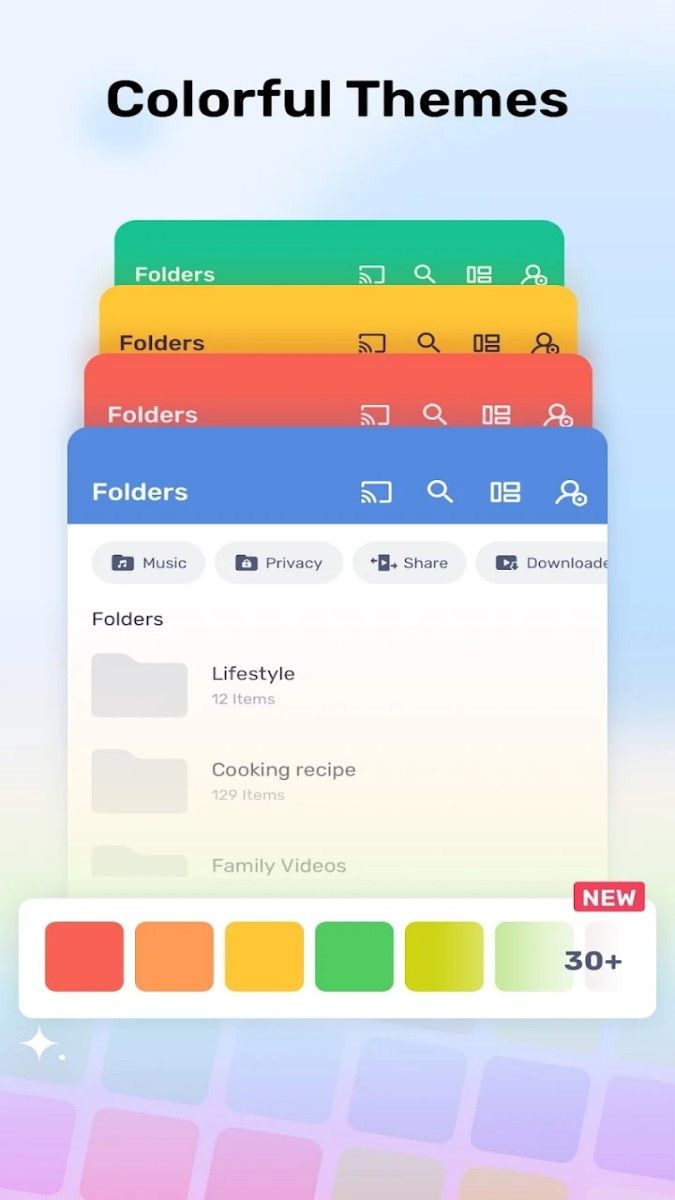
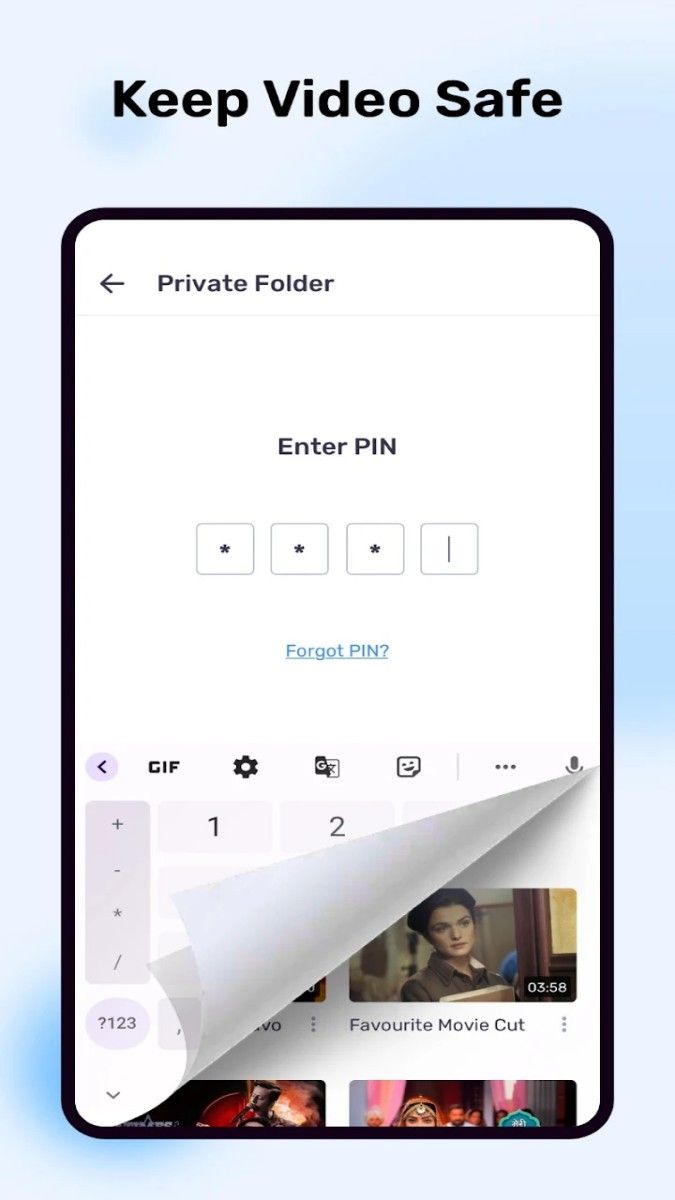
For users who have a large collection of videos, "MX Player" provides intuitive management tools. You can classify videos by folder to quickly find what you need; you can also protect private videos with passwords to ensure privacy and security.
"MX Player" is not only a powerful player, but also your personal viewing assistant. Whether it is powerful decoding function, thoughtful subtitle support, or convenient gesture operation and streaming experience, it can make every aspect of video playback to the extreme.
If you want to make every viewing full of fun and convenience, "MX Player" is definitely your best choice. Use it to turn every video into an unparalleled audio-visual enjoyment!
Advertisement






















Top Searches
Top Games