

Advertisement
In today's digital age, email has become an important tool for daily communication, work collaboration and personal affairs. When it comes to email, Gmail is undoubtedly the most recommended application. Whether it is an individual user or a corporate person, Gmail can become your best assistant for managing emails with its simple and efficient, intelligent and convenient, powerful and secure features.
Gmail adopts a minimalist design style, with a clear interface and smooth operation. Whether it is the classification of the inbox or the reading, replying and marking of emails, it can be presented in an intuitive way, making it clear at a glance. Whether it is a first-time user or an experienced user, you can get started quickly and manage emails effortlessly.
In addition, Gmail also provides a variety of personalized settings, such as changing the theme color, adjusting the email display mode, etc., so that you can work efficiently in a comfortable interface.
One of the highlights of Gmail is its powerful email classification function. The system will automatically divide emails into tabs such as "Primary", "Social", and "Promotions", so that you can distinguish important information at a glance and avoid being disturbed by irrelevant emails.
At the same time, users can also customize labels, filtering rules, and even set emails to be pinned to the top according to their needs to ensure that important emails will not be drowned in the ocean of information. In this way, whether it is business emails, social notifications, or promotional advertisements, they can be organized and managed easily.
Are you still worried about not being able to find a certain email? Gmail's smart search function can help you locate the required email in seconds. Just enter keywords, senders, time ranges, and even the names of email attachments, and the system can accurately match the relevant content to help you easily find the target email.
In addition, Gmail also supports advanced search commands, such as from: (sender), subject: (subject), has: attachment (including attachments), etc., making the search more targeted and more accurate.
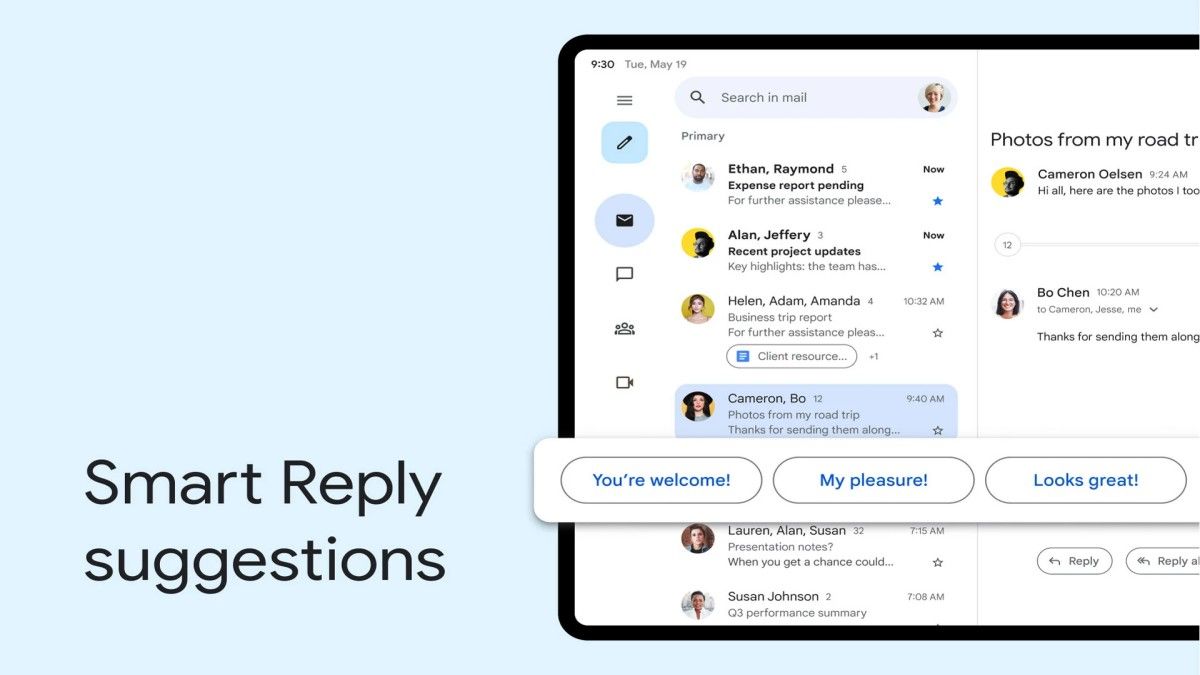
Gmail has built-in Smart Reply and Smart Compose functions. When you receive an email, the system will automatically generate several concise and appropriate reply options based on the content of the email for you to send with one click, saving the trouble of input.
The smart writing function is an office tool. It can automatically predict what you might type next and provide suggestions, greatly improving the efficiency of email writing, reducing the time of repeated input, and making communication smoother.
Gmail provides a large storage space to save a large number of emails and attachments, so you don't have to clean up your inbox frequently. Even emails from many years ago can still be viewed at any time and will not be deleted due to insufficient storage space.
In addition, Gmail can be seamlessly connected to cloud services. Attachments can be stored directly in Google Drive to avoid local devices taking up too much space, which is convenient for access and makes important files safer.
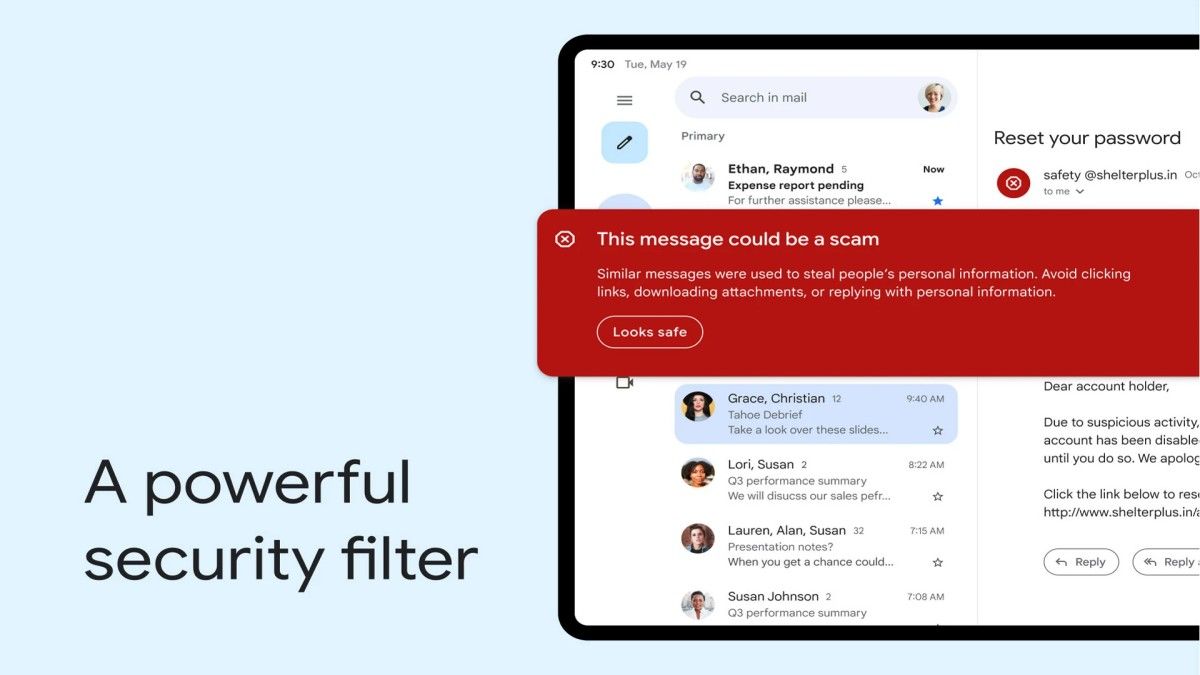
In terms of privacy protection, Gmail has achieved the ultimate. The application has a built-in powerful spam filtering system that can automatically identify and block phishing emails and spam to ensure that your inbox remains clean and tidy.
At the same time, Gmail uses end-to-end encryption and is equipped with a two-step verification function to greatly improve the security of your account. Even if you encounter malicious attacks, it can effectively reduce the risk of information leakage.
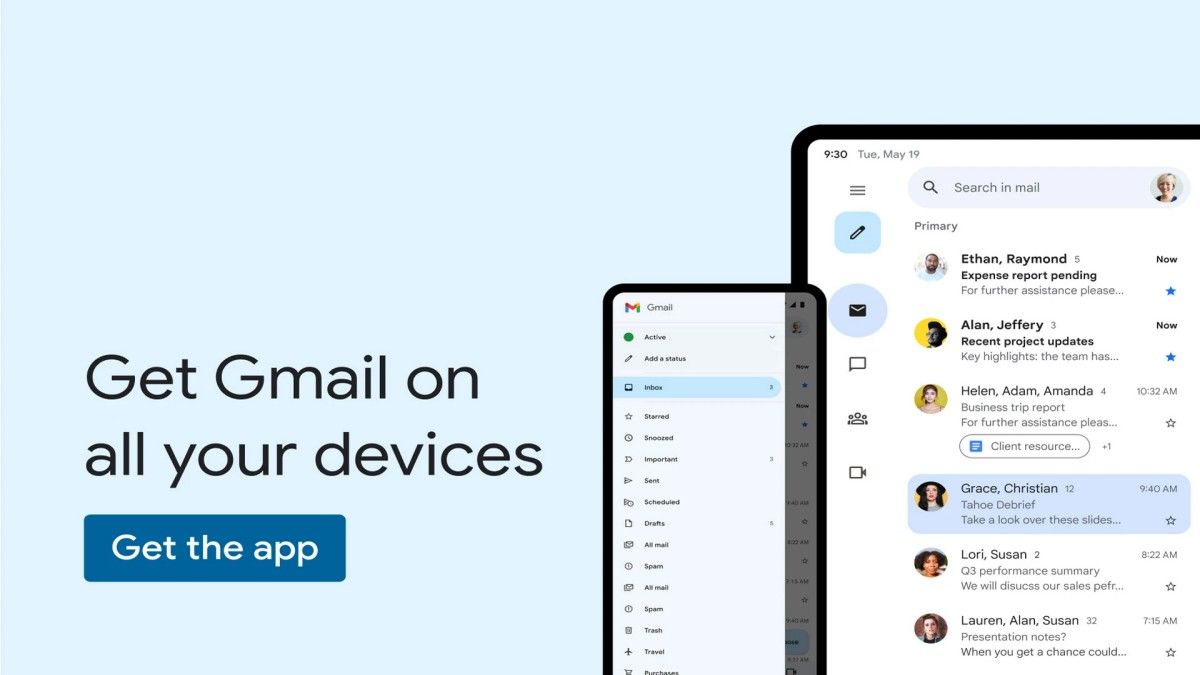
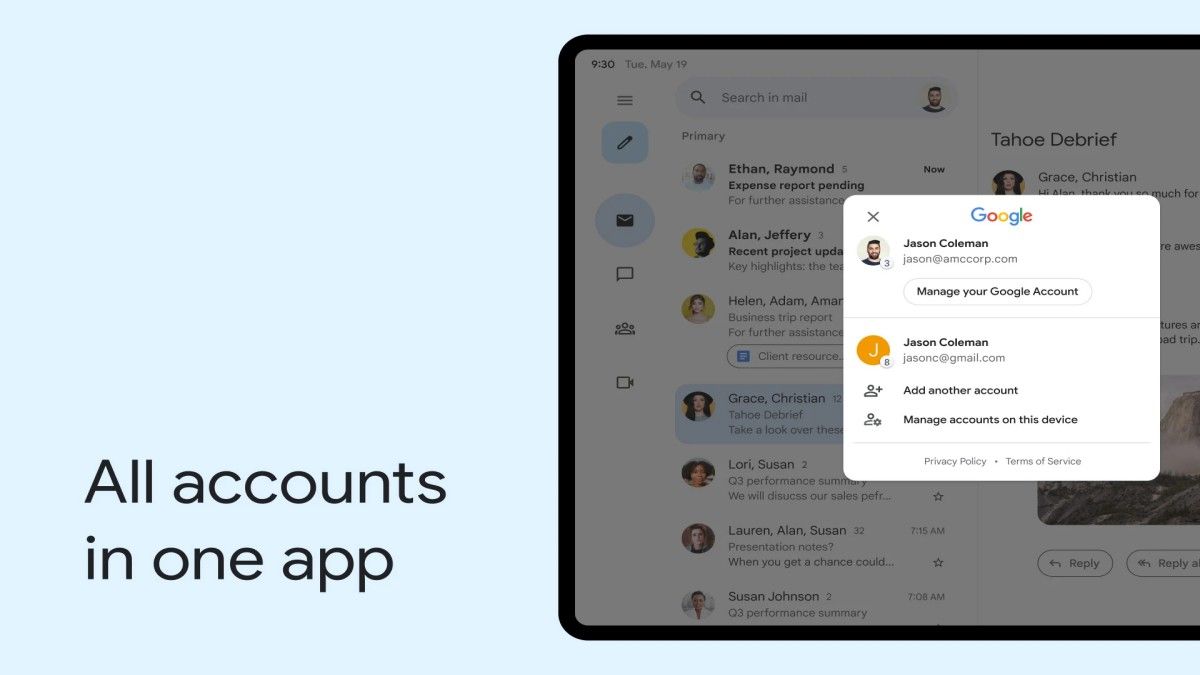
Whether you use Gmail on a mobile phone, tablet or computer, the email content between all devices will be automatically synchronized. No matter where you are, just open Gmail to check and manage emails at any time without missing any important information.
In addition, Gmail also supports offline mode. Even without network, you can read and reply to emails. When the network is restored, the system will automatically send the edited emails, so that work is not interrupted and communication is smoother.
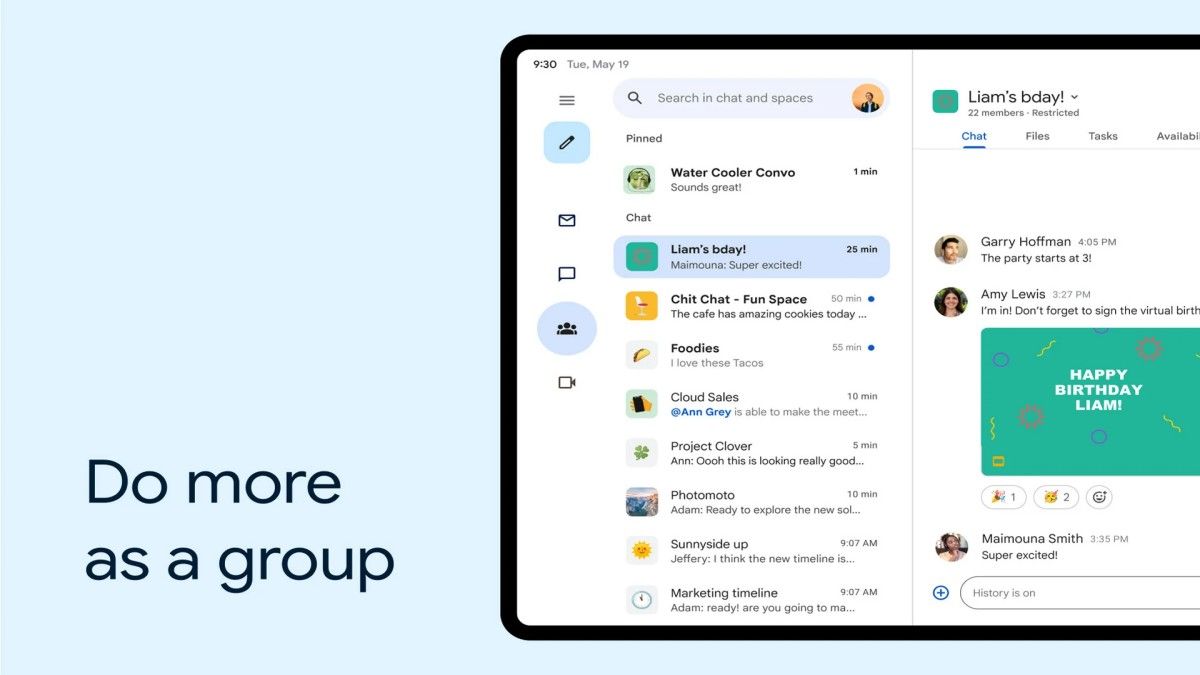
As an important part of the Google ecosystem, Gmail can seamlessly integrate tools such as Google Calendar, Google Meet, Google Keep, and Google Tasks to achieve efficient office work.
After receiving a meeting invitation email, you can add it to the schedule with one click; when you need a video conference, you can directly enter Google Meet through Gmail; if you want to record important matters, you can quickly open Google Keep, so that emails, schedules, and tasks are perfectly integrated, and everything is in order.
With its simple and beautiful interface, intelligent and efficient classification, accurate and fast search, convenient intelligent reply, large storage space, top security, multi-device synchronization and powerful office collaboration capabilities, Gmail has become the preferred email management tool for hundreds of millions of users around the world.
Whether it is daily communication or business office, Gmail can help you manage emails faster, more conveniently and more securely, making your life and work more efficient and orderly. If you are looking for a stable, powerful and intelligent email application, then Gmail is definitely your best choice!
Advertisement























Top Searches
Top Games