
Advertisement
Google Photos is a powerful and user-friendly photo and video management application that provides users with unlimited storage space and a variety of smart management and editing tools, making the organization and sharing of photos and videos more convenient and efficient.
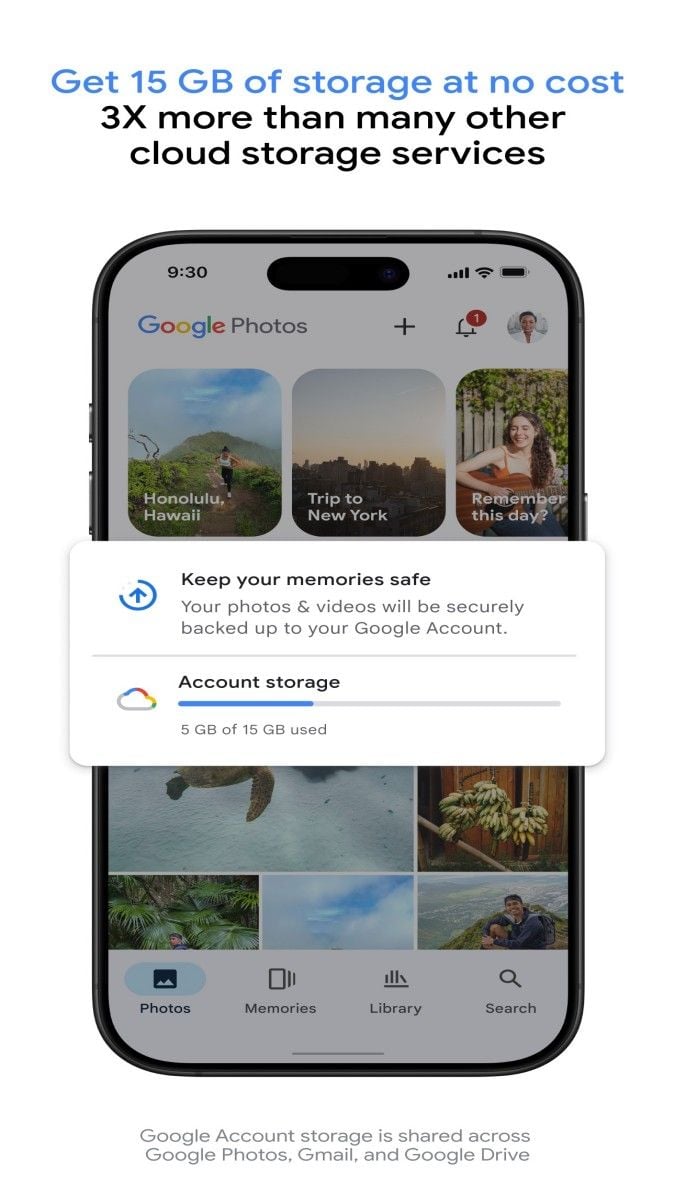
First of all, the unlimited storage space of Google Photos is one of its most attractive features. Users can choose to upload photos and videos in high-quality (compressed but still good quality) to enjoy unlimited storage space. This is undoubtedly a great boon for users who like to take photos and record videos, because they no longer have to worry about insufficient storage space. At the same time, for users who need to keep the original size of photos, Google Photos also provides 15GB of free storage space, which is limited but sufficient for general users.
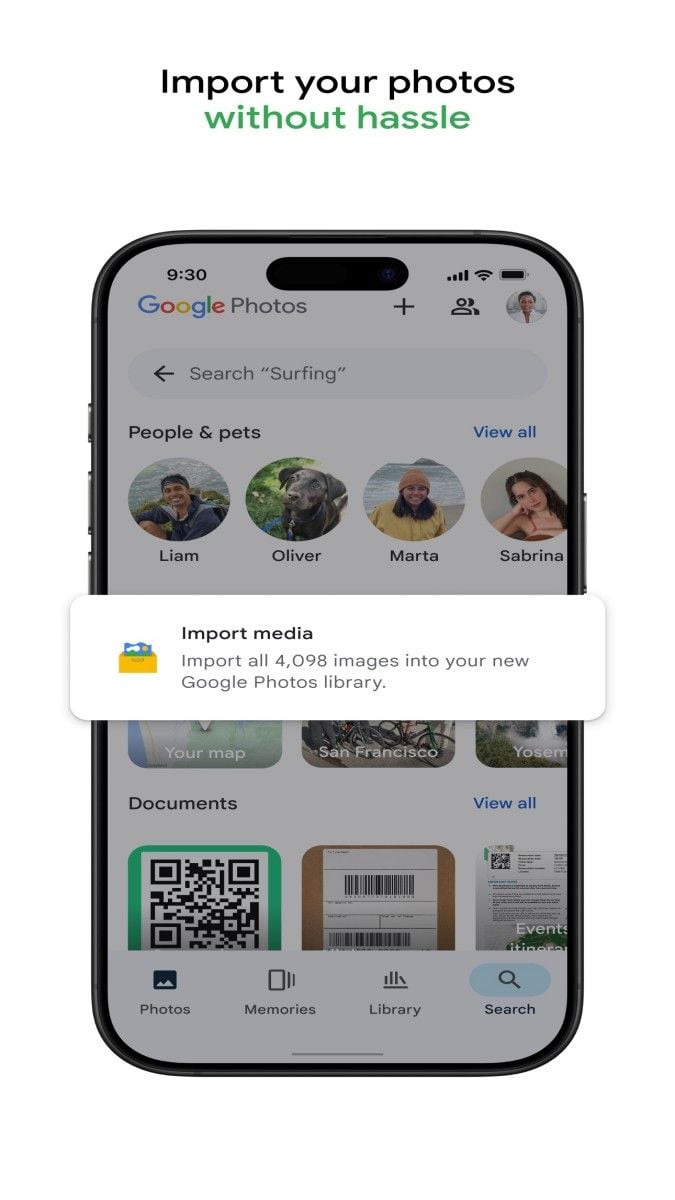
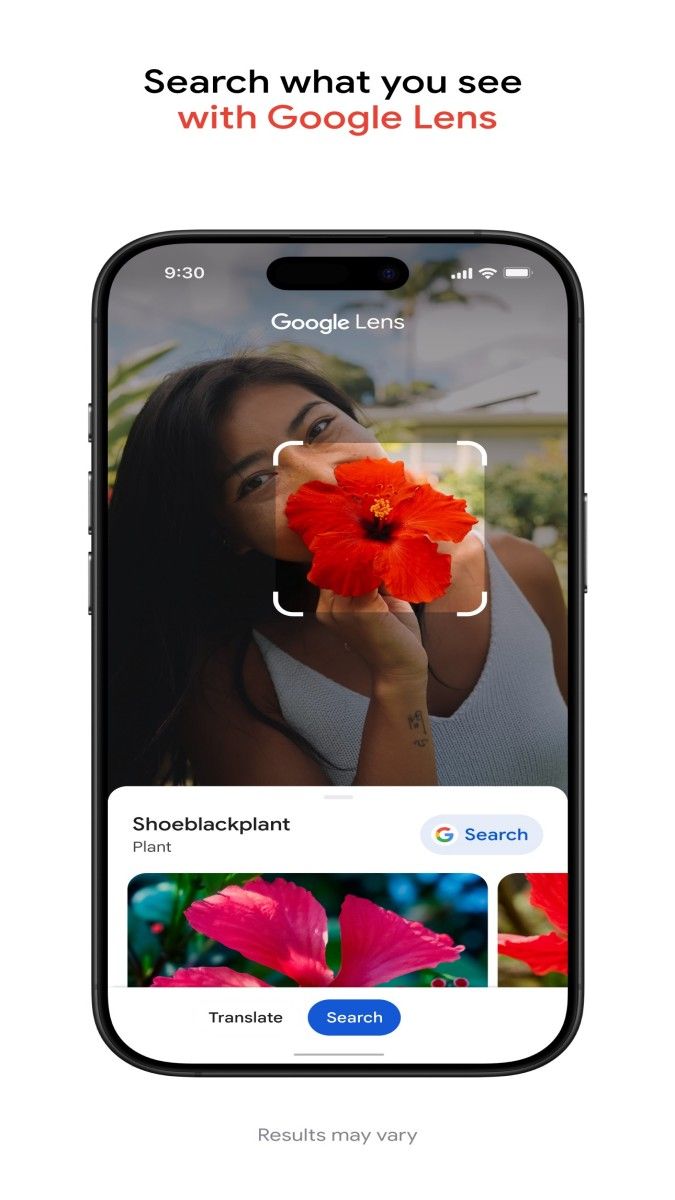
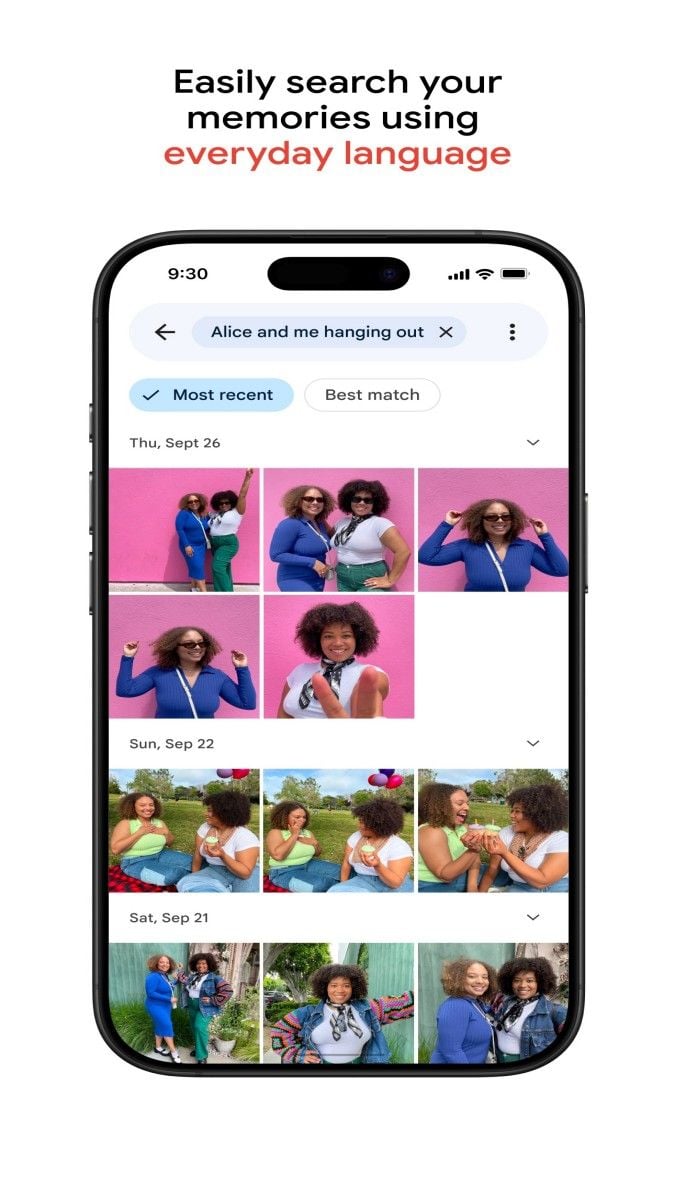
Secondly, the smart management function of Google Photos is also one of its highlights. The application can automatically identify and classify photos, such as people, places, things, etc., so that users can quickly find the photos they want. In addition, Google Photos can automatically generate albums according to the time and place of the photo shooting, such as "this year's travel photos", "last week's family gathering", etc., further simplifying the user's photo management process. This intelligent classification and organization method greatly improves the efficiency of users in finding and browsing photos.
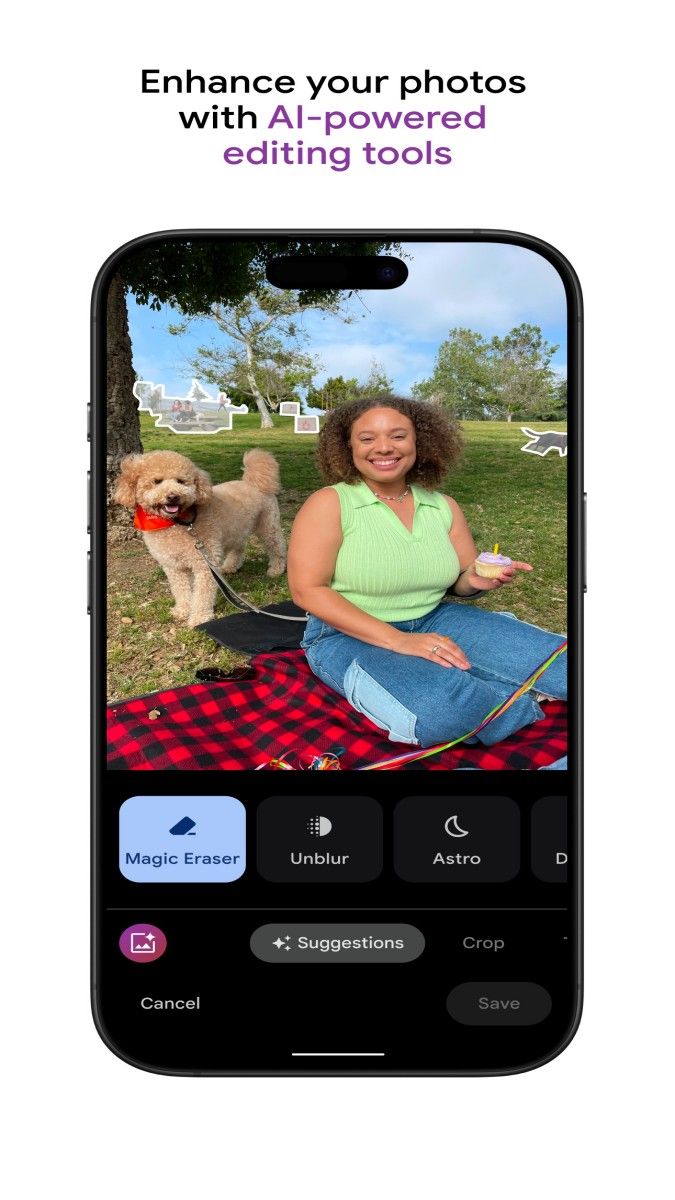
In addition to smart management, Google Photos also provides a wealth of editing and special effects functions. Users can crop photos, adjust brightness, contrast, saturation, etc. to make photos more perfect. At the same time, the application also provides a variety of filter effects, such as black and white, retro, art, etc., so that users can easily add personalized elements to their photos. In addition, Google Photos also supports automatic repair and enhancement of photos, such as removing red eyes and improving clarity, making users' photos clearer and more natural.
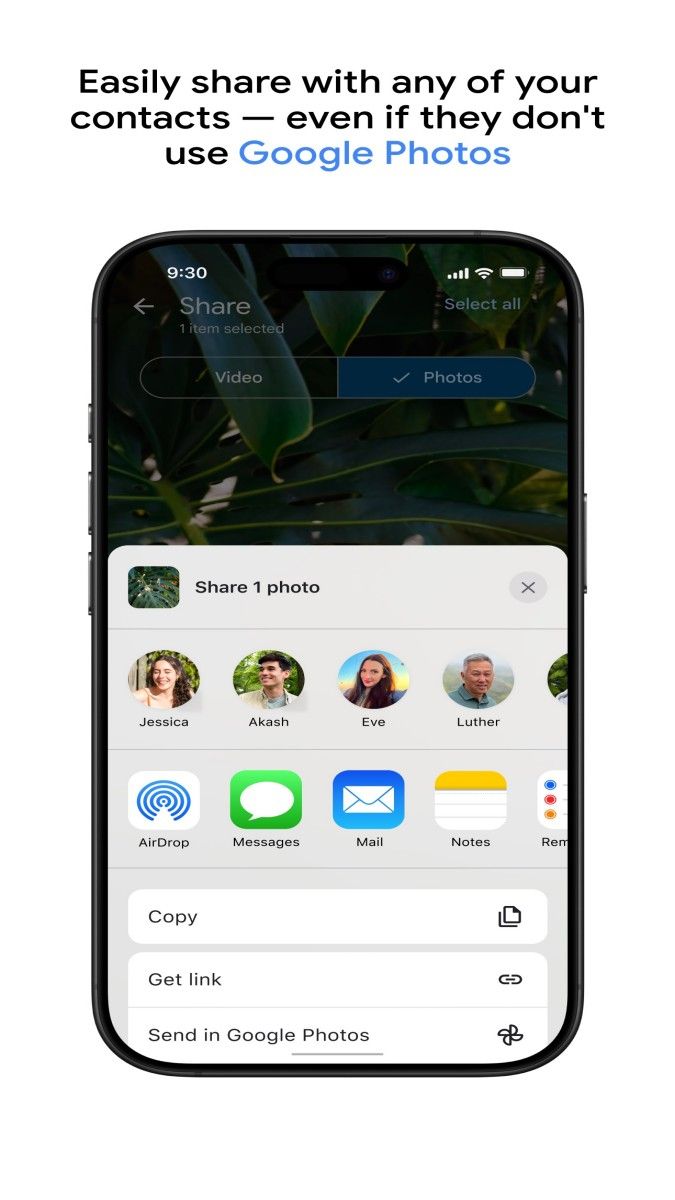
In terms of sharing, Google Photos also does a great job. Users can easily share photos and videos to social media platforms, or directly share them with friends and family through links. There is no need to worry about whether the other party has registered a Google account. Just click on the link to view and download the shared content. This convenient sharing method allows users to share their beautiful moments with friends and family anytime, anywhere.
In addition, Google Photos also supports cross-platform synchronization, supporting Android, iOS, Web and desktop. This means that users can access their photos and videos at any time on different devices, achieving a seamless photo management experience. Whether it is new photos taken on a mobile phone or old photos organized on a computer, they can be easily synchronized to Google Photos, making it convenient for users to view and manage at any time.
In general, Google Photos is a comprehensive and easy-to-use photo and video management application. It provides unlimited storage space, intelligent management, rich editing effects, convenient sharing and other functions, allowing users to easily manage their photos and videos and enjoy a better digital life. Whether for individual users or family users, Google Photos is a recommended choice.
Advertisement






















Top Searches
Top Games