

Advertisement
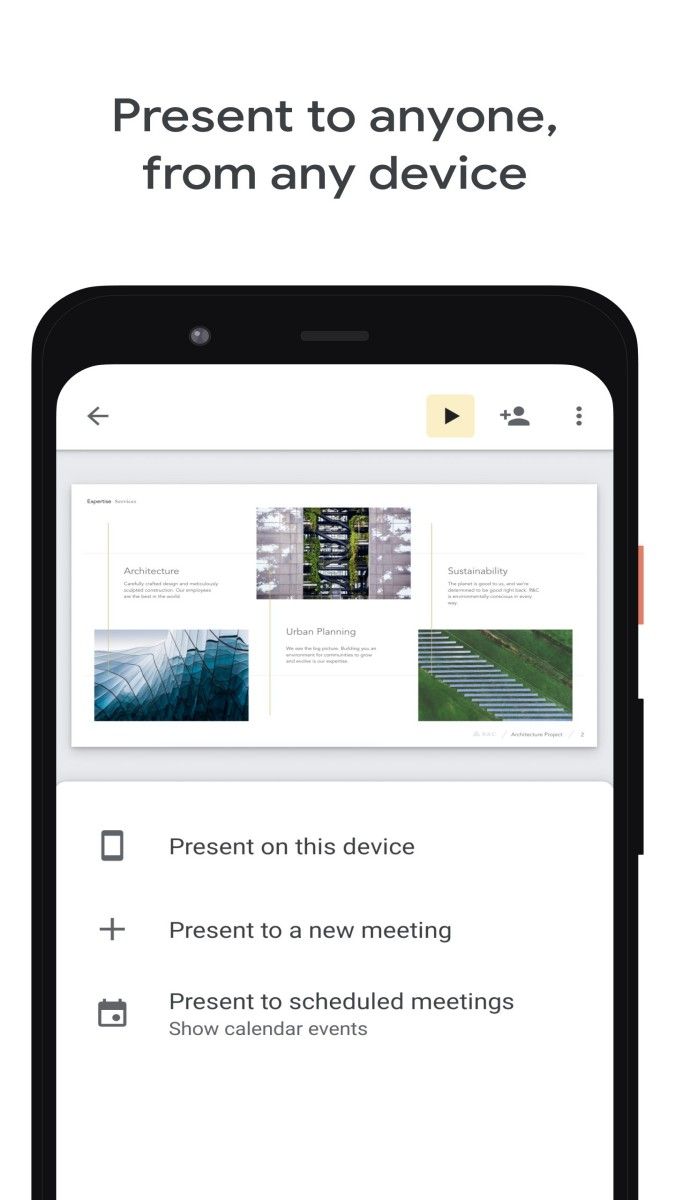
Imagine having the power to create, share, and present your ideas in a matter of moments, right from your device. That’s what Google Slides brings to you – an app designed for anyone with a story to tell or a vision to share. Released as part of Google’s suite of productivity tools, Google Slides gives you a way to craft professional-looking presentations anytime, anywhere. It’s like having a full-fledged design studio and presentation manager right in your pocket, empowering you to brainstorm, design, and captivate your audience without even breaking a sweat.
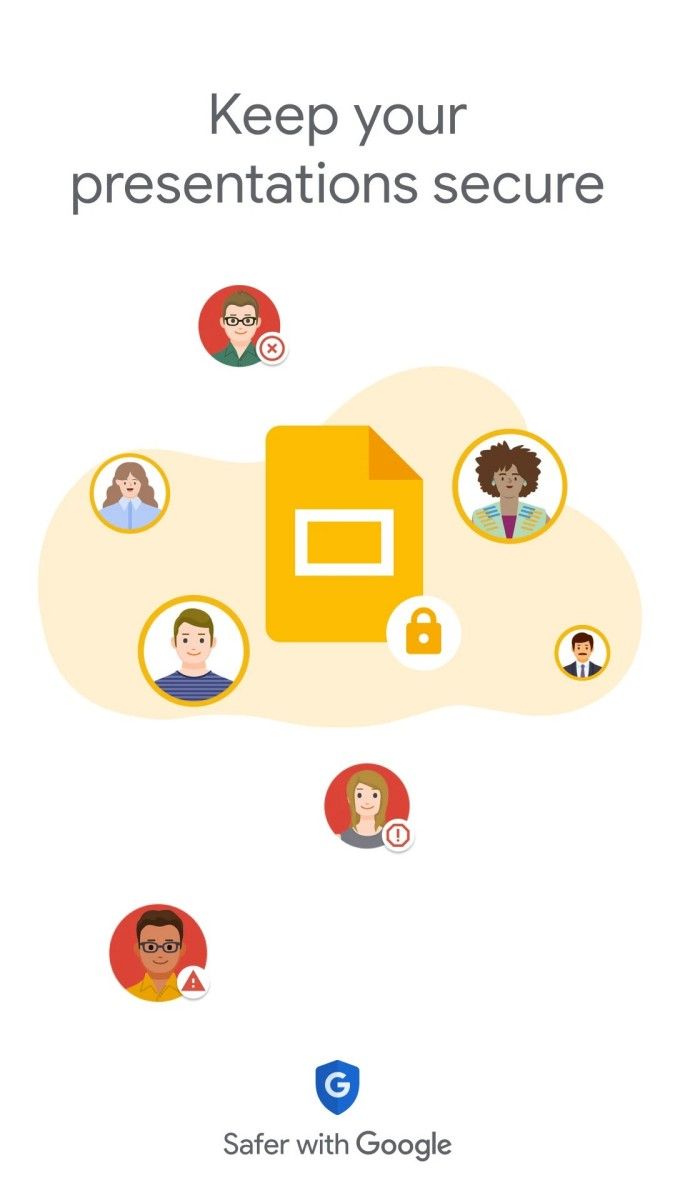
Now, let’s talk about why Google Slides is the app of choice for presentations. First and foremost, its convenience is off the charts. No matter where you are, as long as you have an internet connection, you can access your presentations, edit them on the fly, or even create one from scratch. And guess what? The app automatically saves every change, every tweak, every addition in real-time. You’ll never have to worry about forgetting to save or losing your work – it’s as if the app is reading your mind, making sure your slides are secure and always up to date. This alone makes it a lifesaver for anyone who’s ever felt the panic of losing hours of hard work to a technical glitch.
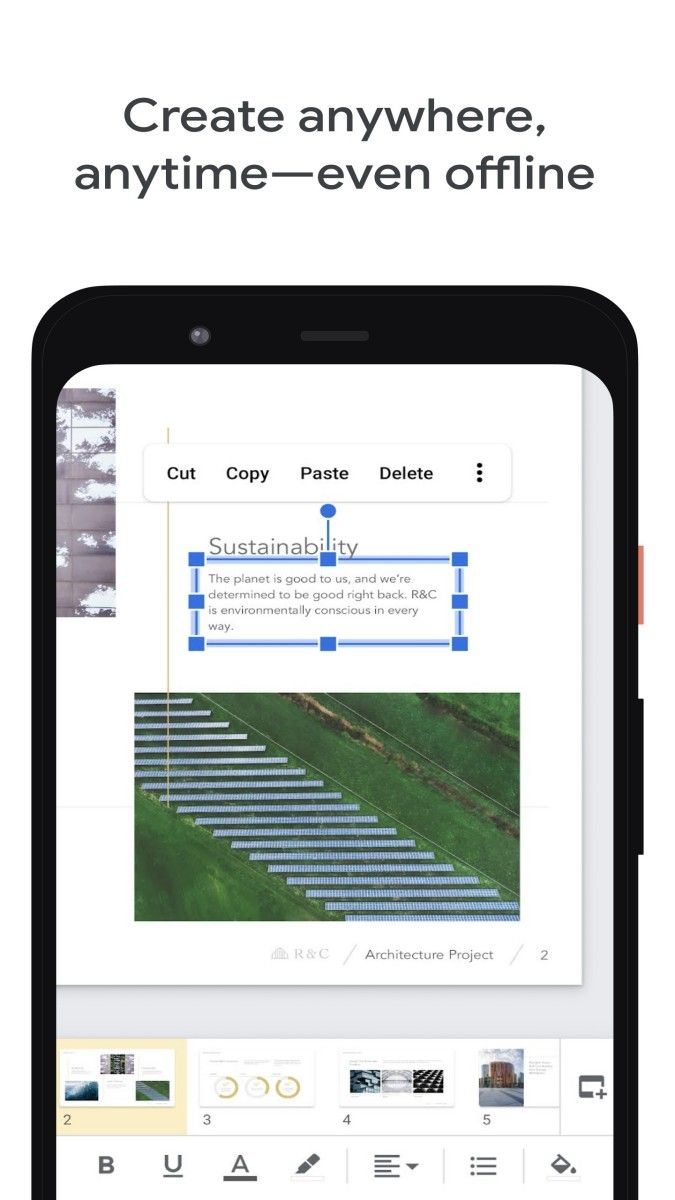
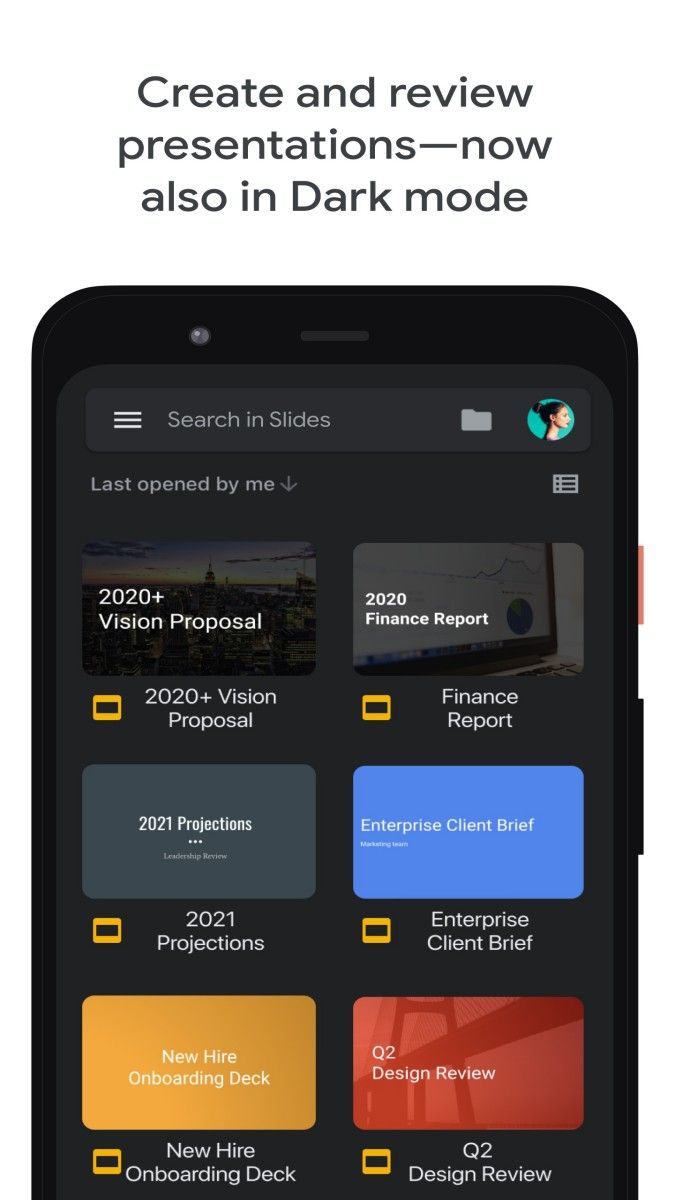
One of the biggest advantages of Google Slides is how simple and intuitive it is to use. You don’t need to be a tech whiz or a design expert – the app guides you effortlessly, with easy-to-find tools, colorful icons, and a layout that makes everything feel natural. Need to add a picture? Just tap, and it’s there. Want to change the text color, add animations, or adjust the layout? It’s all a tap or two away. Google Slides makes sure that every user, from students and teachers to business professionals and creatives, feels like a presentation pro.
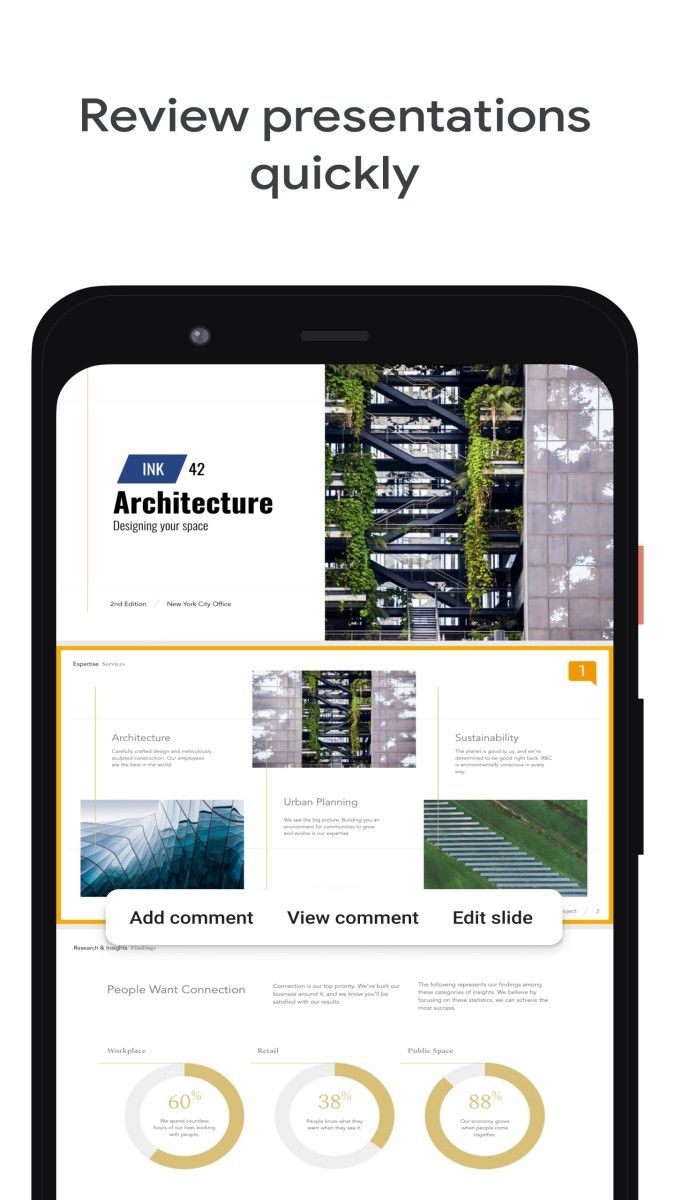
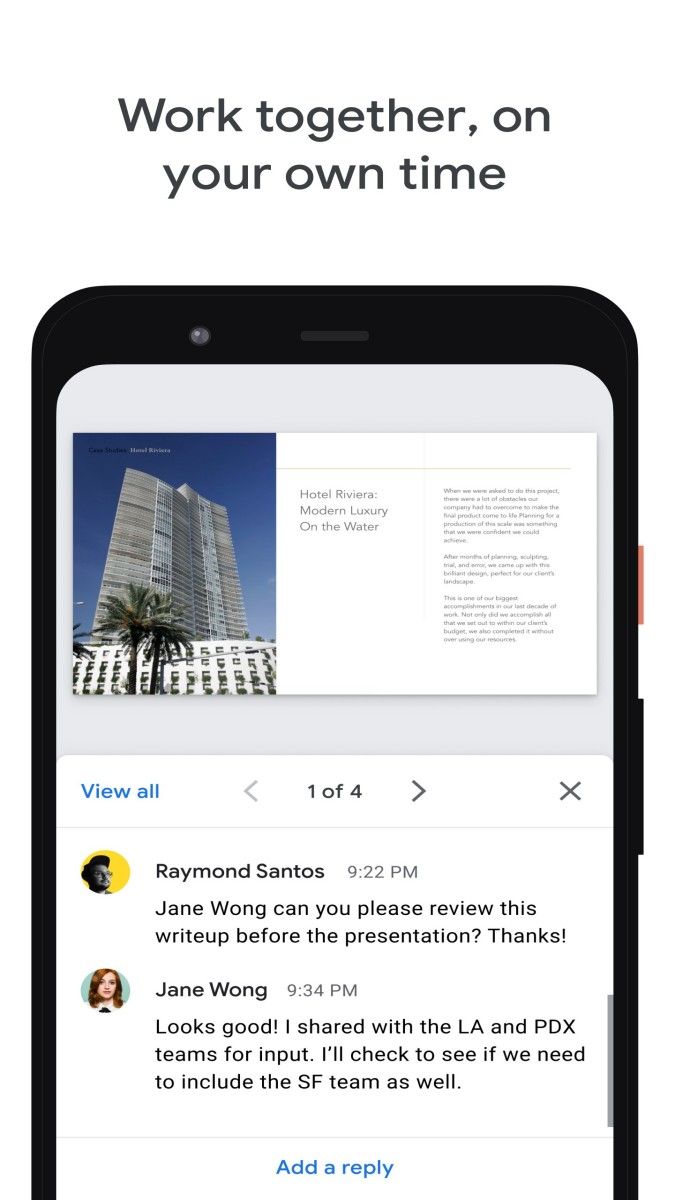
But let’s dive into the real magic of this app – the collaborative features. Imagine you’re working on a big presentation for a team project, but everyone is spread out in different locations. With Google Slides, collaboration becomes a breeze. You can invite others to view, edit, or comment on your slides, and they can join in real-time, no matter where they are. It’s like you’re all in the same room, brainstorming and working together, even if you’re miles apart. Plus, every change made by collaborators is marked, and you can even leave comments or suggestions – it’s teamwork made easy, efficient, and stress-free.
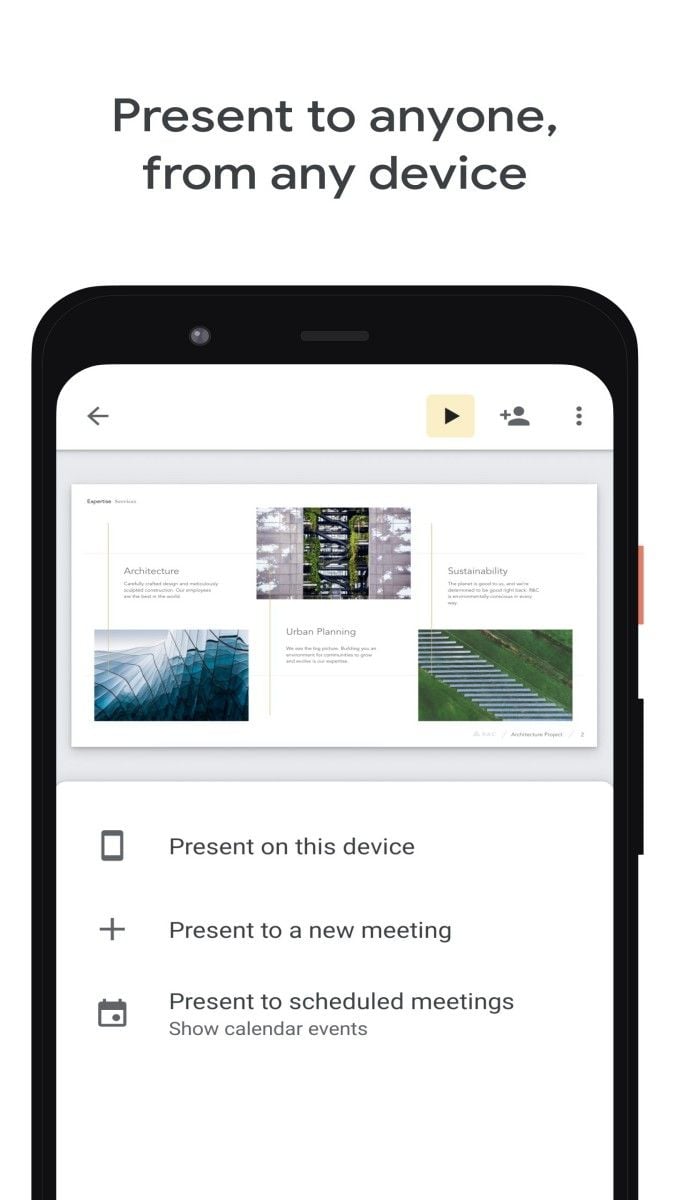
You can easily put together a dynamic presentation with photos, videos, and text, making your project come to life on the big screen. Or maybe you’re a business professional pitching a groundbreaking idea. Google Slides lets you pull in all the essential details, graphs, and charts, ensuring your presentation is powerful and persuasive. With its seamless integration with other Google apps like Drive, Docs, and Sheets, you can effortlessly incorporate documents, spreadsheets, and data, making your presentation feel polished and complete.
And it’s not just for formal presentations. Google Slides is a go-to for anyone wanting to organize ideas, tell stories, or even plan an event. Want to plan a wedding or a vacation? Use Google Slides to arrange photos, ideas, and itineraries all in one neat, easy-to-access place. You can even use it to create personal mood boards or vision boards – the possibilities are endless.
Advertisement























Top Searches
Top Games