

Advertisement
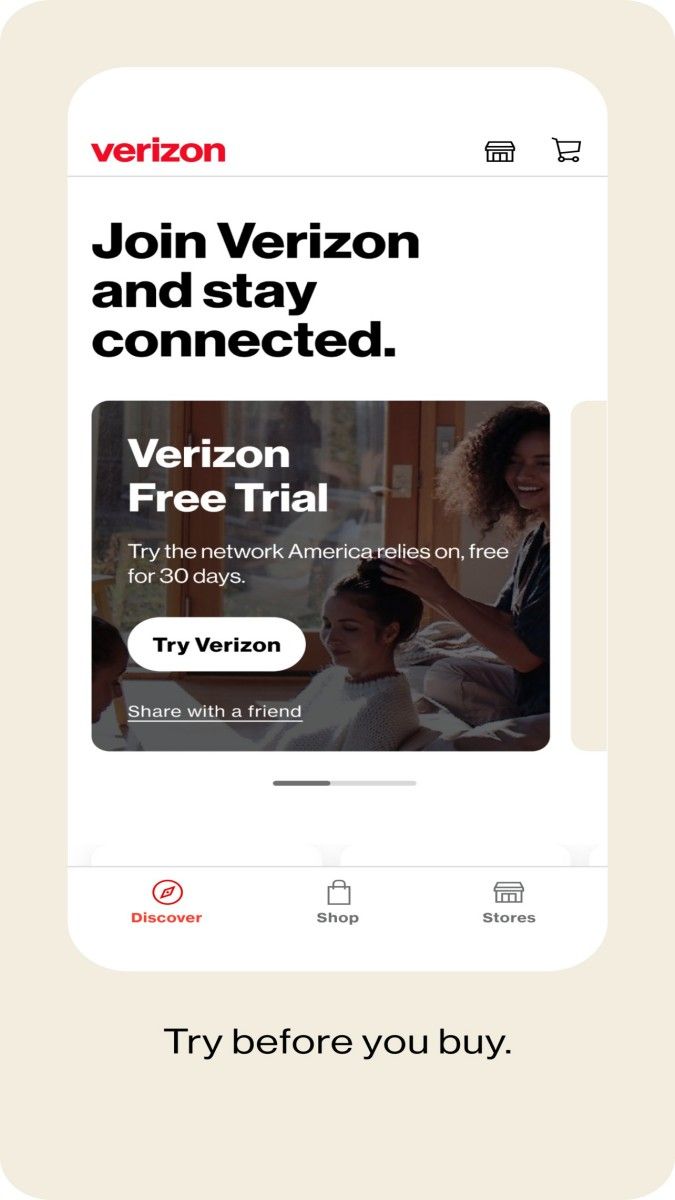
My Verizon is a comprehensive service application launched by Verizon for its users. It integrates account management, data usage monitoring, bill payment, customer support and other functions to help users manage their Verizon services more conveniently and quickly. The design of the application is simple and intuitive, suitable for users of different ages. With My Verizon, users can easily control their account information, keep abreast of data usage, and contact customer service representatives through instant messaging or phone calls.
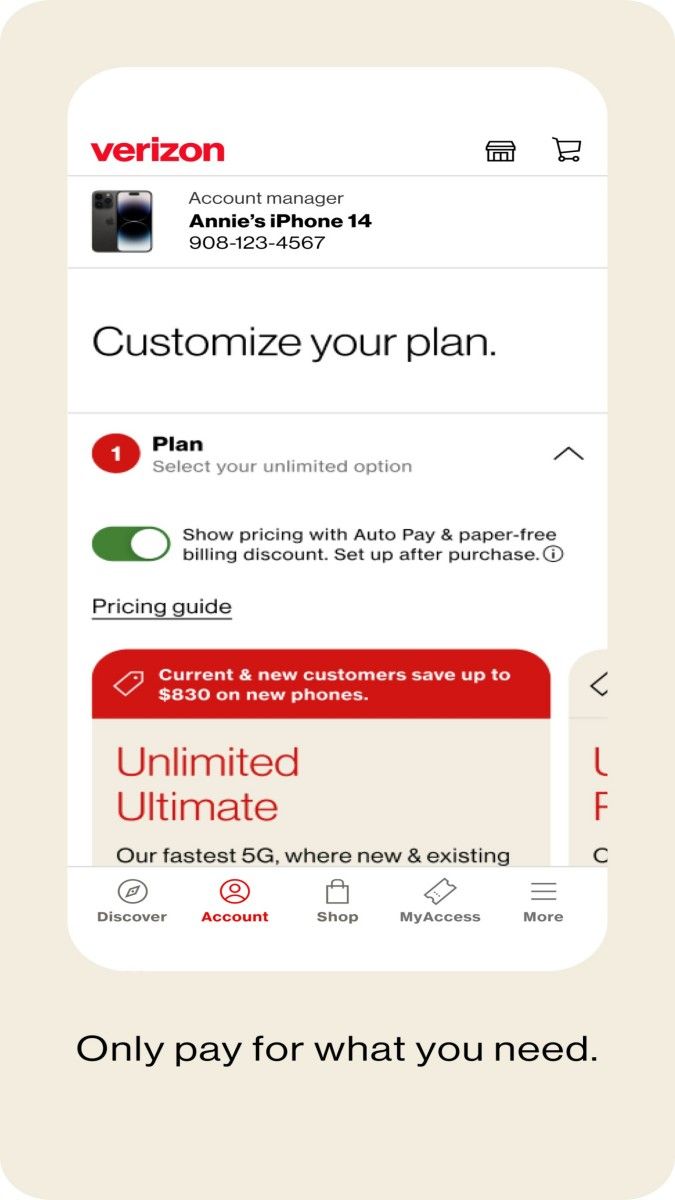
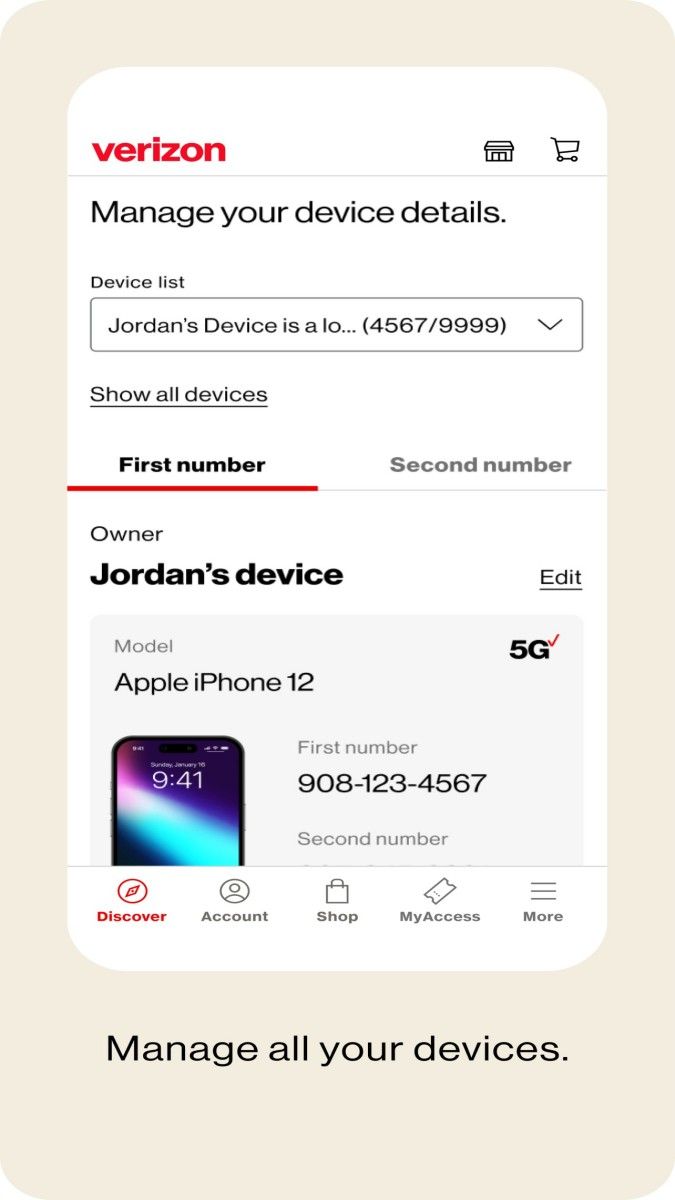
The account management function of the My Verizon application is very powerful, allowing users to view and modify various account information. Through the account management interface, users can see the current package content, usage, and information of all devices under the account. If multiple devices are bound to the same account, users can choose to manage specific settings for each device, such as data traffic allocation, call and text message records, etc. In addition, the application also supports users to upgrade or change packages directly, eliminating the trouble of going to the store, and can meet users' communication needs anytime, anywhere.
My Verizon allows users to monitor data usage in real time, which is very helpful for those users with data limits. The data usage interface clearly displays the amount of data used and the amount of data remaining this month, helping users avoid overage. The app also provides a history of usage, allowing users to view usage in previous months and allocate data appropriately. For family accounts or multi-device accounts, My Verizon also allows users to view the individual data usage of each device, ensuring that family members can use network resources reasonably under control.
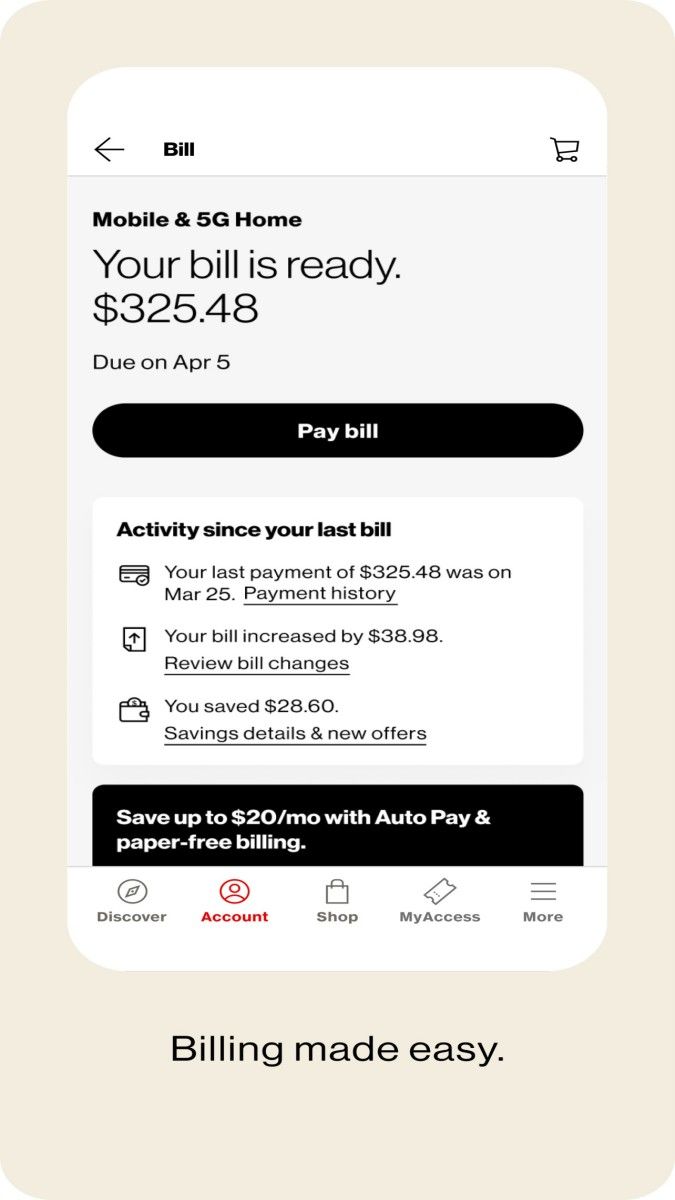
Bill payment is one of the core functions of My Verizon. Users can view the current bill amount, payment period, and bill details through the app to understand all sources of charges. The app supports multiple payment methods, such as credit cards, debit cards, and PayPal, ensuring that users are more flexible and convenient when paying bills. In addition, the app provides a detailed bill history, allowing users to check past transaction details and payment records at any time to clearly understand the specific composition of each charge.
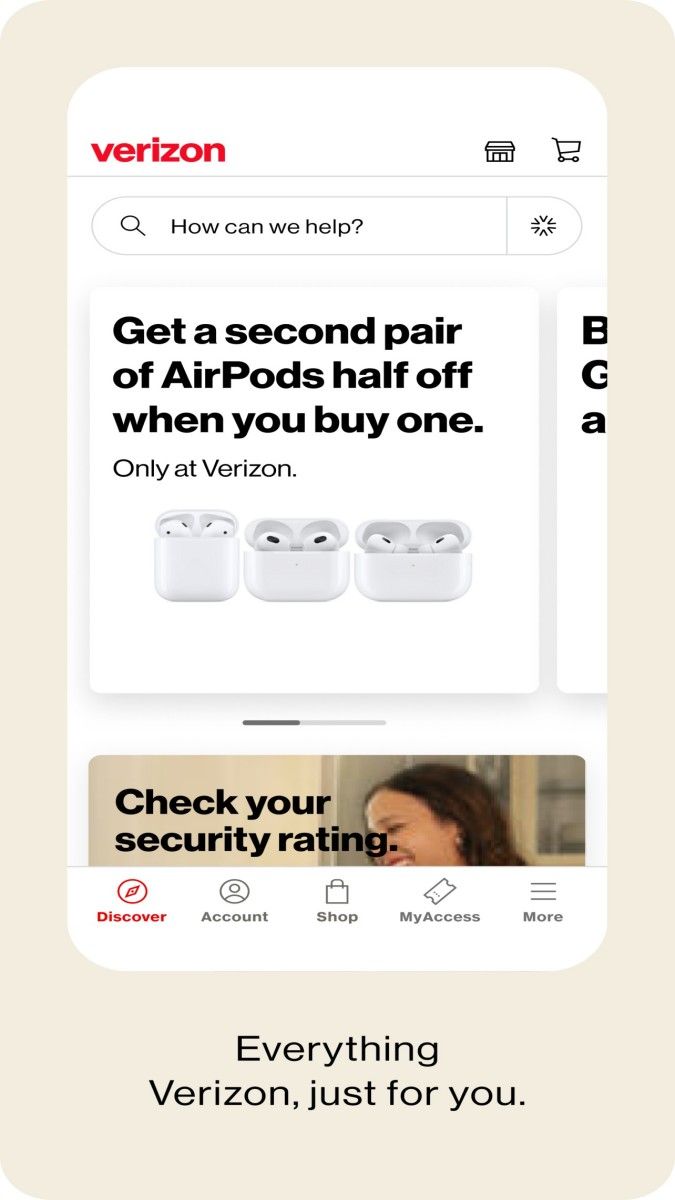
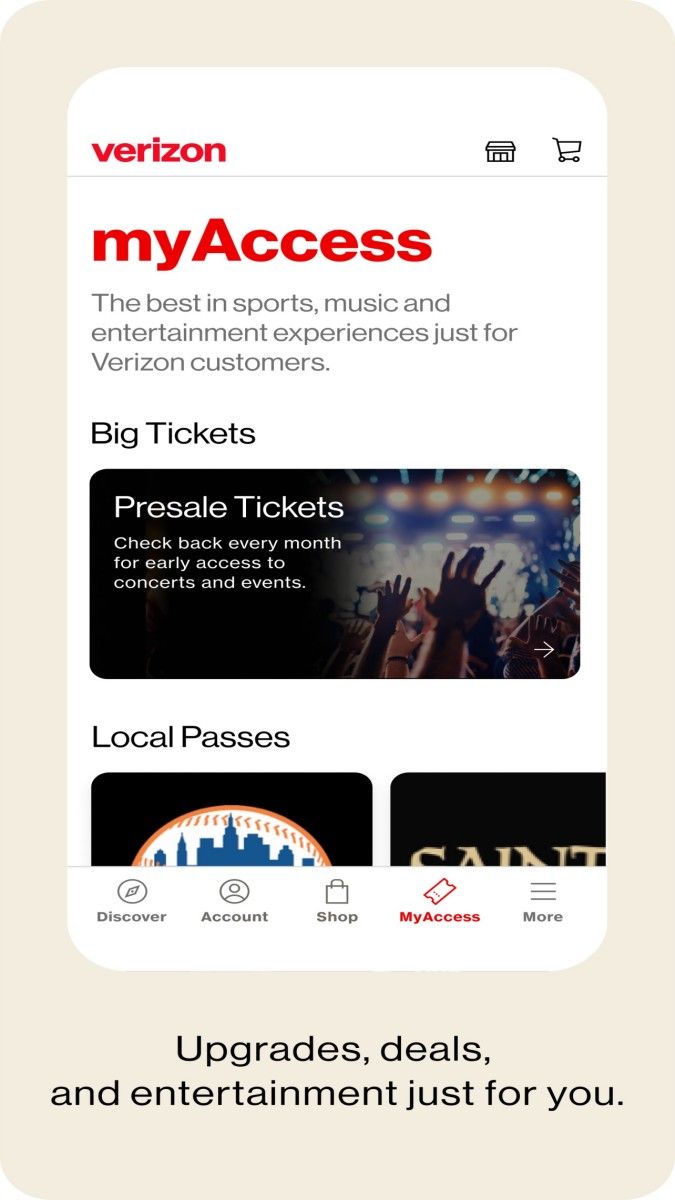
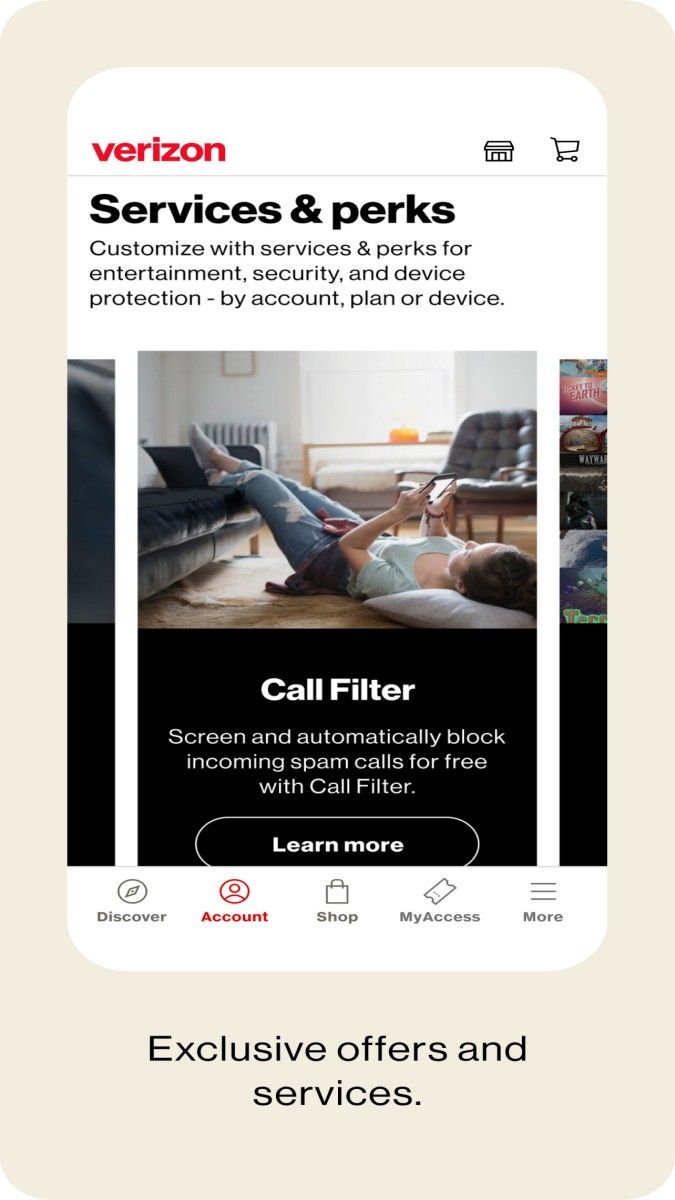
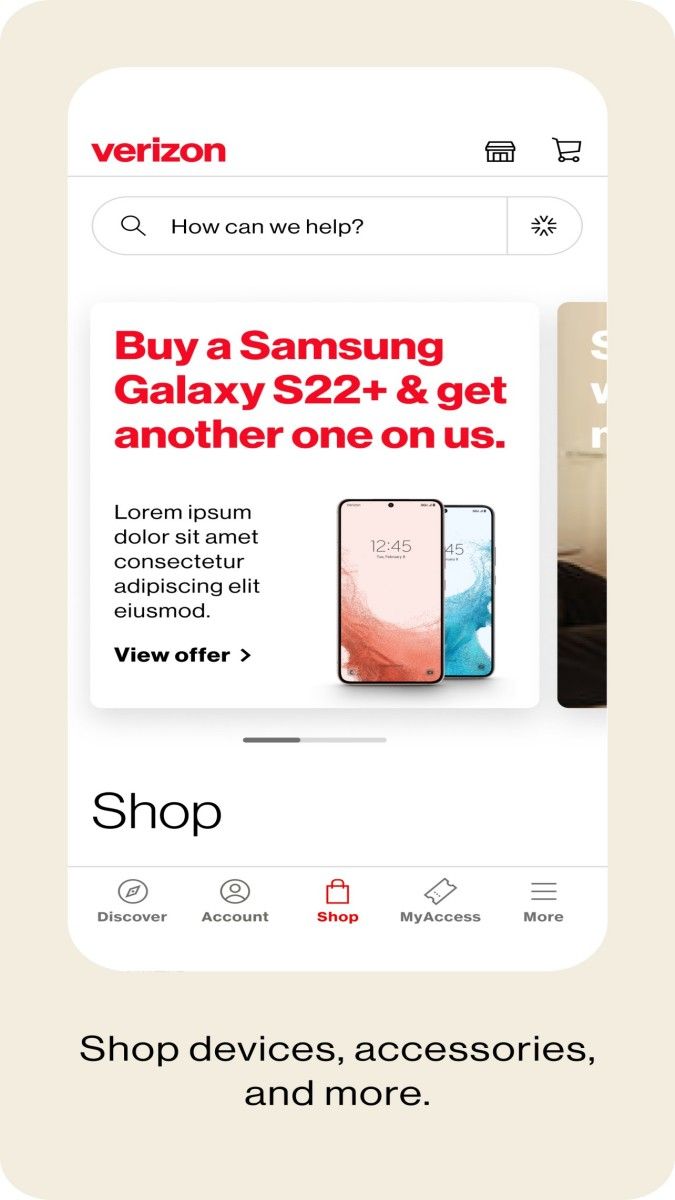
Verizon will provide some personalized value-added services through My Verizon, such as mobile phone insurance, device upgrades, and multimedia entertainment content subscriptions. The app will recommend suitable additional services based on user usage habits and needs. For example, if the user often travels abroad, the app will recommend international roaming packages; for video lovers, it will recommend discounted packages for video streaming. In addition, My Verizon will regularly launch limited-time offers and discounts to help users enjoy services at a more favorable price.
My Verizon also has some common support tools built in to help users solve problems by themselves. These tools include network troubleshooting, device performance detection, and hotspot connection configuration. Users can use these tools to detect network signal strength and adjust device settings to ensure a good network experience. When encountering problems that cannot be solved by themselves, the app provides a one-click contact customer support function. Users can choose to communicate with Verizon customer representatives through instant chat, phone or email for further help.
When using My Verizon, users' privacy and data security are strictly protected. Verizon uses multiple layers of encryption technology to ensure that users' personal information is not leaked. In addition, the app provides a two-factor authentication option to increase the security of account access and avoid unauthorized access. Users can also set account notifications to keep abreast of account logins, payments and other important activities to ensure that they are aware of the security status of their accounts at the first time.
The My Verizon app interface is modern and simple, in line with current UI/UX standards. The main functions of the app are clearly divided through drop-down menus and tab bars, making it easy for users to quickly find what they need. The layout of each page is user-friendly, with clear fonts and reasonable button placement to ensure that users will not be confused when operating. Verizon also regularly updates the app interface and optimizes the operation process based on user feedback to improve the user experience.
My Verizon is a full-featured Verizon service management application that covers account management, data monitoring, bill payment, value-added services and other functions. It not only provides users with a convenient service entrance, but also improves the overall user experience through functions such as personalized recommendations and real-time monitoring. Whether it is a user who needs precise control over data usage or a user who pursues diversified value-added services, My Verizon can provide practical solutions to make the Verizon user experience more complete.
Advertisement





















Top Searches
Top Games