

Advertisement
Microsoft Outlook is a heavyweight application in the Microsoft Office software suite. It not only integrates the functions of sending, receiving and managing emails, but also integrates a variety of personal information management tools such as calendar, contact management, task scheduling, and diary recording, providing users with a comprehensive and efficient personal work environment.
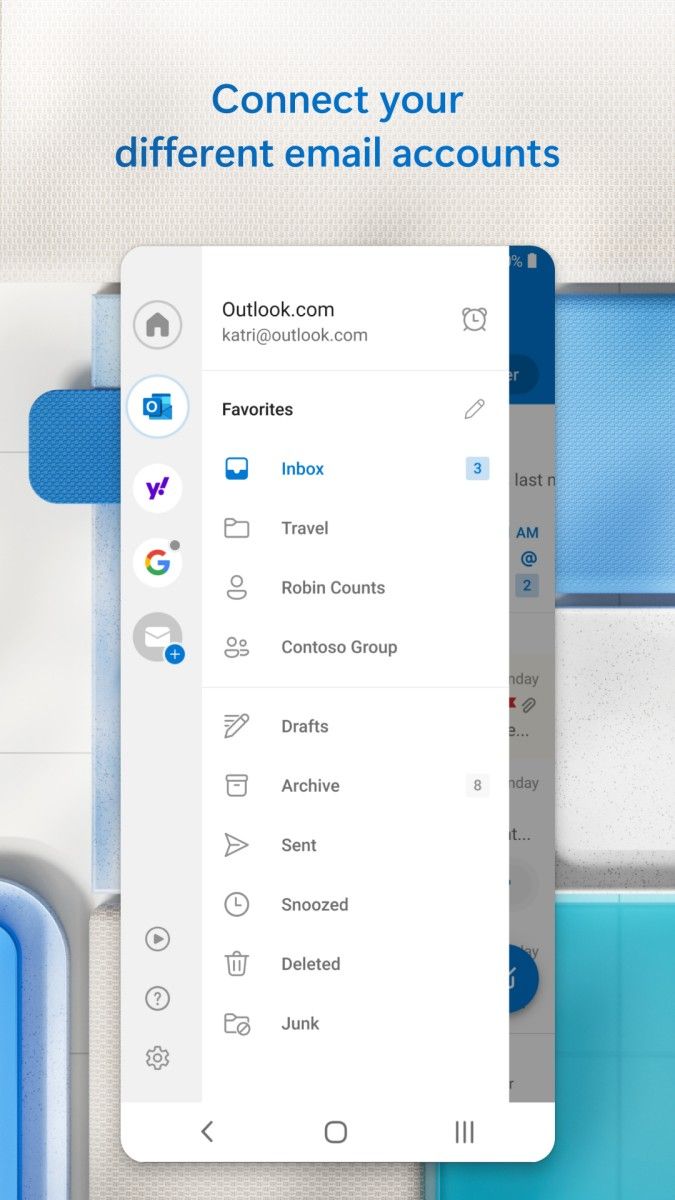
As an email client, Outlook supports access to multiple email protocols. Users only need to configure it simply to seamlessly integrate personal or corporate email accounts into Outlook to achieve instant sending, receiving, archiving and searching of emails. Its powerful email filtering and classification functions can help users quickly identify and process important emails, effectively avoiding information omissions.
In terms of calendar function, Outlook provides an intuitive and easy-to-use schedule management tool. Users can easily create, edit and view personal or team schedules, set meeting reminders, and even share calendars with colleagues to achieve collaborative and transparent work arrangements. This function is undoubtedly a huge help for professionals who need to frequently schedule meetings and coordinate time.
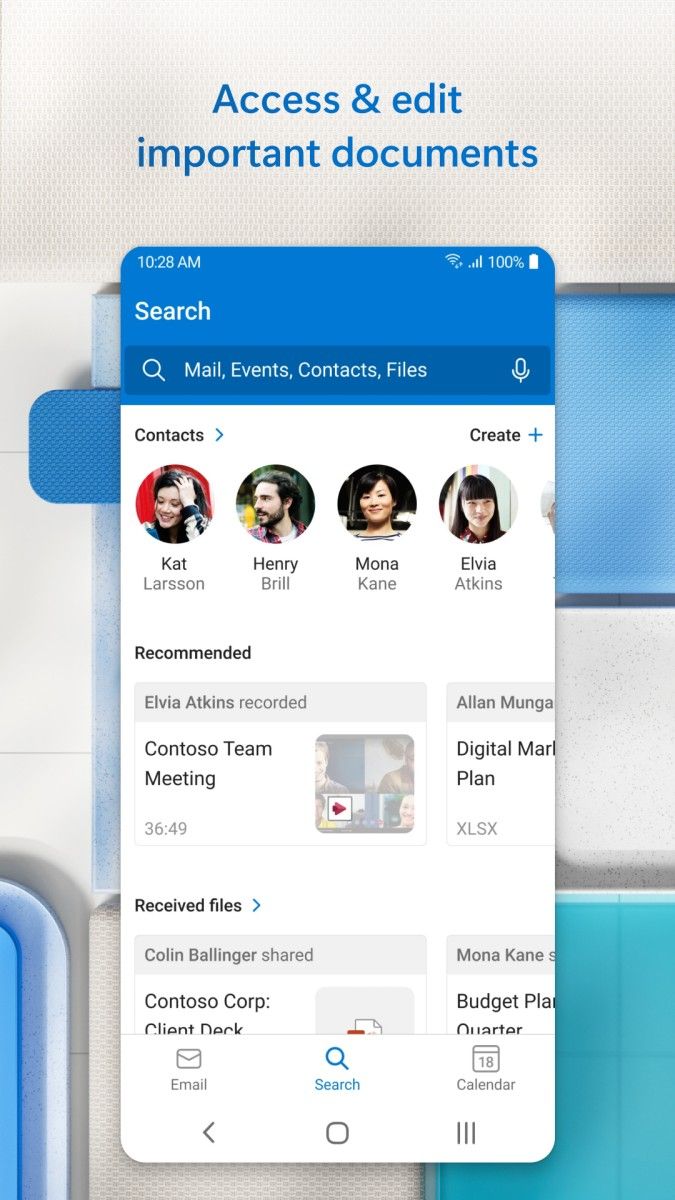
Contact management is also a highlight of Outlook. Users can easily add, edit and find contact information, create contact groups, and quickly distribute emails and meeting invitations. In addition, Outlook also supports integration with social media platforms, allowing users to have a more comprehensive understanding of contacts' dynamics.
In addition to the above functions, Outlook also has excellent extensibility and security. Users can enhance the functions of Outlook by installing plug-ins and extensions, such as integrating into other applications and services, or adding custom functions. At the same time, Outlook provides a variety of security options, such as encryption and signatures, to protect users' emails and personal information from malicious attacks.
In summary, Microsoft Outlook has become the preferred email client and personal information management tool for many professionals and individual users with its powerful function integration, intuitive and easy-to-use interface design, and excellent security and extensibility.
Advertisement



























Top Searches
Top Games