

Advertisement
Google Calendar is a powerful time management and scheduling application developed by Google. The beta version was released on April 13, 2006 and officially released in July 2009.
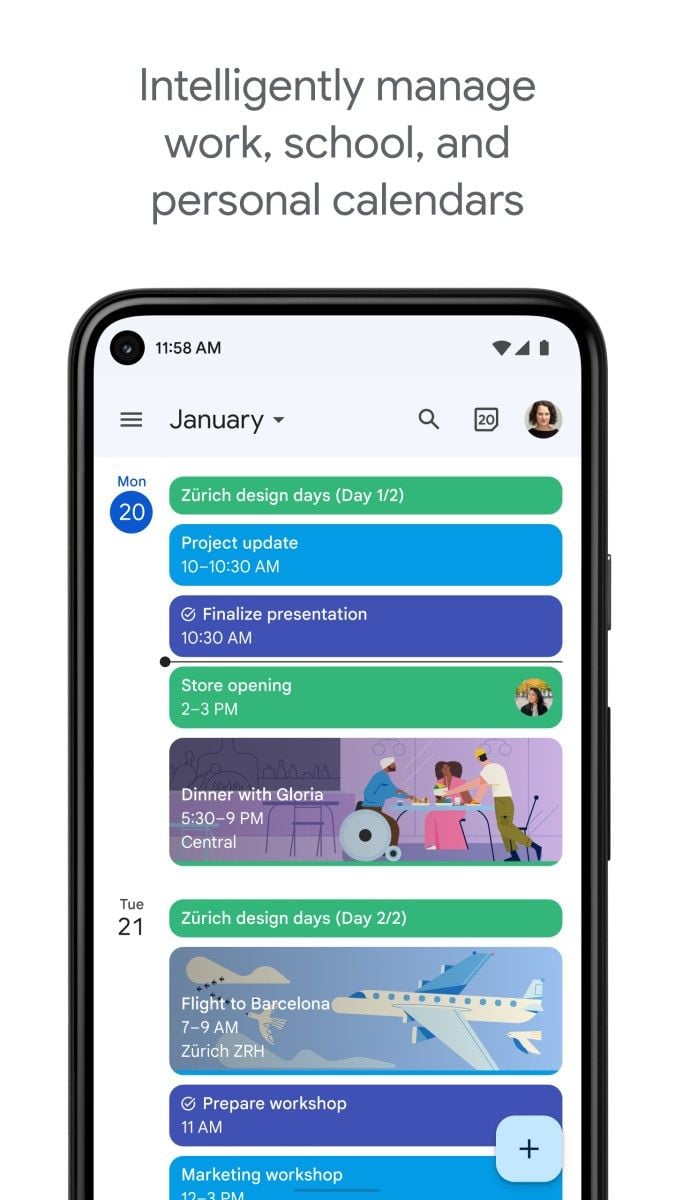
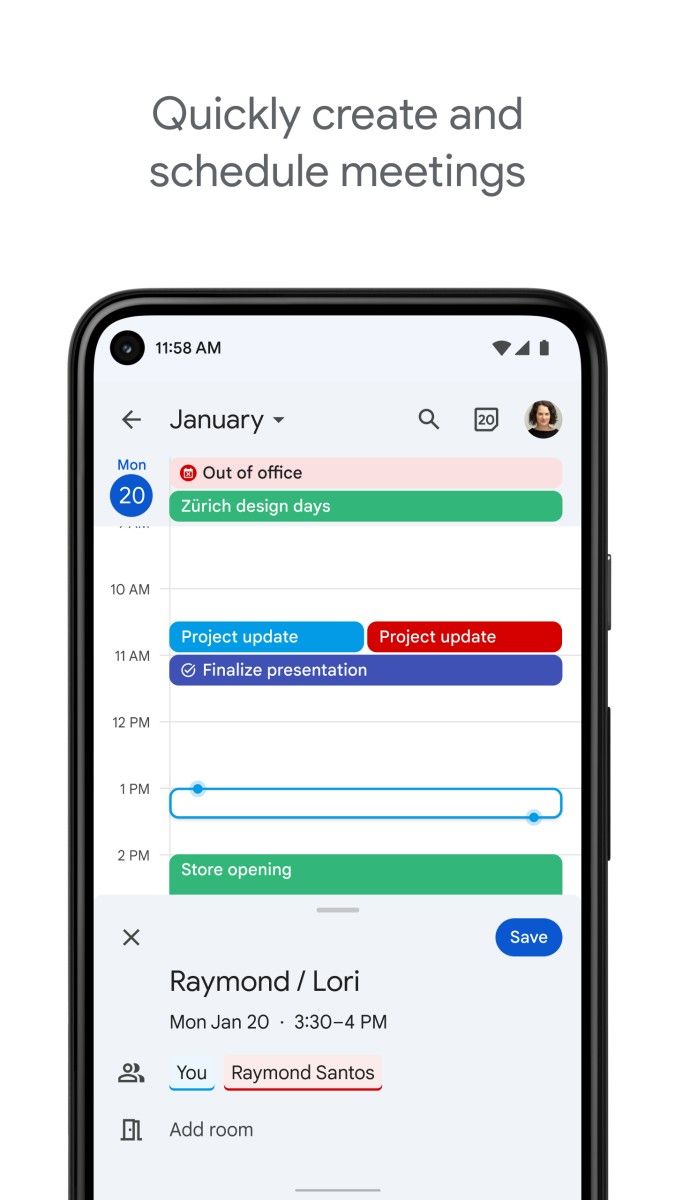
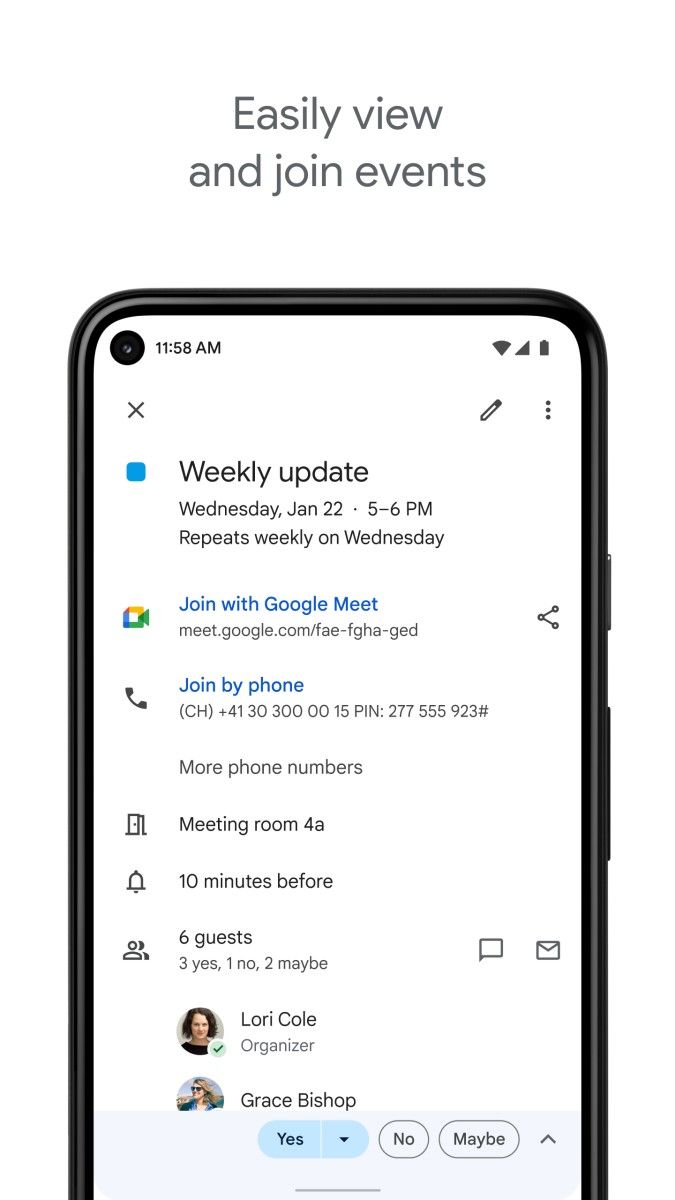
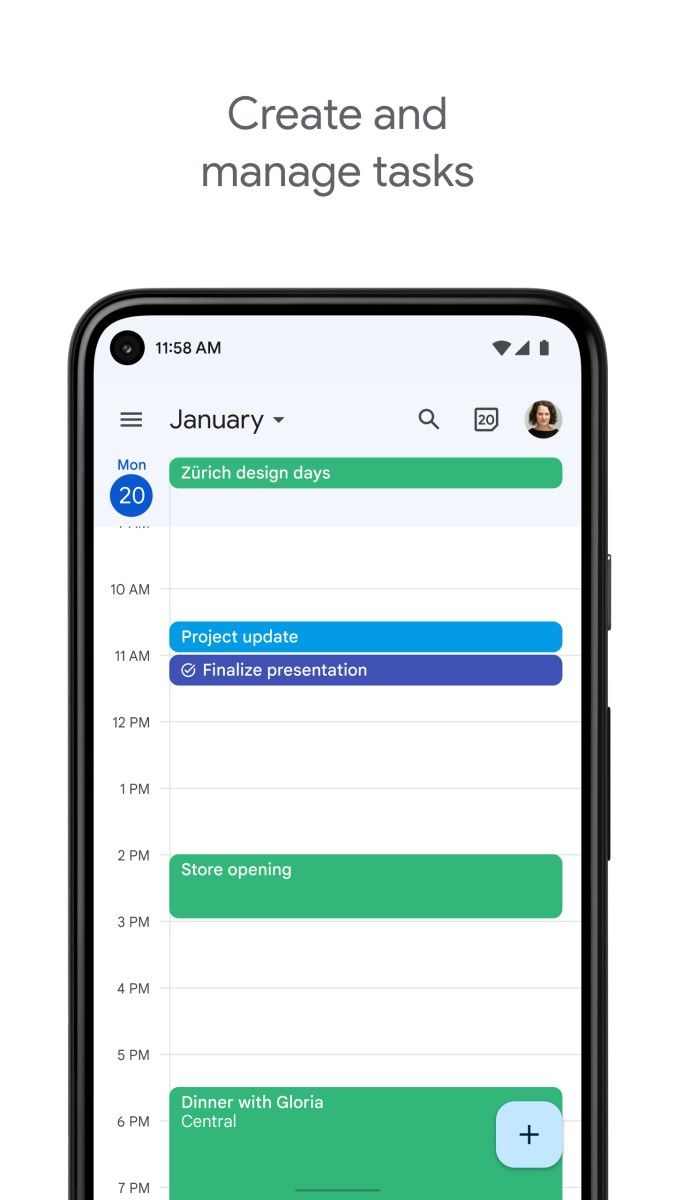
Google Calendar's interface is simple and intuitive, with Google's consistent style, soft colors, easy to operate and browse. Users can quickly add activities and events by clicking on the date or time, and set detailed information for them, such as title, location, start and end time, etc., and can also choose a recurrence period, such as daily, weekly, monthly, etc., to facilitate users to arrange periodic activities.
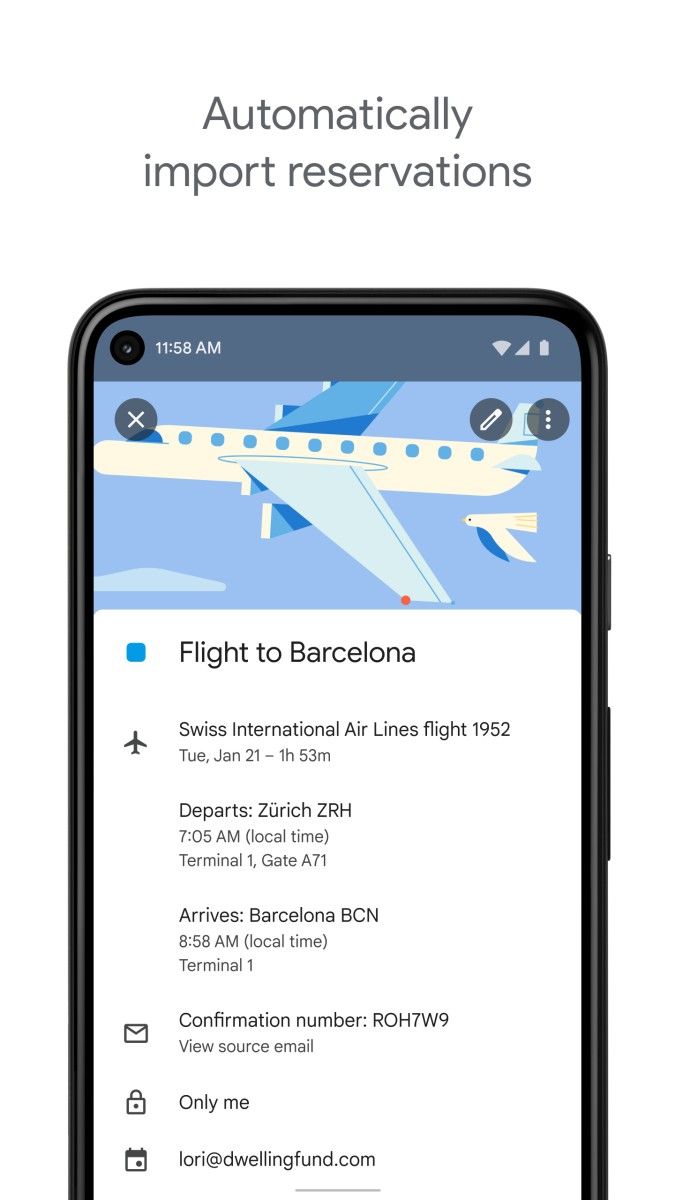
The reminder function of this application is very practical. Users can set reminder methods, such as email, SMS or mobile phone push notifications, and choose to receive reminders at a specific time before the event starts to ensure that they will not miss important schedules. At the same time, Google Calendar also supports integration with other Google services such as Gmail. When users receive emails containing event information, the system will automatically extract relevant information and add it to the calendar, greatly improving the efficiency of schedule management.
Google Calendar also has a powerful sharing function. Users can share their calendars with others to facilitate team collaboration, family arrangements, etc. They can also set different sharing permissions as needed, such as read-only, editable, etc., to flexibly control others' access and operation permissions to the schedule.
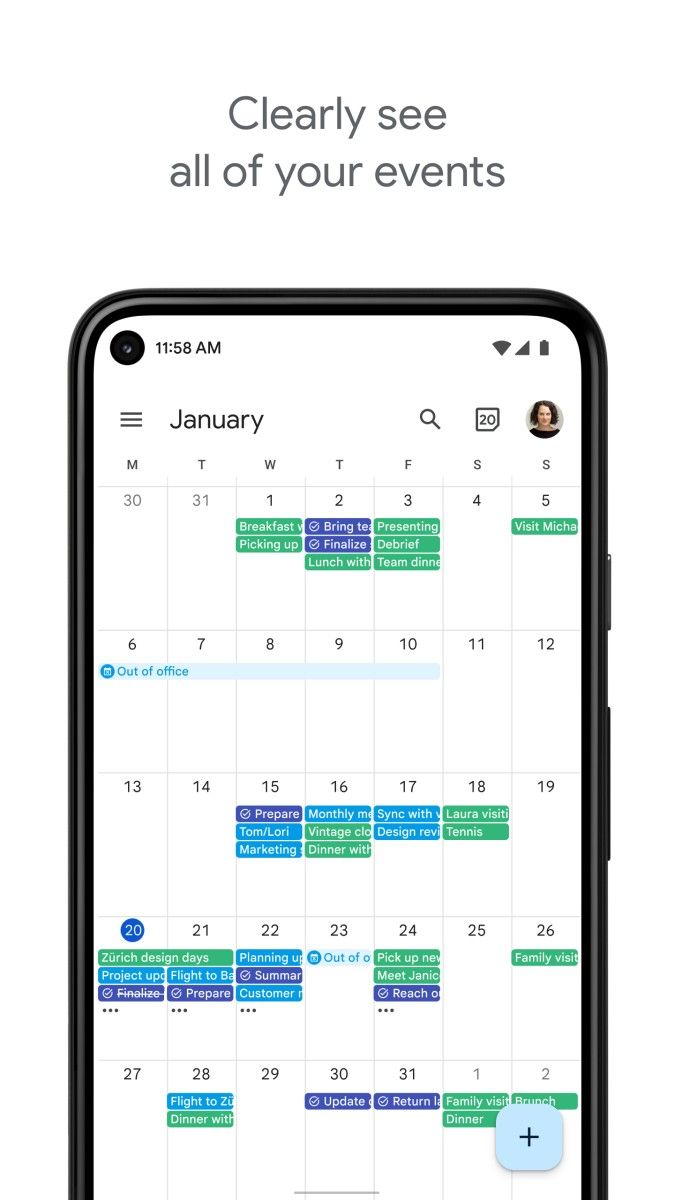
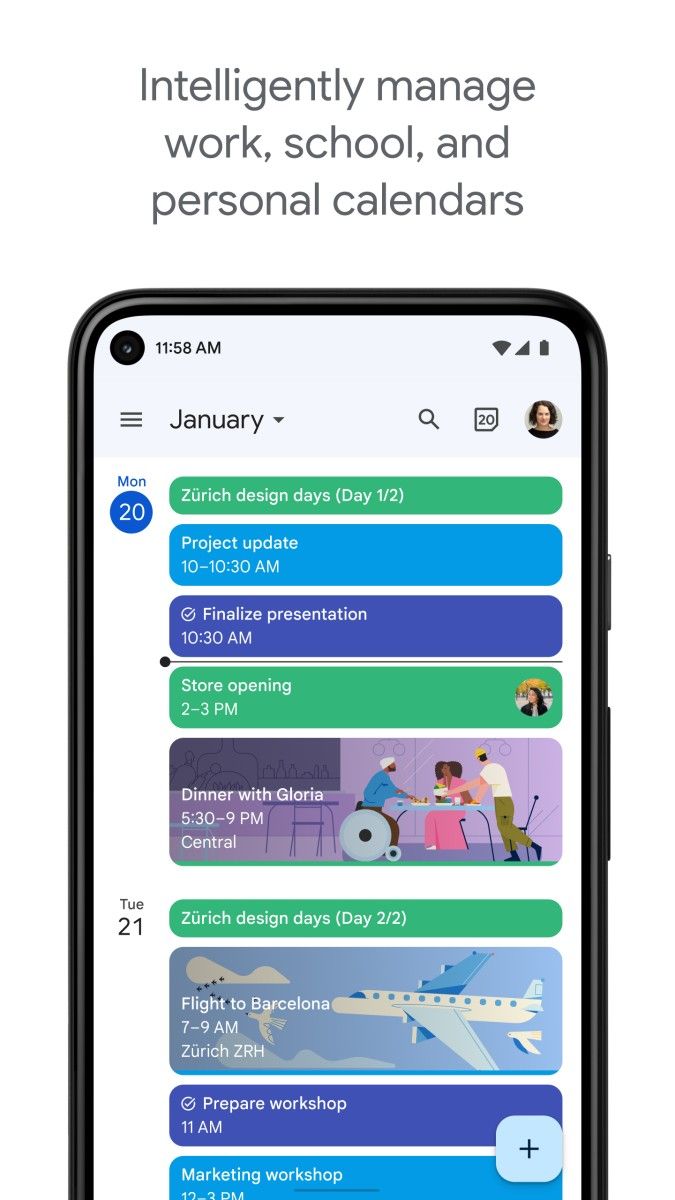
In addition, users can create multiple calendars to distinguish different types of activities, such as work, personal, study, etc. Each calendar can have different color marks for quick distinction and viewing. Moreover, it also supports data synchronization on different devices, including computers, mobile phones, tablets, etc., so users can access and manage their schedules anytime, anywhere.
In addition, Google Calendar's smart suggestion function will automatically recommend relevant event titles, locations, and participants based on some of the information entered by the user, helping users create events more quickly. It also provides multiple view modes, such as day view, week view, month view, schedule view, etc. Users can switch views according to their needs to facilitate viewing schedules for different time periods.
Advertisement






















Top Searches
Top Games