

Advertisement
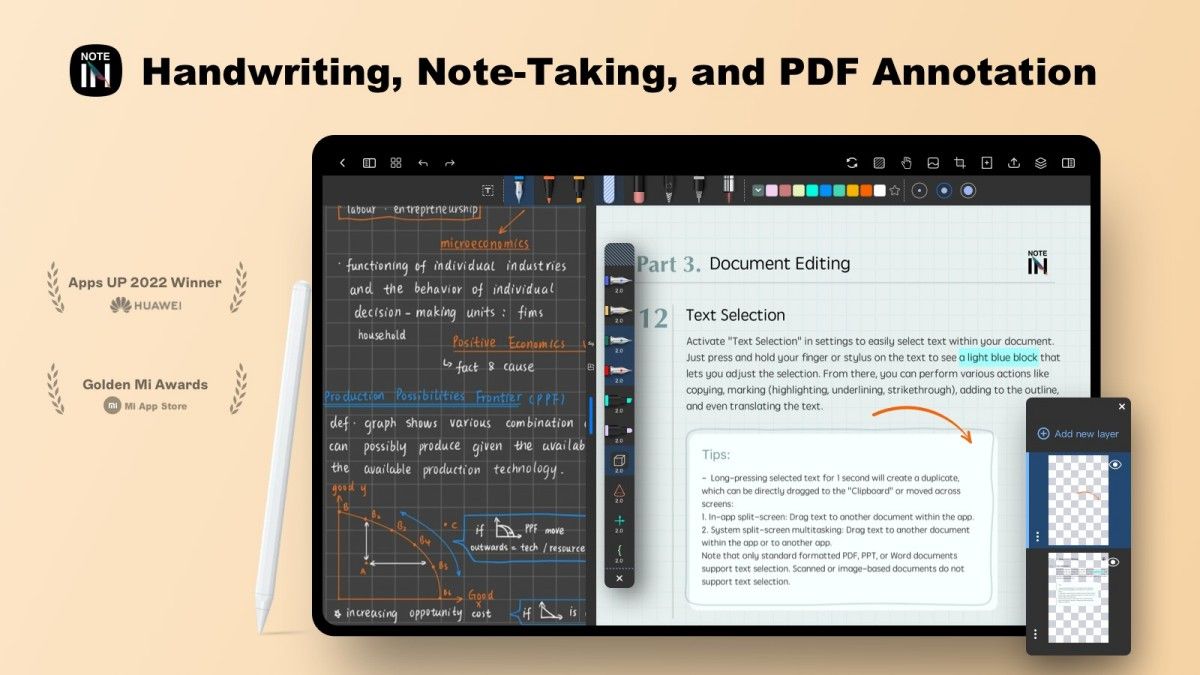
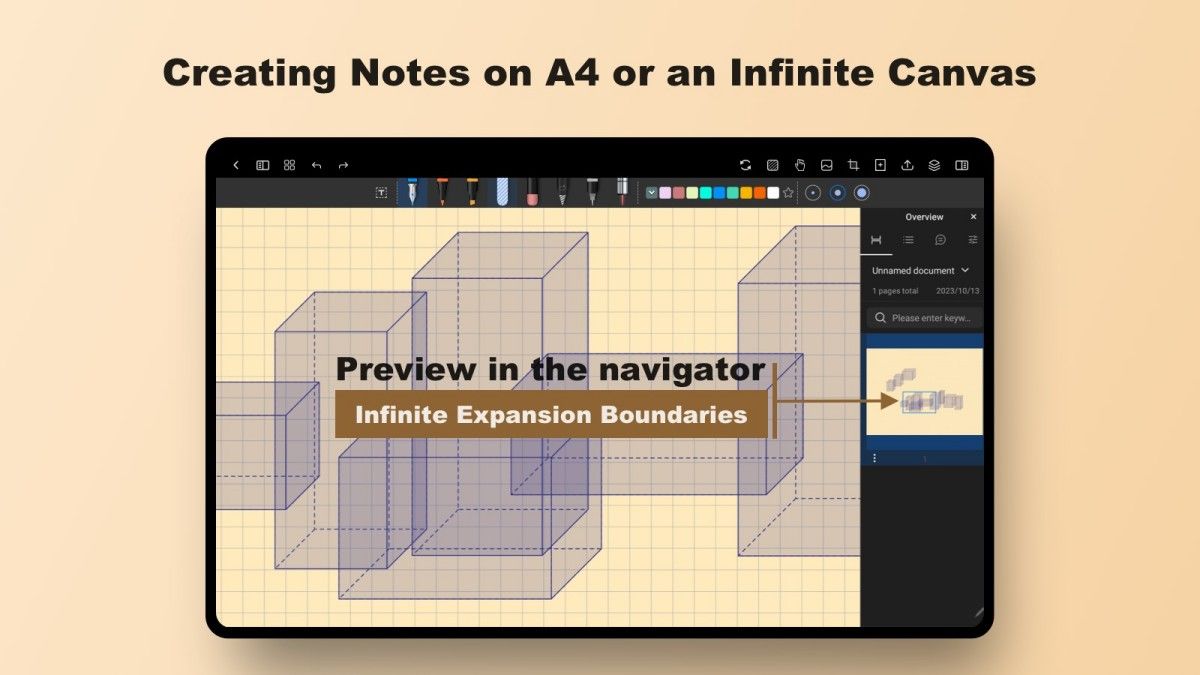
Notein, as a powerful note management software, provides users with an efficient and convenient solution. It is loved by users for its simple interface design and comprehensive feature support.
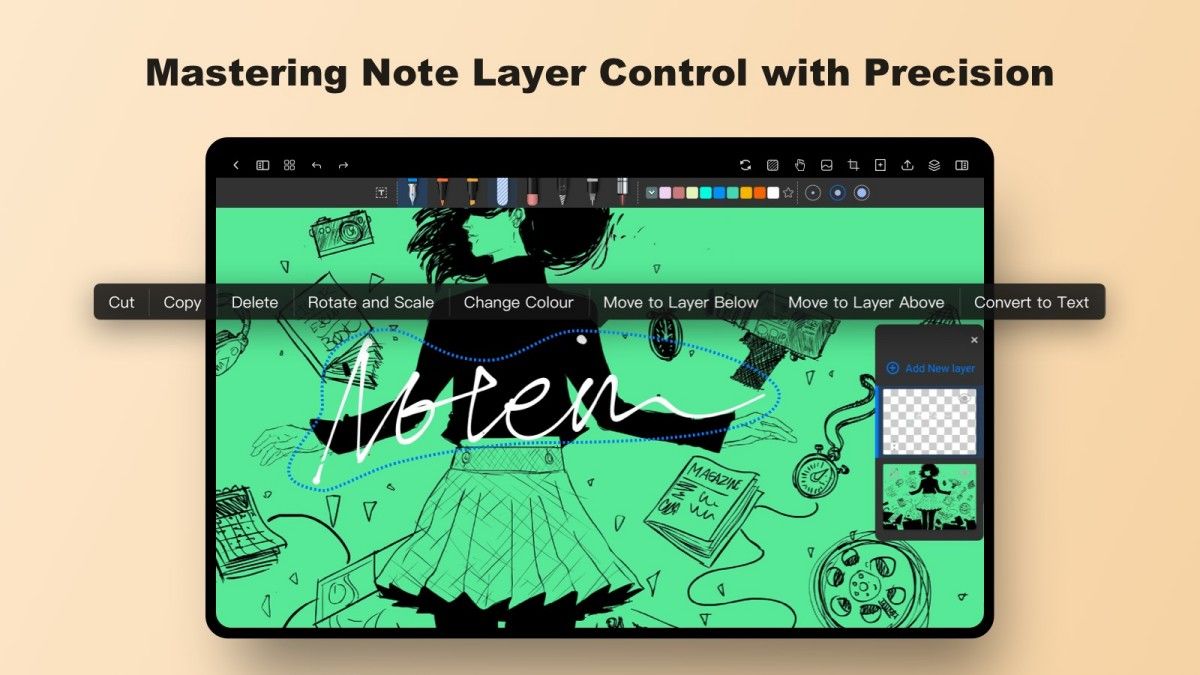
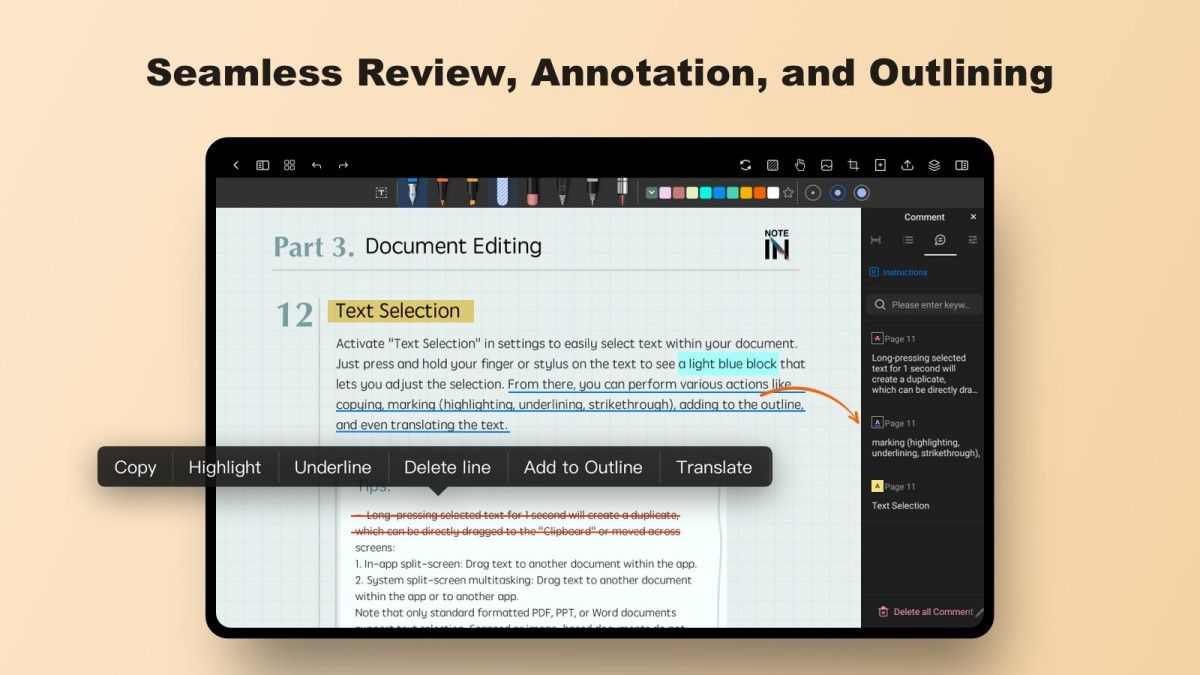
Notein supports a variety of recording methods to meet users' needs in different scenarios. Whether it is text, image, voice or handwritten notes, users can easily create and edit them. In addition, Notein's powerful text editor supports multiple formats such as headings, bolding and underlining, making it easy to express thoughts clearly. And the built-in speech-to-text function is a great tool for meeting minutes or classroom notes. Users can generate complete text content by simply recording, without the need to manually input, which greatly improves recording efficiency.
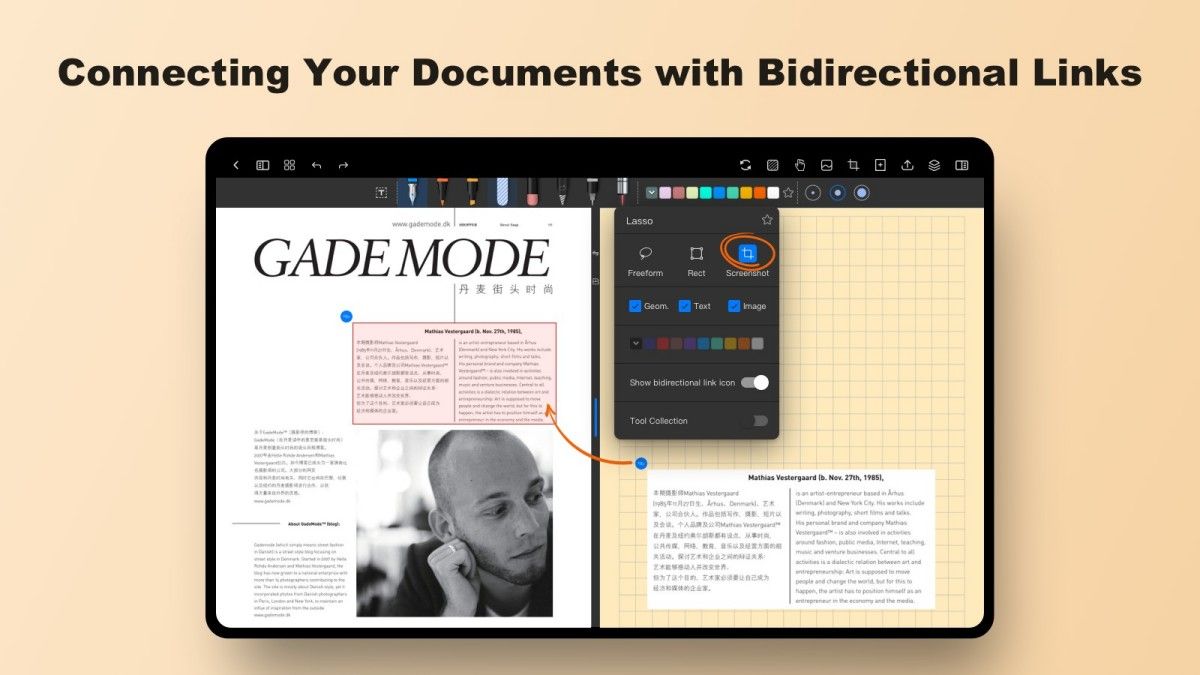
Good note management is not only about recording, but also about finding and categorizing notes quickly. notein has a built-in tagging system that allows users to add multiple tags to each note and quickly categorize and browse according to the tags. In addition, the software provides a powerful full-text search function that supports multi-dimensional search by keyword, time, file type, etc., so that you can instantly find your target content even if you have a large number of notes. At the same time, Notein's intelligent classification algorithm can also automatically organize notes according to the user's habits, making note management more hassle-free.
In a multi-device environment, data synchronization is an important consideration for users when choosing a note-taking software. notein supports cloud synchronization, which allows users to seamlessly switch between cell phones, tablets, computers, and other devices, and access their notes anytime, anywhere. For team users, Notein also provides collaboration features, supporting multiple people to edit the same note at the same time. Whether it's team project management or home task assignment, the collaboration feature can significantly improve work efficiency.
Privacy and security are one of the key focuses of Notein. The software utilizes end-to-end encryption technology to ensure the security of user notes during transmission and storage. In addition, users can set separate passwords for sensitive notes to add an extra layer of protection. For important data, Notein offers a regular backup feature that makes it easy to restore all content even if the device is lost or the software is corrupted.
Notein is suitable for a wide range of scenarios, whether students, working professionals or freelancers can benefit from it. Students can use it to quickly jot down classroom points and organize study materials; professionals can use it to manage meeting minutes and work plans; and freelancers can use Notein to record inspiration at any time and improve creative efficiency. In addition, Notein is especially suitable for users who need to collaborate in a team, making information sharing more fluid.
Notein's user interface is fresh and simple, with no unnecessary complex design, so even beginners can get started quickly. In terms of interaction experience, Notein focuses on detail optimization, such as drag-and-drop to add pictures, shortcut key operation, night mode, etc., all of which allow users to feel the development team's deep commitment to details. At the same time, users can customize the interface layout and function modules according to their personal preferences to fully meet their personalized needs.
Notein is not only a note-taking software, but also a powerful assistant to improve personal efficiency and teamwork. It stands out from the rest with its diverse features, intelligent management and highly secure privacy protection. If you are looking for a note management tool with comprehensive features and convenient operation, try Notein and experience a new way of efficient recording and management.
Advertisement























Top Searches
Top Games