
Advertisement
Google Meet, a video conferencing application launched by Google, is gradually becoming an indispensable part of our daily life, especially in today's increasingly frequent remote work, online learning and cross-regional communication. With its simple interface, smooth user experience and powerful features, it has won wide acclaim from users all over the world. Below, let's take a brief and vivid look at the app Google Meet.
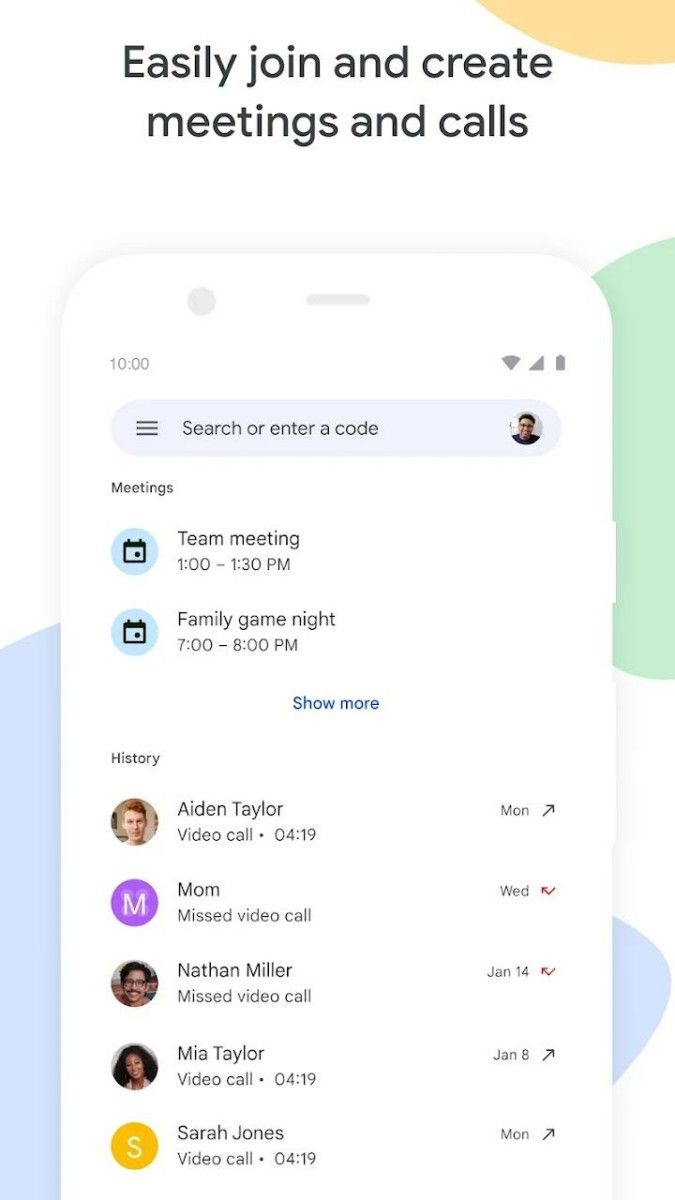
First of all, one of the highlights of Google Meet is its simple and intuitive interface design. When you open the app, you will see a clear and concise list of meetings, with all upcoming, in-progress or closed meetings visible at a glance. Both newbies and veterans can get started quickly without a complicated learning process. In addition, the color scheme and icon design of the app look very friendly, giving a relaxed and pleasant feeling.
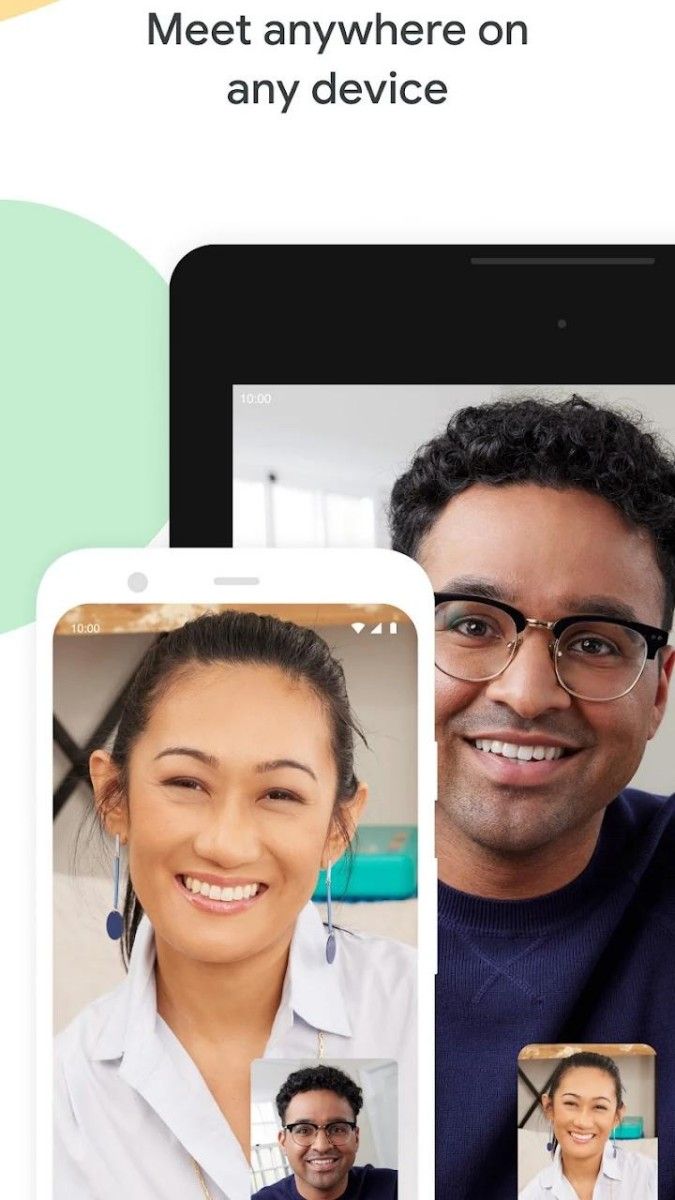
In terms of features, Google Meet also performs well. It supports online video calls for multiple people at the same time, whether it's a team meeting, an online course or a family gathering. Moreover, the video quality of Google Meet is very good, even in the case of poor network conditions, it can maintain a relatively clear picture and smooth sound. This is undoubtedly a great boon for users who need to communicate remotely frequently.
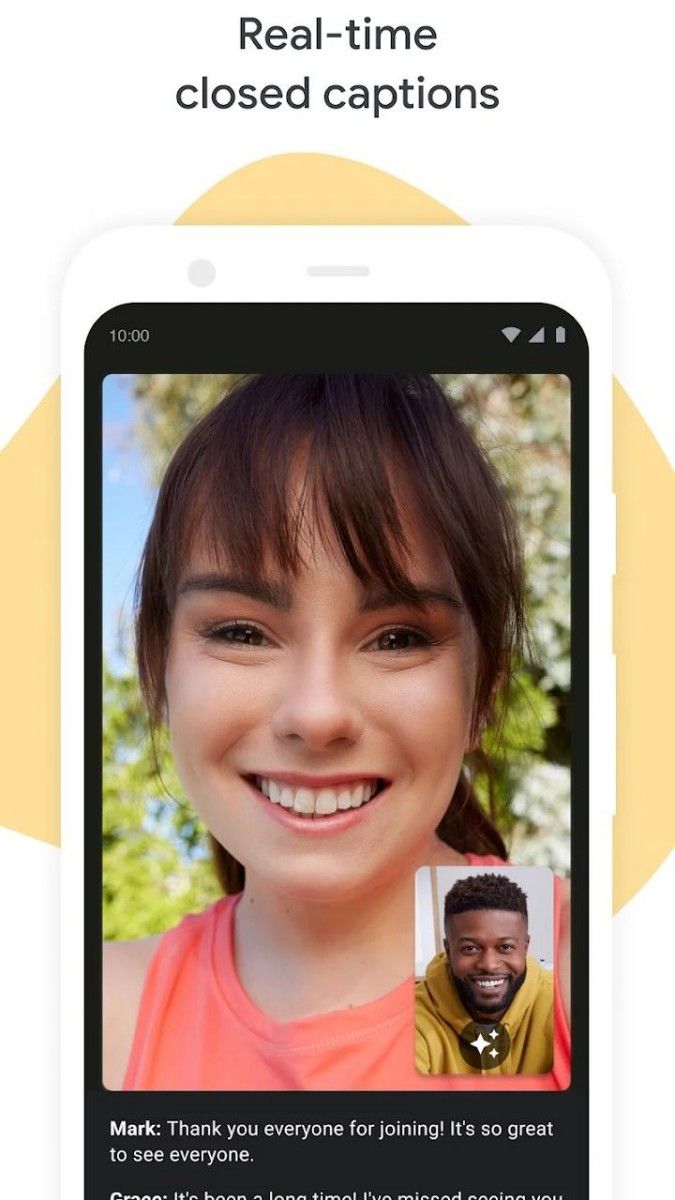
In addition to the basic video call function, Google Meet also provides a wealth of interactive tools. For example, you can share the screen in the meeting and show files such as PPT, documents or pictures to make the meeting more rich and intuitive. At the same time, you can also use the real-time subtitle function to convert the voice content in the meeting into text in real time, which is convenient for the hearing-impaired or users who need to focus on recording. In addition, Google Meet also supports the recording meeting function, so that you can review the discussion after the meeting is over and not miss any important information.
In terms of security, Google Meet also does a pretty good job. It uses advanced encryption technology to ensure that the data transmission and storage during the meeting is secure. At the same time, you can also set up security measures such as meeting passwords and limiting participants to ensure that the meeting will not be disturbed by unrelated people.
As a global video conferencing app, Google Meet also supports multi-language translation. This is undoubtedly a great convenience for users who communicate across geographies. You can translate the voice content in the meeting into your familiar language in real time, making communication smoother and more unhindered.
Google Meet also integrates with other apps in the Google ecosystem such as Google Calendar, allowing you to easily manage your meeting schedule, invite attendees, and more. This seamless integration experience allows you to feel more convenient and efficient when using Google Meet.
Google Meet is a powerful and easy-to-use video conferencing app. It not only meets your daily video calling needs, but also provides rich interactive tools and security measures. If you are looking for a good video conferencing app, then Google Meet is definitely worth a try.
Advertisement






















Top Searches
Top Games